
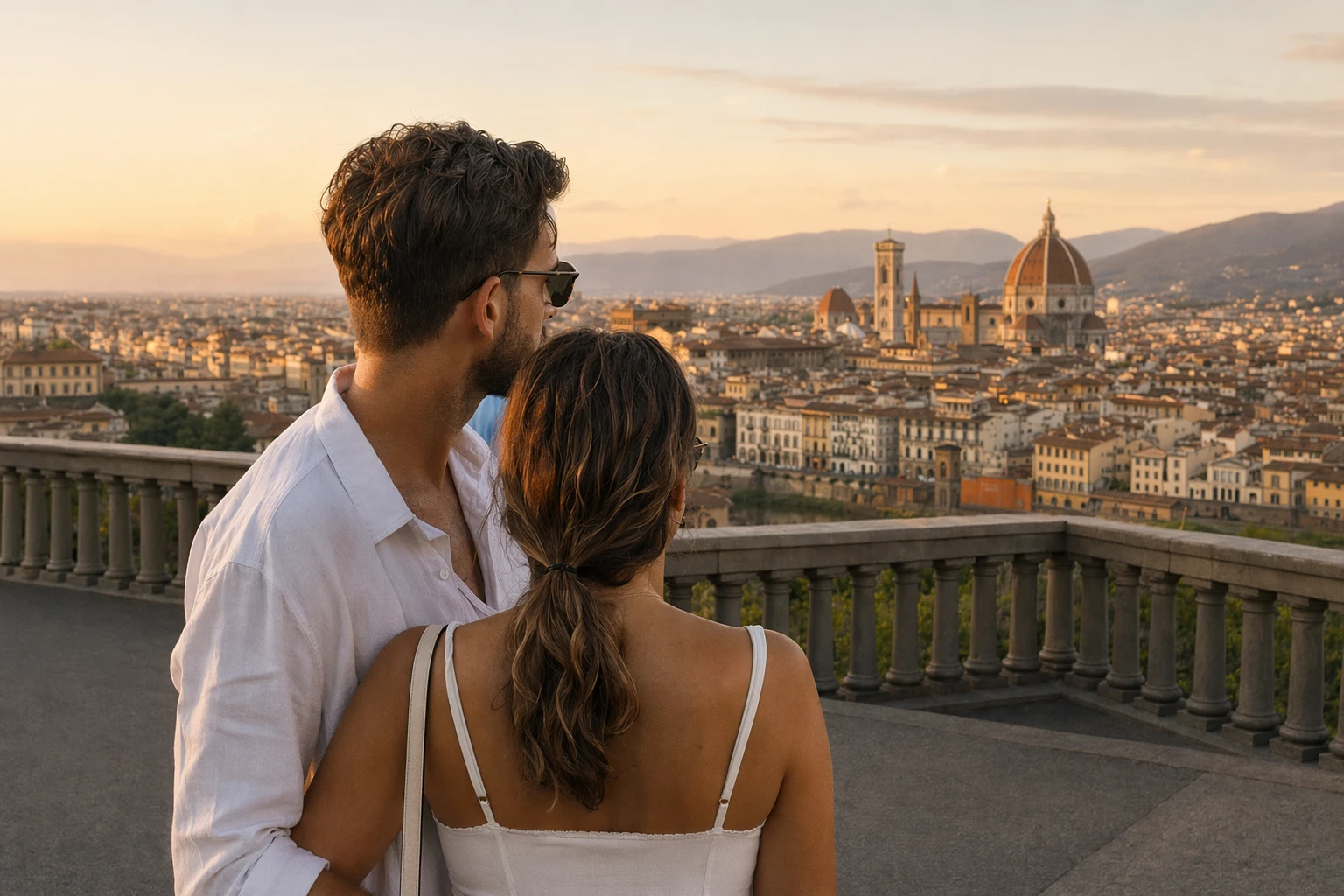
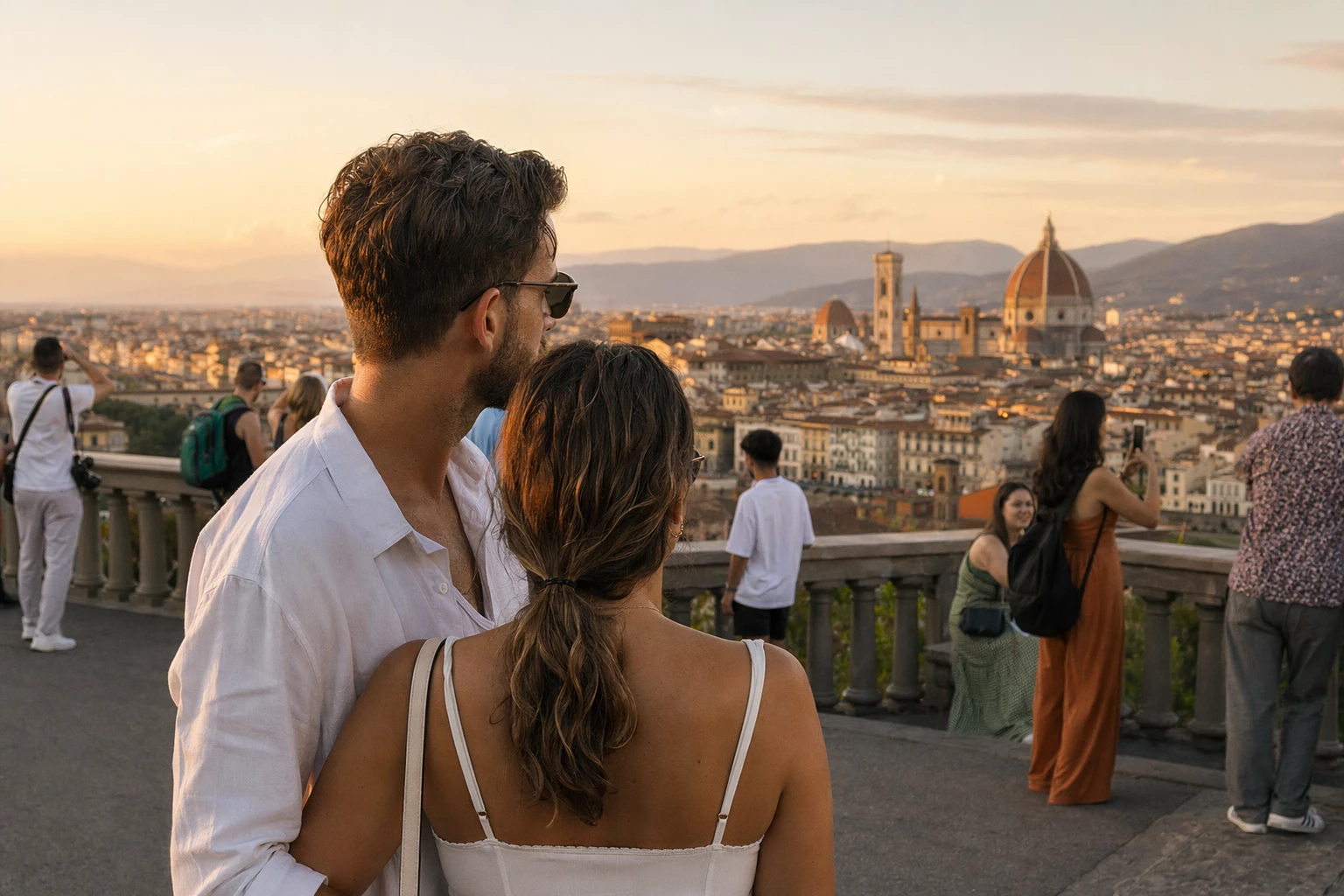
Before
After
Travel & landscape photos
Erase crowds, signs, trash, cars, and clutter from scenic shots while keeping the place natural.
Remove unwanted objects, people, and text from photos with AI. Preview for free; credits unlock HD export and instant processing.
Try Sample Image
Supported formats: png jpg jpeg webp
ProRemover works on all major image formats including JPG, PNG, and WEBP. Ideal for photos, product shots, screenshots, memes, and more.
Erase crowds, signs, trash, cars, and clutter from scenic shots while keeping the place natural.
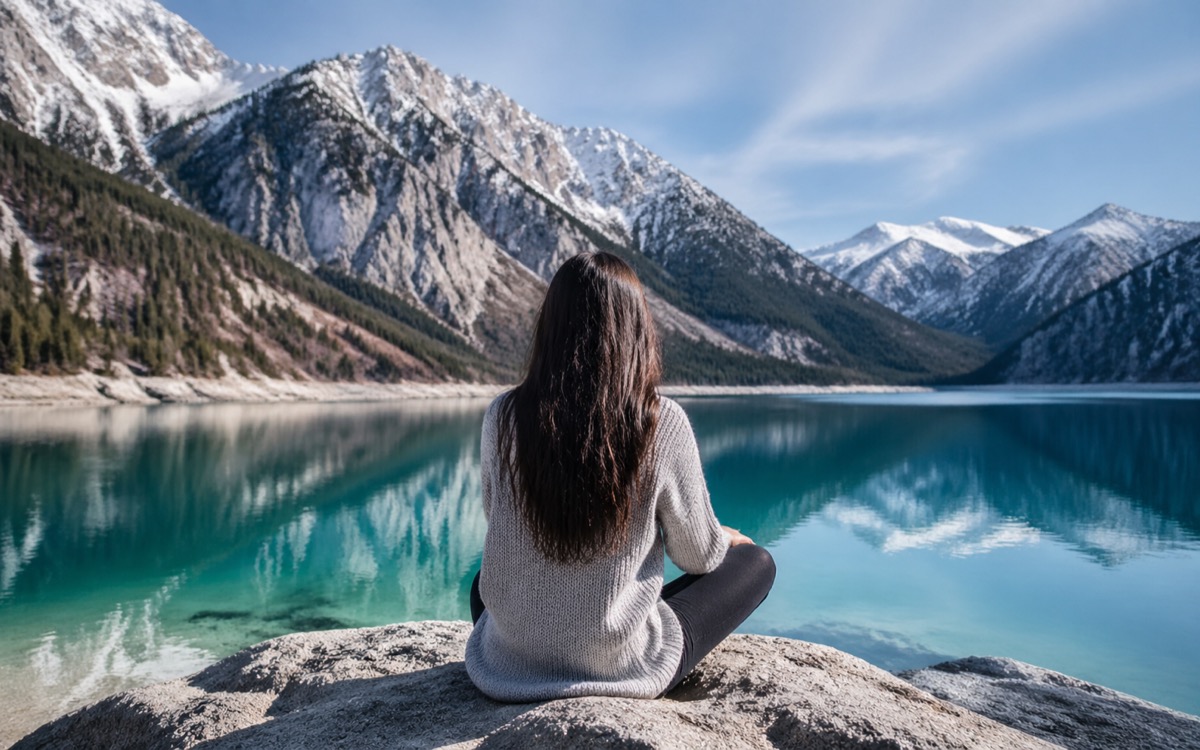
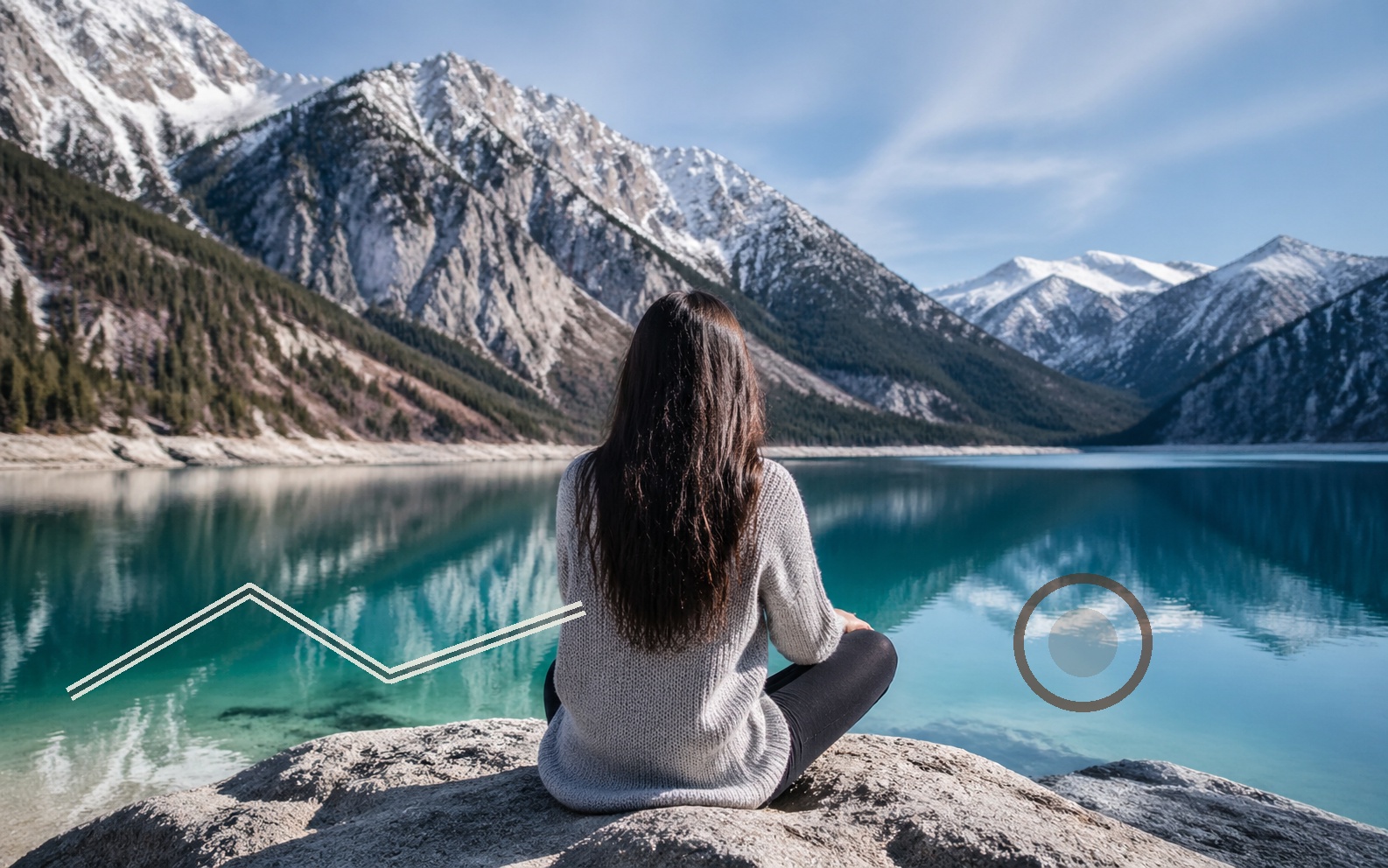
Remove props, dust, labels, background objects, and messy edges before publishing product photos.

Clean captions, stickers, overlays, old logos, and distracting marks from shareable graphics.
Prepare cleaner posts, thumbnails, stories, and campaign visuals with less background noise.


Remove photobombers, background distractions, stickers, and small marks from portraits and selfies.
See how ProRemover helps clean up travel photos, product shots, and other everyday images.
Remove people, trash cans, poles, photobombers, cars, and signs from travel photos when the location is perfect but the background is crowded.
Remove text from image files, clean date stamps, erase distracting logos, and make reused visuals feel ready for a new layout.


Remove unwanted items from product photos, including background clutter, extra props, small marks, tags, and messy edges.
Clean up travel photos, product shots, and screenshots by removing unwanted objects and other visual distractions.
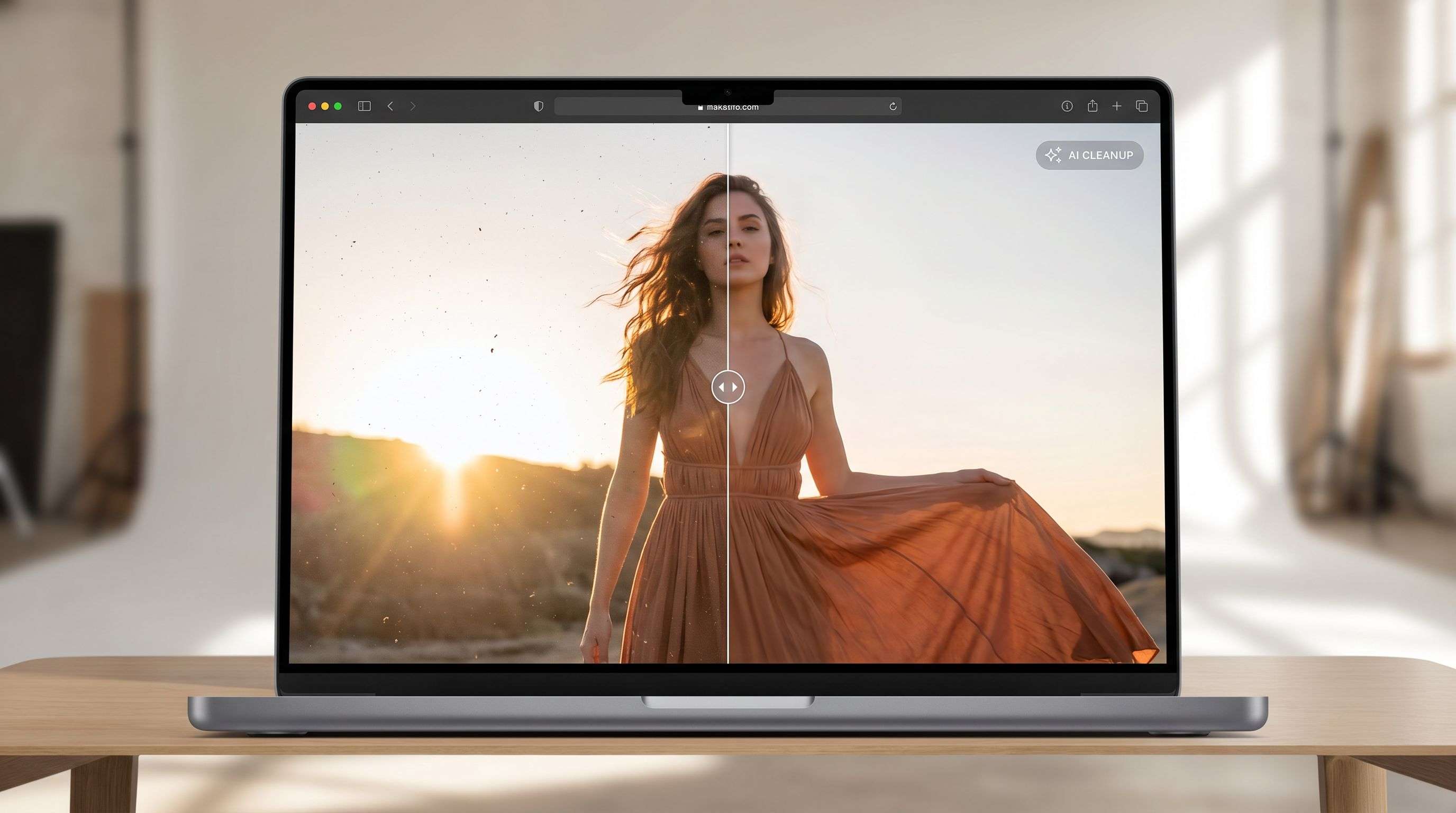
Remove unwanted objects, text, logos, or people, then refine the result in the AI image editor. Use a prompt to make further edits or transform the image.
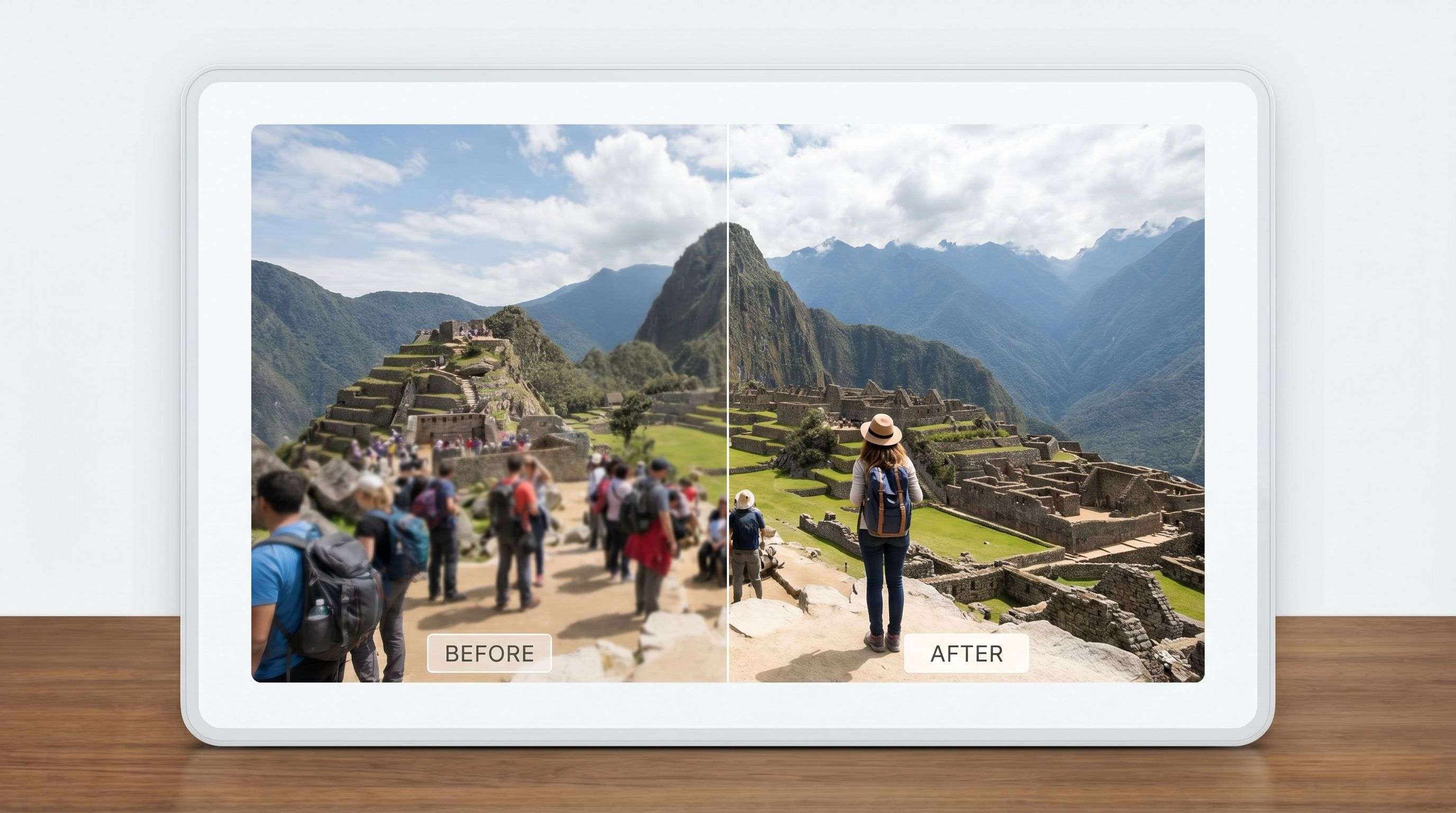
Select strangers or photobombers in a photo. ProRemover uses AI to fill the selected area and help keep the subject in focus.
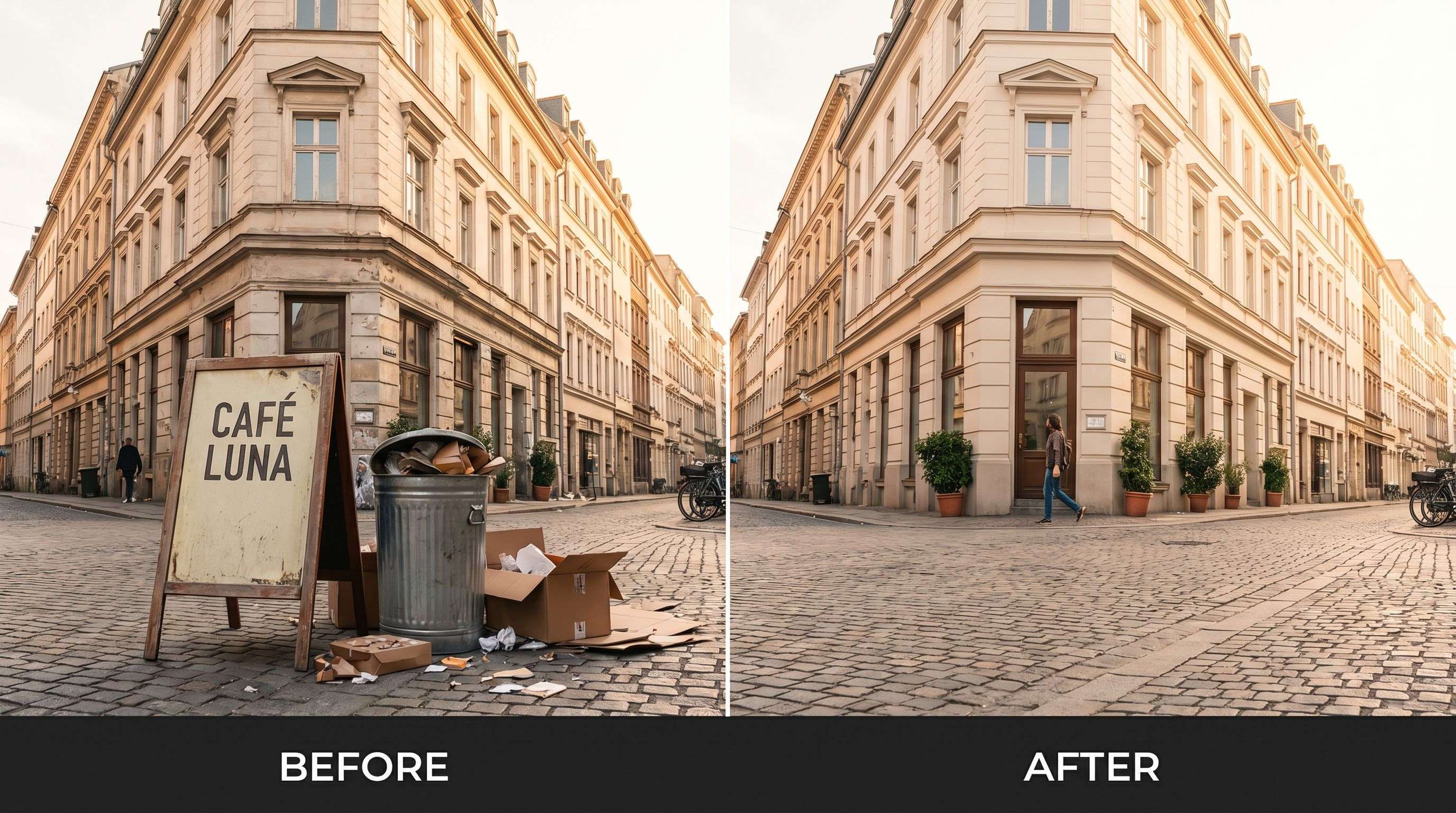
Select items such as trash, signs, wires, or clutter in the online editor, then review the result and adjust the selection if needed.
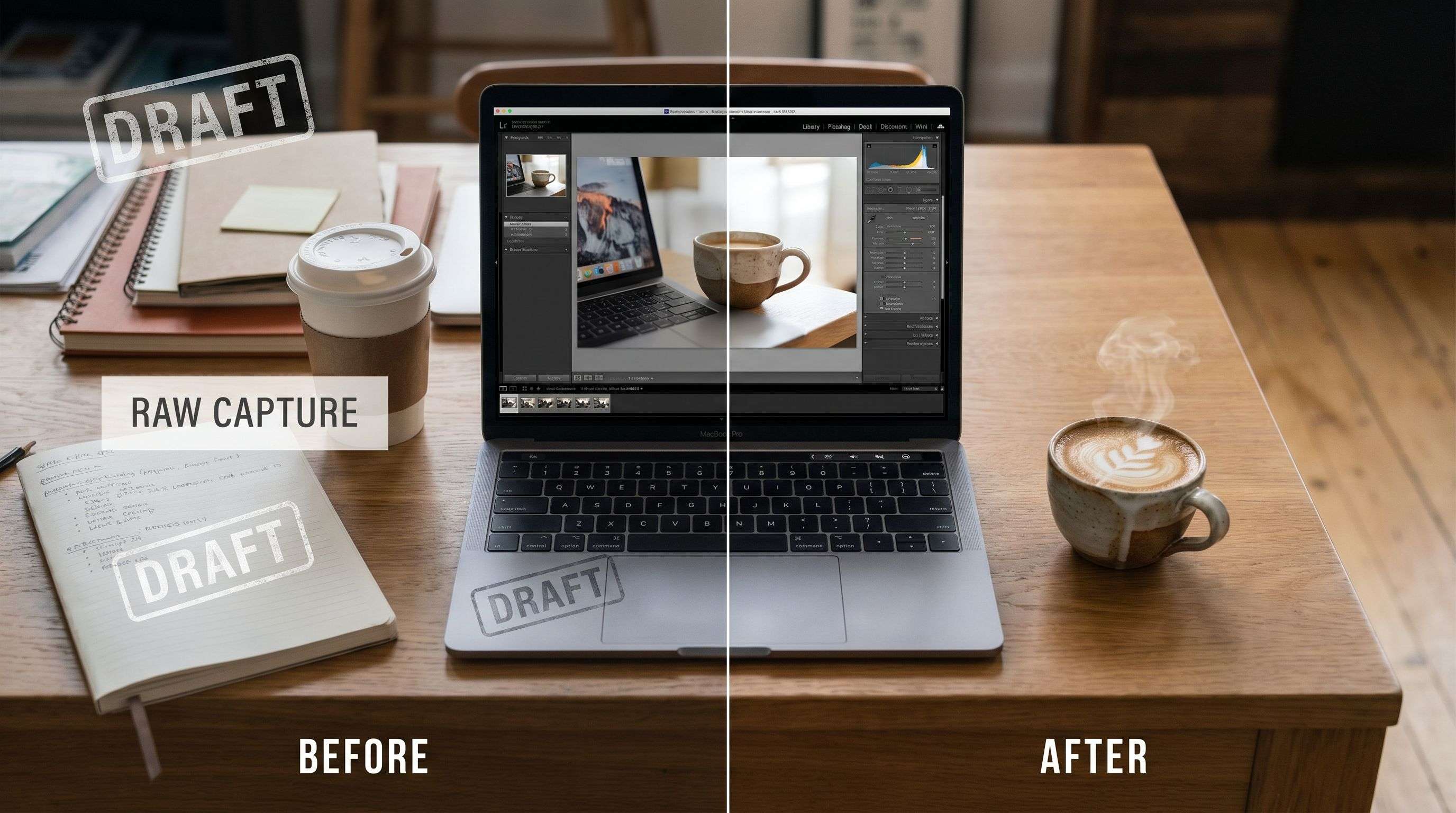
Select captions, timestamps, or other text, then preview the AI-filled area before reusing the image.
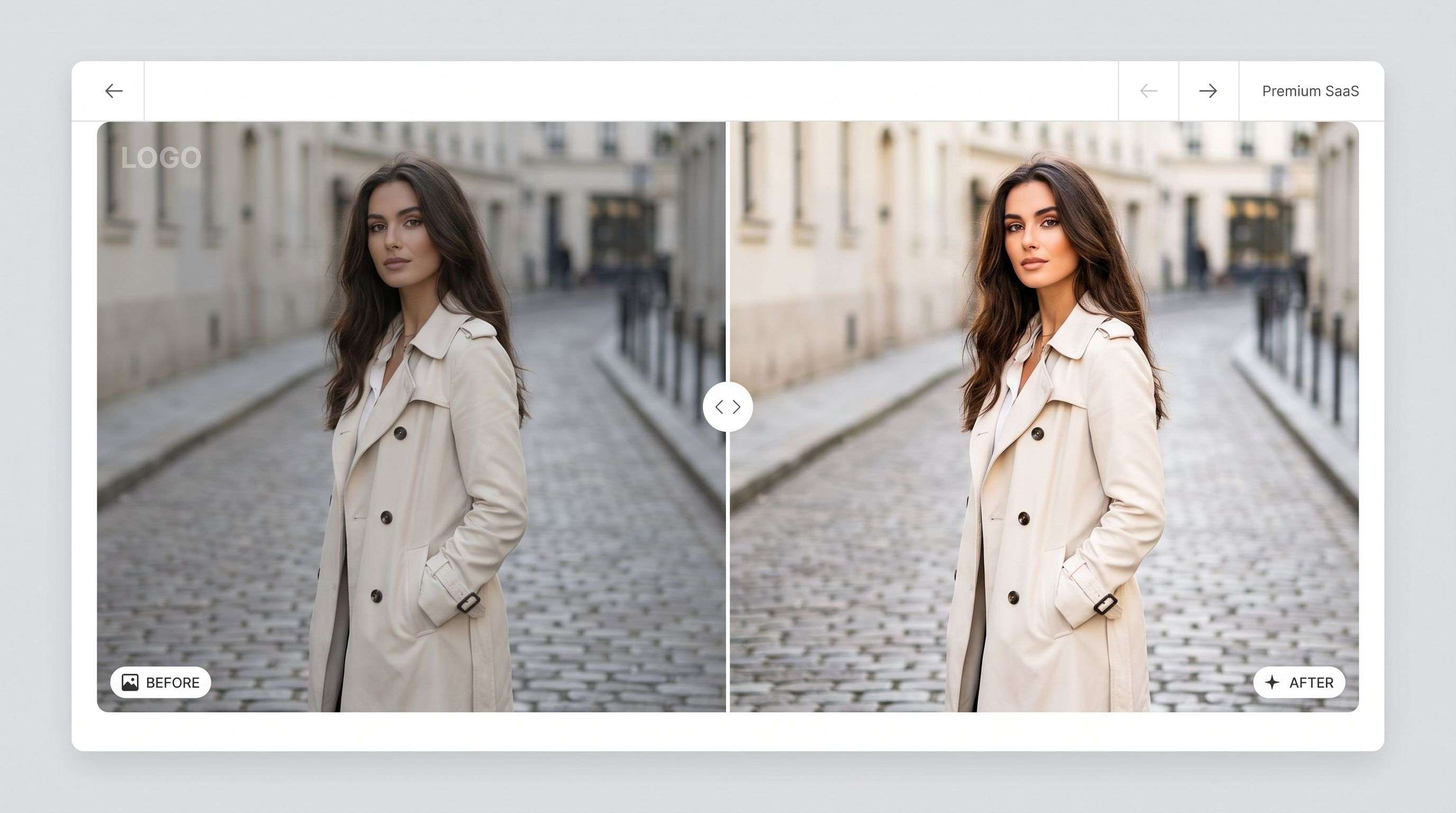
Select a logo or mark and review how AI fills the area with surrounding image details.
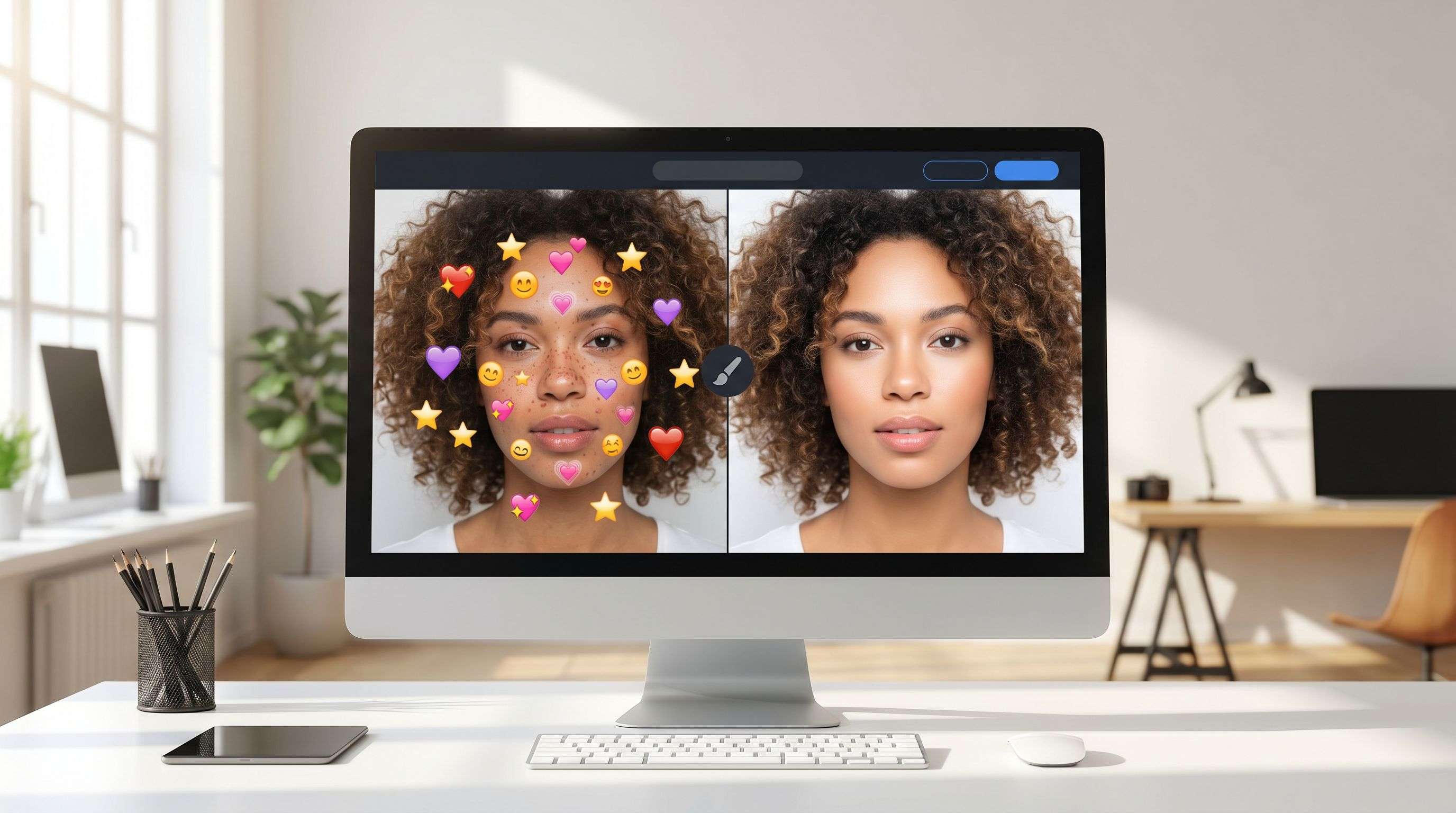
Select emojis, stickers, arrows, or pasted graphics to edit those areas of the image.
Real results from creators, sellers, marketers, and everyday users who clean up photos with ProRemover.
"Removed unwanted text from real estate photos in seconds. Huge time-saver for my listings."

"My thumbnails look way more professional after removing messy background objects."

"I can clean photos quickly on my phone. Total game changer for social media work."

"Clean, appetizing food photos after removing clutter. My blog looks much better."

Upload an image and select an area in your browser. You do not need to install a desktop editor.
AI generates replacement detail from the surrounding image. Review the preview and adjust your selection as needed.
Select people, text, logos, marks, or background objects to remove them with an online workflow.
Upload an image, select the area to clean, and review the result before saving.
Choose a JPG, PNG, or WEBP image with an unwanted object, person, logo, date stamp, or background distraction.
Use the online editor to prepare the image and let AI generate a cleaner version of the photo.
Save the final image for ecommerce, travel posts, social content, profile visuals, or marketing assets.
Start with affordable Starter monthly credits, buy one-time credits for occasional edits, or unlock high-volume Bulk image processing with Bulk Pro or a 30-day Bulk Pass.
Answers about online photo cleanup, free previews, and export options.
Learn how to choose AI image editing tools for removing objects, backgrounds, text, and visual distractions.
Learn how to remove people, text, wires, signs, and unwanted objects from images with AI.
Read guideCompare free and online people remover tools for travel photos, portraits, ecommerce, and social media.
Read guideCompare ProRemover, remove.bg, Pixelcut, Canva, and Photoroom to choose the best workflow.
Read guideSee when ProRemover is a better Pixelcut alternative for background, text, and watermark cleanup.
Read guideUpload an image and clean people, text, logos, product clutter, date stamps, and background distractions online.