
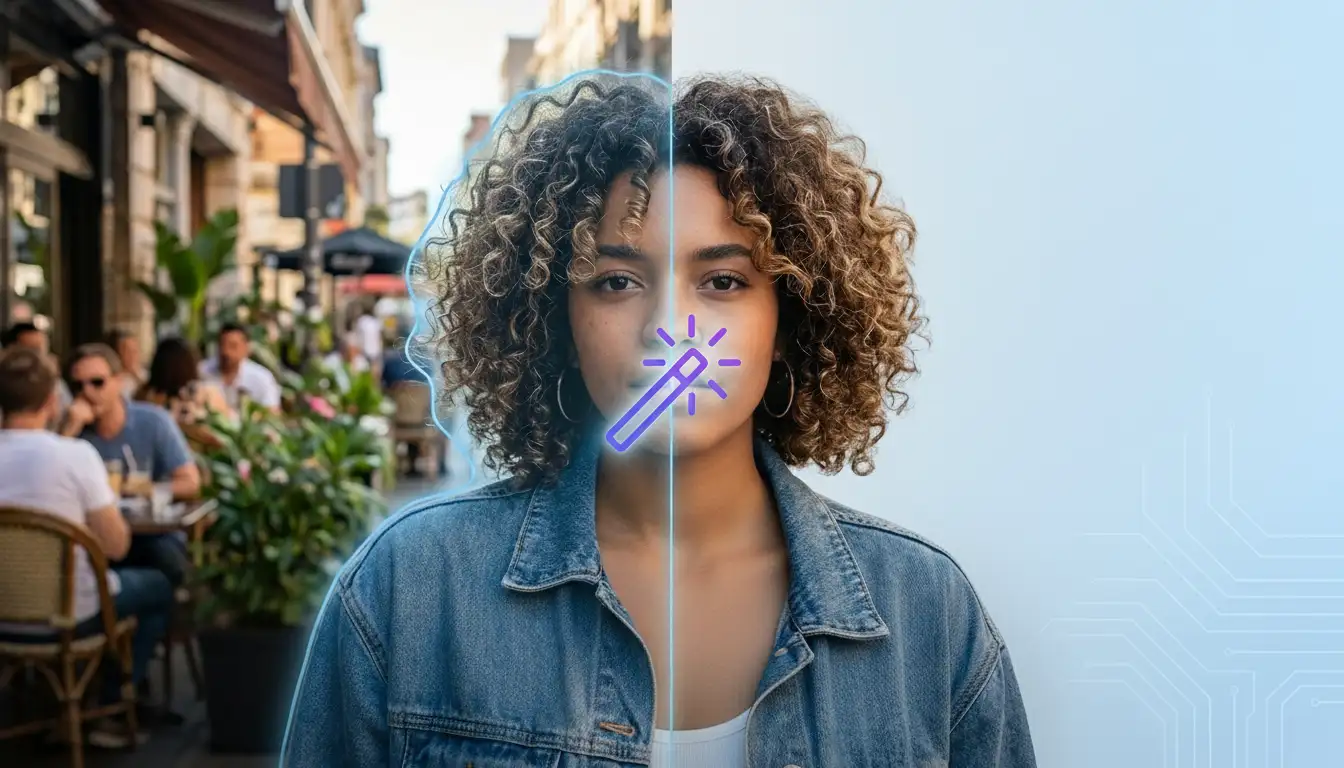
Removing an image background used to mean opening Photoshop or spending time with manual selection tools. Today, AI background removers can detect the subject, erase the background, and create a transparent or cleaner image in seconds.
The hard part is choosing the right tool. Some apps are fast but limited. Others are strong for product photos but less useful when you also need to clean text, people, objects, or watermarks.
This guide compares popular AI tools for removing image backgrounds and explains when ProRemover is a better fit for a broader image cleanup workflow.
Quick list of tools
| Tool | Best for |
|---|---|
| ProRemover | Background removal plus broader image cleanup |
| remove.bg | Fast one-purpose background removal |
| Pixelcut / Pixa | Product photos and ecommerce visuals |
| Canva | Users who want design tools after removing a background |
| Photoroom | Product images and mobile workflows |
How to choose an AI background remover
Subject detection
The tool should identify the main subject clearly. This matters for portraits, products, accessories, animals, and objects with irregular shapes.
Edge quality
Hair, fabric, glass, shadows, and fine details are usually the hardest parts. A strong result keeps the subject usable without rough outlines.
Workflow after removal
Some users only need a transparent PNG. Others want to keep editing, remove text, erase people, clean watermarks, or prepare images for publishing.
Speed and simplicity
For repeated work, the best tool is often the one that lets you upload, edit, and download without opening a complex design workspace.
1. ProRemover
ProRemover is useful when background removal is part of a wider cleanup process. You can remove backgrounds, clean unwanted objects, erase text, remove people, and handle visible marks from the same product family.
This makes it a good fit for creators, ecommerce sellers, marketers, and everyday users who do not want a heavy editor.
When to choose ProRemover
Choose ProRemover if you want to:
- remove a background from an image
- clean text or captions with remove text from image
- erase people with remove people from image
- compare tools for removing people from photo backgrounds
- clean marks or logos with watermark remover
- keep the workflow simple and browser-based
Try ProRemover to remove image background.
2. remove.bg
remove.bg is one of the best-known tools for quick background removal. It is focused, fast, and easy to understand.
It is a strong choice when you only need to cut out a subject. If you also need to remove text, objects, or watermarks, you may want a broader editor.
3. Pixelcut / Pixa
Pixelcut, now Pixa, is often used for product photos, ecommerce assets, and quick commercial visuals.
It can be helpful if your workflow is mostly product-focused. If your cleanup tasks are more varied, compare it with a simpler cleanup tool like ProRemover.
4. Canva
Canva is useful when background removal is only one step inside a design project. If you already build social posts, ads, or presentations in Canva, staying there may be convenient.
The trade-off is that users who only want a quick edit may find a dedicated cleanup workflow faster.
5. Photoroom
Photoroom is especially strong for ecommerce and product images. It is designed around product presentation, mobile editing, and catalog-style workflows.
It is a good option for sellers who regularly prepare product photos.
Which tool should you choose?
If you only need a transparent background, remove.bg, Pixelcut / Pixa, Canva, and Photoroom can all make sense depending on your workflow.
If you want a cleaner image editing toolkit that also handles objects, text, people, and marks, ProRemover is a practical choice.
Start with ProRemover or go directly to remove background from image.
FAQ
What is the best AI tool to remove image backgrounds?
The best tool depends on your workflow. ProRemover is a strong option when you want background removal plus additional cleanup tools in one place.
Can I remove a background online?
Yes. Upload your image to an online background remover, let AI detect the subject, and download the edited result.
Which background remover is best for product photos?
Pixelcut / Pixa and Photoroom are popular for ecommerce. ProRemover is useful when you also need to clean objects, text, or marks.