
Remove Shadow from Photo Online
Remove shadow from photo by uploading a still. The editor finds hard casts on walls, floors, and product tables, rebuilds the surface underneath, then lets you preview the fill before HD export.
Upload a photo first. Shadow cleanup starts after your image is ready.
Free preview. HD export and instant processing require credits. See examples
Which dark patch is actually a shadow to erase
| Shadow kind | Clear it? | What the fill can use |
|---|---|---|
| Cast on wall or floor | Yes, the main auto case | Neighbor plaster, wood, or tile |
| Contact under a product | Only the extra blob, not the contact line if you still want the object grounded | Table texture beside the base |
| Modeling light on a face | Usually no | Leave it; filling cheeks looks like makeup |
Floor or wall casts
A stand, a window bar, or a passer-by throws a hard shape onto plaster or tile. Neighbor grain is still there, so the fill can continue the surface. This is the main remove shadows from photo case.
Product table blobs
A double shadow from two lights makes a listing look messy. Clear the extra blob. Keep a thin contact line if the object should still sit on the table.
Face-side shade you should not fill
A portrait with light from one side is not a defect. Filling that side is makeup, not cleanup. Use the enhancer if the file is only soft, not shadowed.
How to remove shadow from photo in the browser
Upload first. The middle beat is automatic cast cleanup, not a hidden slider that flattens every shade in the frame.
Upload the still
Use a JPG, PNG, or WEBP from the camera roll. The preview opens at full size so you can see where the cast ends and the real surface begins.
Let AI clear the cast
The pass targets hard shapes on walls, floors, and tables. Soft face modeling light and a thin contact under a product should stay so the still does not look sprayed flat.
Judge the fill, then export
Look at the seam at 100 percent. A leftover rim may need a second upload or a neighboring object tool. HD download uses credits. The free preview is for deciding, not for a silent unlimited export.
Dark patches lifted from a surface
These pairs show a local repair on a wall, a bottle on a table, and a person with a stand cast behind them. They are stills made for this URL, not cloned ranking art. A remove shadow from picture job should look like the same room with one cast gone.
A dark grid on plaster is the easy case when paint continues beside it. Clear the cast, leave the sofa edge alone.
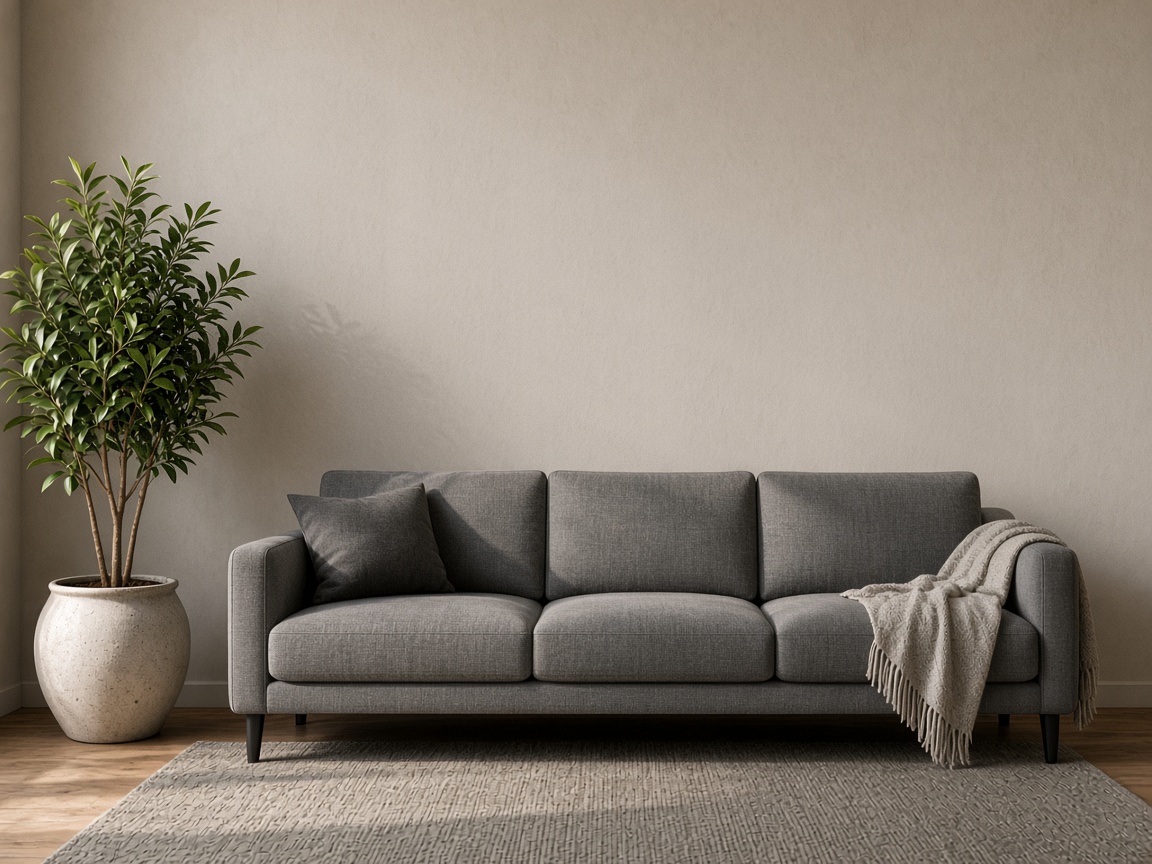
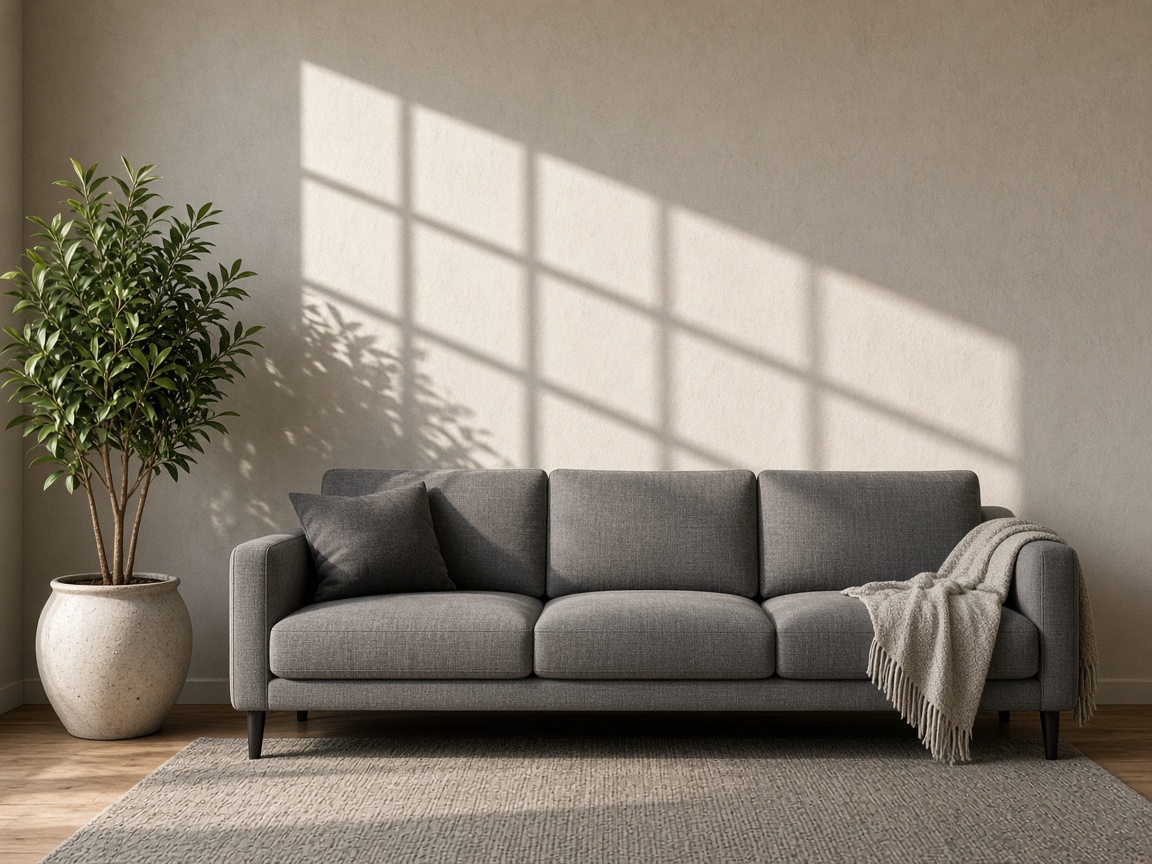
Remove shadows from image listings by lifting the stray blob, not by flattening the thin contact under the bottle.
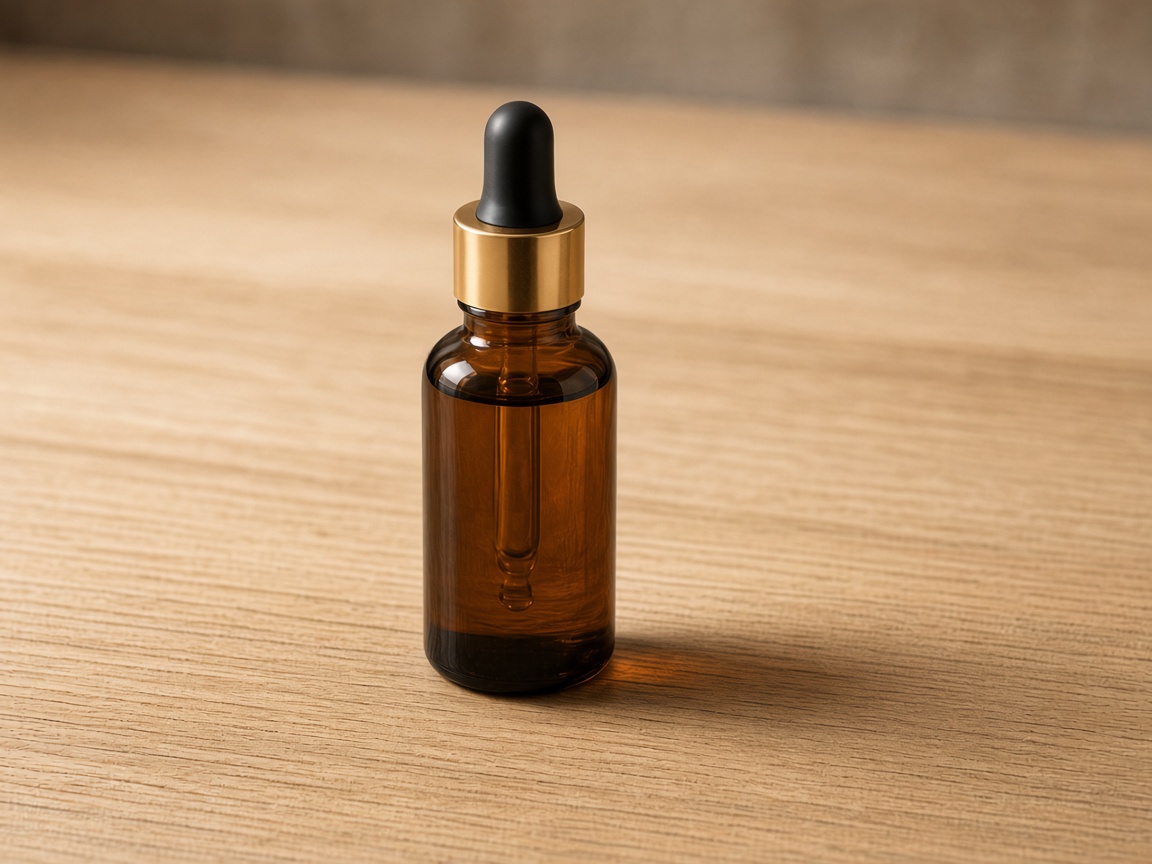
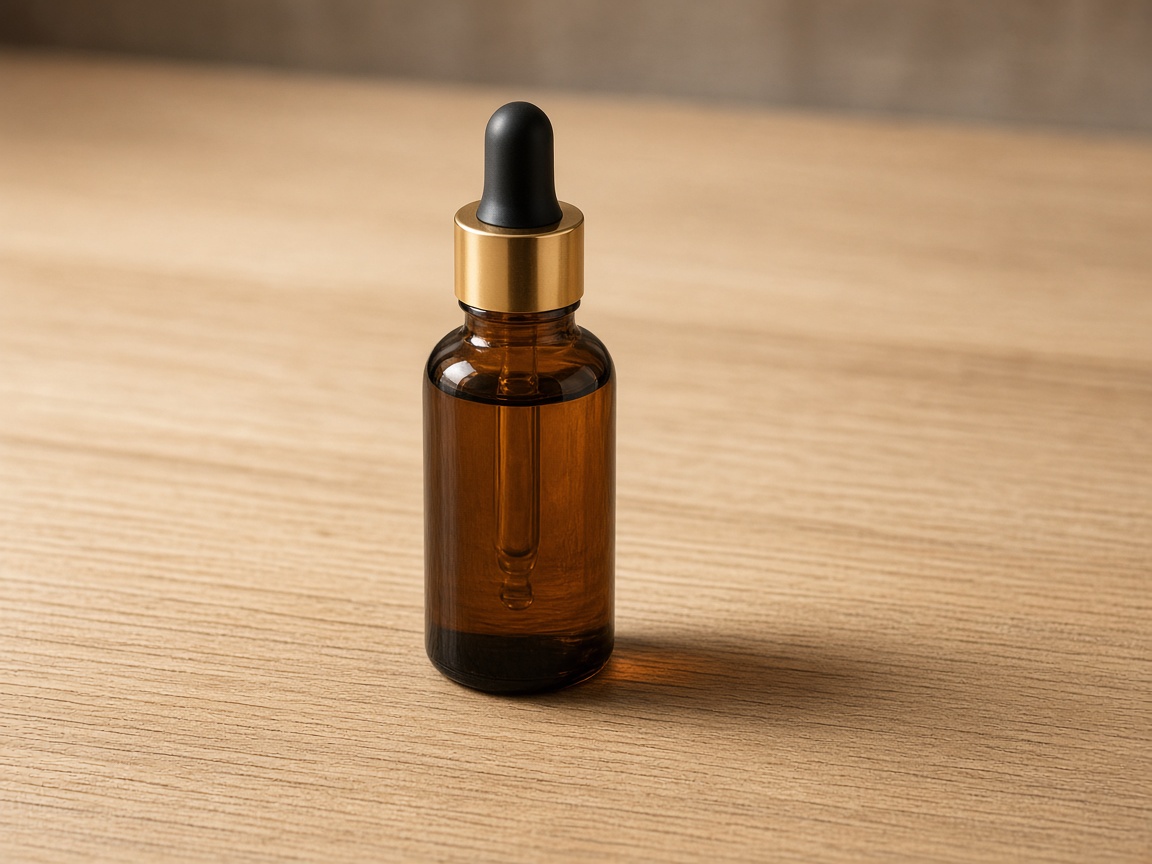
Clear the hard shape on the wall. Leave the face-side shade that gives the head shape. Filling cheeks is makeup, not cleanup.


What this shadow pass will not do
Not every dark pixel is a cast
Soft shade that shapes a cheek or bottle should stay. The pass aims at hard projections, not contour light.
No whole-room relight
A dim interior is exposure, not one cast. Brighten with a new shot or the enhancer.
Clipped black has no texture
If the shadow is pure 0,0,0, the fill is a guess. Expect a patch, not recovered grain.
Files you do not own
Cleaning a still does not grant rights. Use this on photos you may edit.
Questions before you remove a shadow
Short answers for people who arrived from a shadow cleanup search and need to know what the editor actually does.
Upload a cast, or open a neighboring tool
Stay here to delete shadow from photo casts with an automatic pass. Open glare cleanup for bright blooms. Use object removal when the dark shape is actually a thing, not a shadow.