
Remove Background with High-Quality AI
Create clean cutouts for product photos, portraits, logos, and social media images. Upload a photo, remove the background automatically, and preview the result before export.
Use ProRemover when you need a sharper cutout, cleaner edges, and a transparent background for real projects.
Your images are processed securely and privately.
Free preview available. HD export, larger files, faster processing, or higher limits may require credits or a paid plan.
No image? Try one of these
High-quality AI background removal for cleaner cutouts
Product photos
Create clean product cutouts for ecommerce images, catalog visuals, and marketplace listings.
Portraits and profiles
Prepare profile pictures, portraits, team photos, and avatar images with cleaner edges.
Transparent PNG cutouts
Use transparent results in mockups, presentations, social posts, and website assets.
Browser-based workflow
Upload, preview, and export online without installing heavy design software.
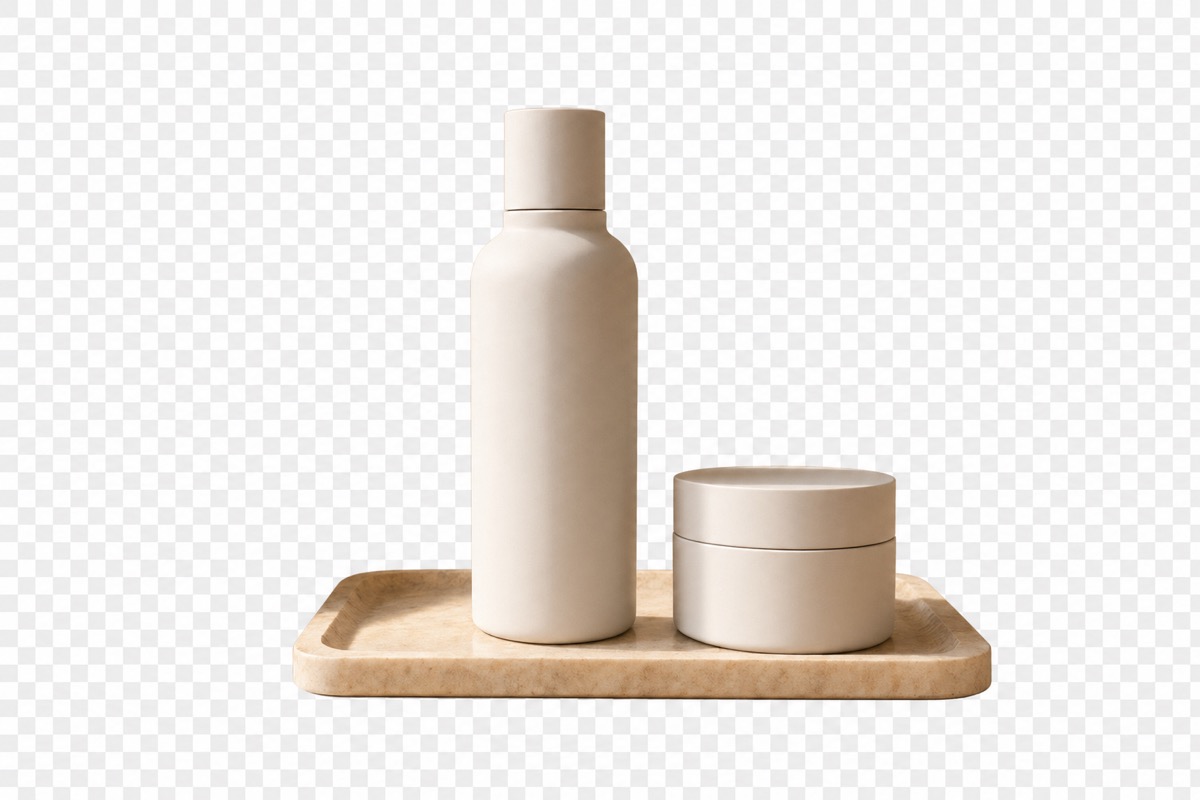

Remove background from product photos
Clean product images help your store, marketplace listing, or ad creative look more professional. Use this high-quality AI background remover to remove busy backgrounds, create white or transparent product cutouts, prepare ecommerce product photos, clean catalog images, and make product visuals easier to reuse.
Best source images
Best results come from clear photos where the product is not blurred and does not blend into the background.
Ecommerce-ready output
Use cleaner cutouts for product pages, ads, catalogs, and marketplace images.
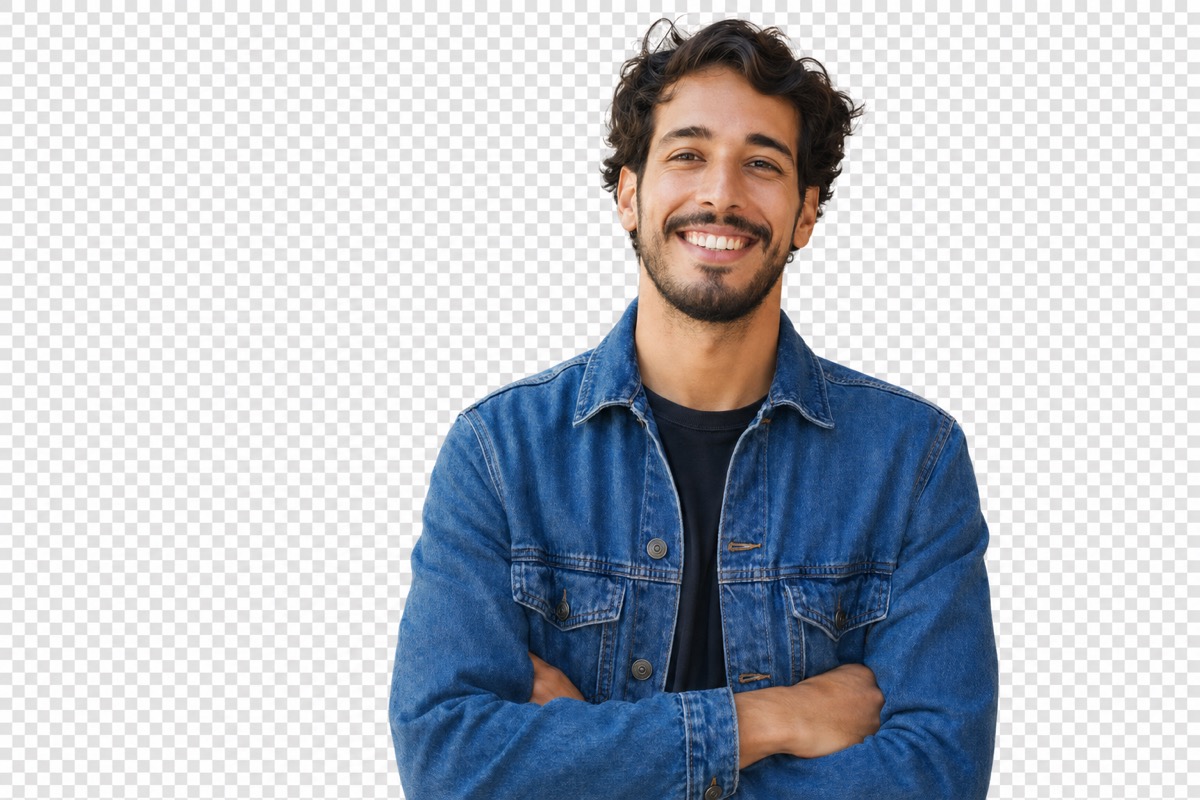

Remove background from portraits and profile photos
Use ProRemover to create clean profile images, avatar pictures, team photos, and portrait cutouts. It works best when the subject is clearly visible, the background is not too similar to hair or clothing, the image is not heavily blurred, and face and body edges are easy to detect.
Hair and fine details
Hair, transparent objects, and low-resolution photos can be more difficult for any AI background remover.
Preview before export
Check the cutout before exporting so you can decide whether the result is ready.
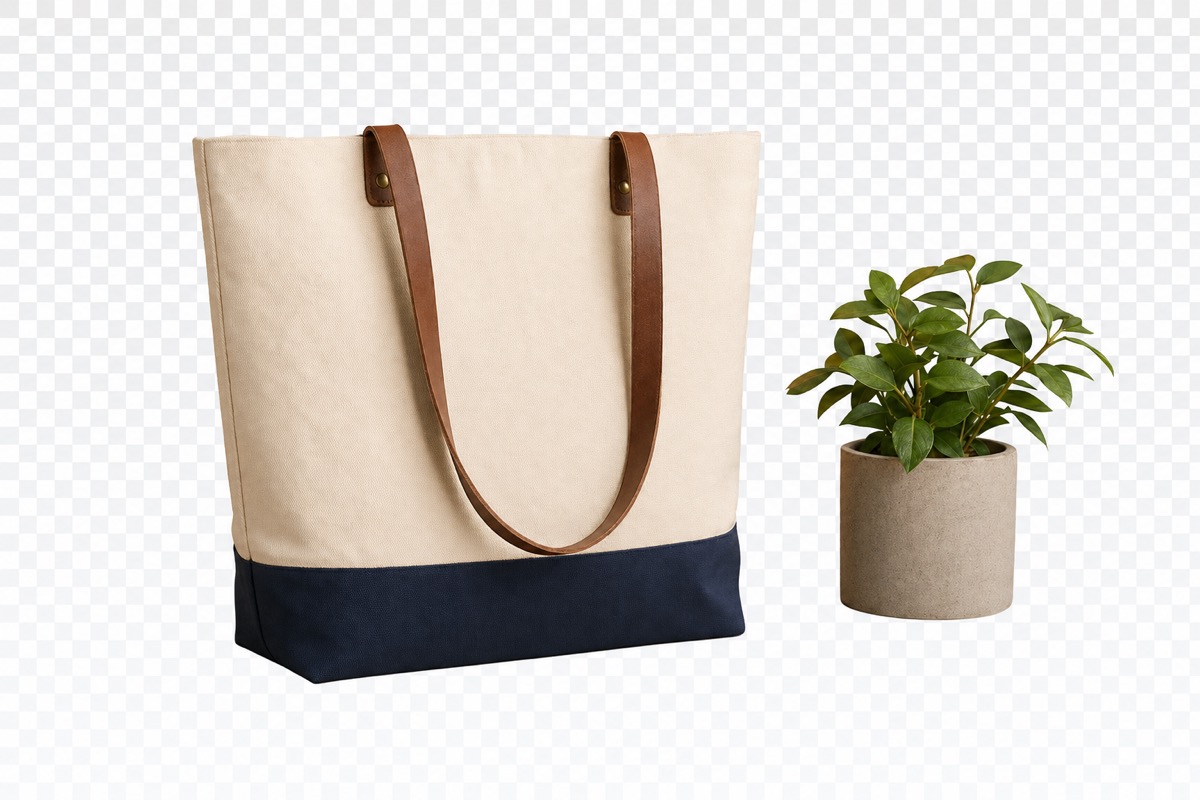
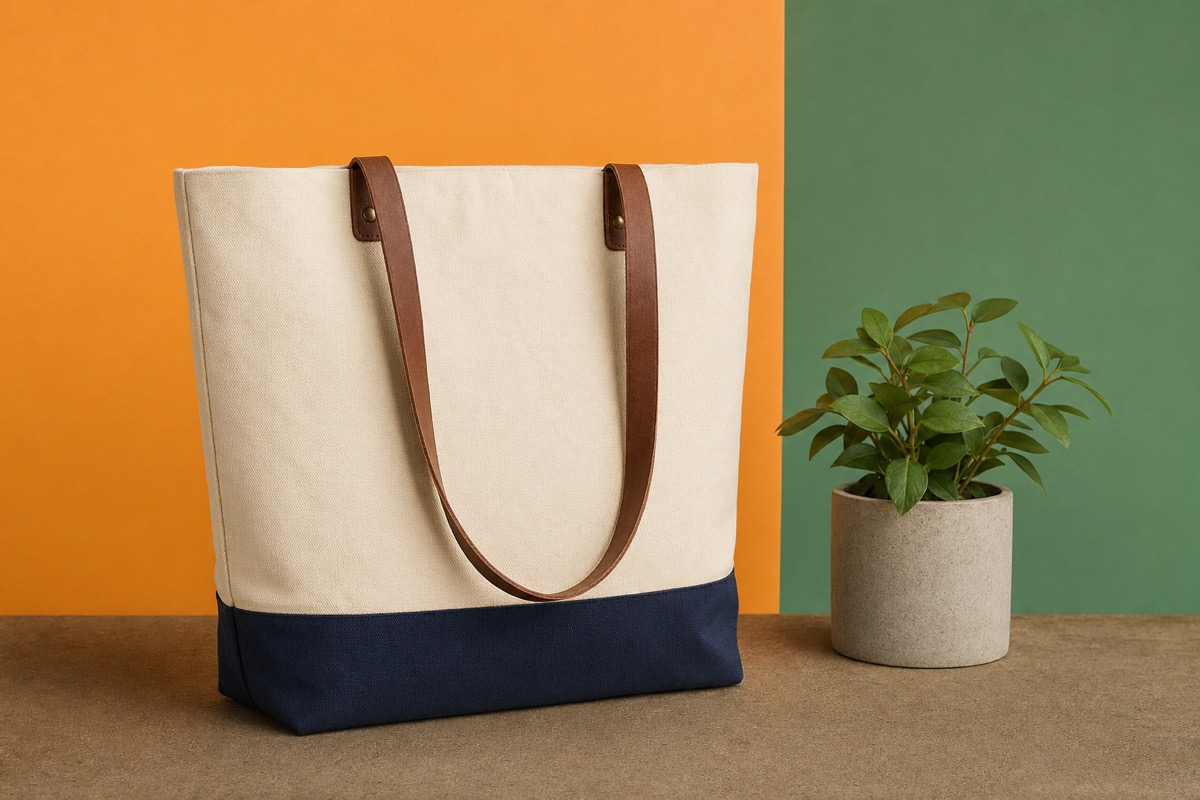
Create transparent PNG images
Transparent PNG output is useful when you want to place the subject on a new background, design template, or product page. After removing the background, use the result for product mockups, presentations, social posts, website assets, profile images, marketplace listings, and ad creatives.
Design assets
Place the subject on a new background, template, or website design.
Product mockups
Reuse product cutouts across campaigns, stores, and presentations.
Social media graphics
Prepare clean profile images, thumbnails, and post visuals.
Remove background without losing quality
If you are searching for a background remover that keeps image quality, focus on the source image first. AI can improve the workflow, but the original image quality still matters.
Upload the highest-resolution version
Avoid screenshots when you have the original file.
Use clear product or portrait photos
Avoid heavy blur and backgrounds that match the subject color.
Preview before exporting
Check edges, hair, transparent areas, and important details before downloading.
When this page is the right choice
Use this page for quality
Choose it when clean edges, transparent PNGs, product photos, portraits, and HD export matter.
Use the standard workflow for speed
If you just need a quick, simple background removal tool, start from the standard background remover on the homepage.
Free preview and export limits
HD export, larger files, faster processing, higher usage limits, advanced output quality, or premium export options may require credits or a paid plan.
High-quality AI background remover FAQ
Remove backgrounds with high-quality AI and preview your result online.
Upload a product photo, portrait, logo, or social media image and create a cleaner cutout.