
Watermark Remover Online for Images and Videos
One watermark remover covering two separate jobs: images are brushed and rebuilt instantly, while a video is processed one clip at a time. Pick the tab that matches your file.
Image edits preview free. Video processing costs 20 credits per clip and starts only after you confirm.
Supported formats: png jpg jpeg webp
What this tool covers, and what it costs
Free image preview
Brush a mark on a photo and see the rebuilt result before paying. HD export and instant processing use credits through the current pricing options.
Images instantly, video per clip
Image edits return in seconds. A video is queued and processed as one clip for 20 credits. There is no batch mode for video.
Nothing to install
Everything runs in the browser, on desktop or phone. No editor, no plugin, no project file to manage afterwards.
An honest scope
This is an online watermark remover for visible marks, not a rights tool. Use it on files you own or have permission to edit.
Where it succeeds
Small and medium marks sitting over sky, walls, fabric, grass, or flat colour are the reliable cases. So are date stamps, captions, signatures, and corner badges, because thin shapes with clean edges give the model plenty of intact background to sample from.
Where it struggles
A mark covering a face, a hand, or fine product lettering has no equivalent detail nearby to copy, so the repair shows. Dense tiled patterns across an entire frame are worse still, since there is no clean region left to rebuild from at all.
Choosing between the two paths
If your file is a still, stay on the image tab: it is instant and free to preview. Only move to the video tab when the mark you need gone is burned into moving footage, since that path is slower and costs credits per clip.
What the results actually look like
Each pair is real output from these editors. Watch the rebuilt region rather than the whole frame, because that is the only part that changes. Nothing here is retouched by hand afterwards, so the traces you can see are the traces you should expect on comparable files of your own.
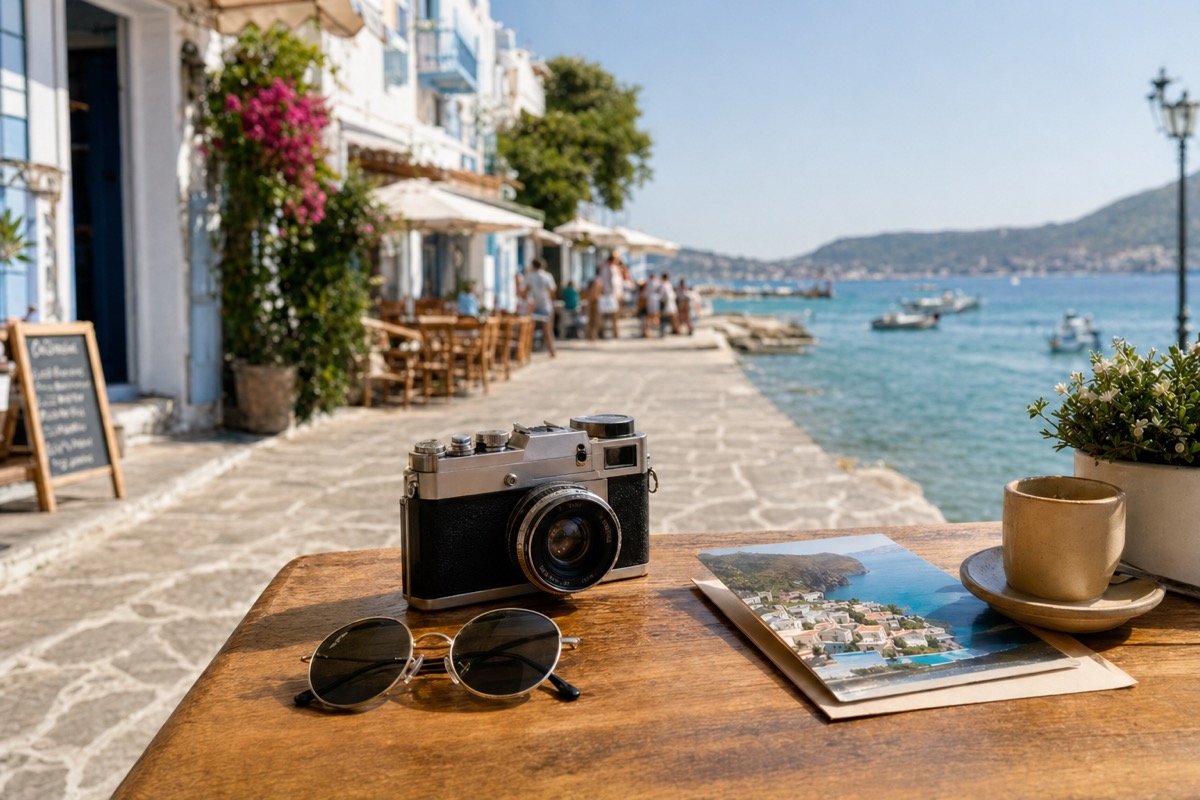
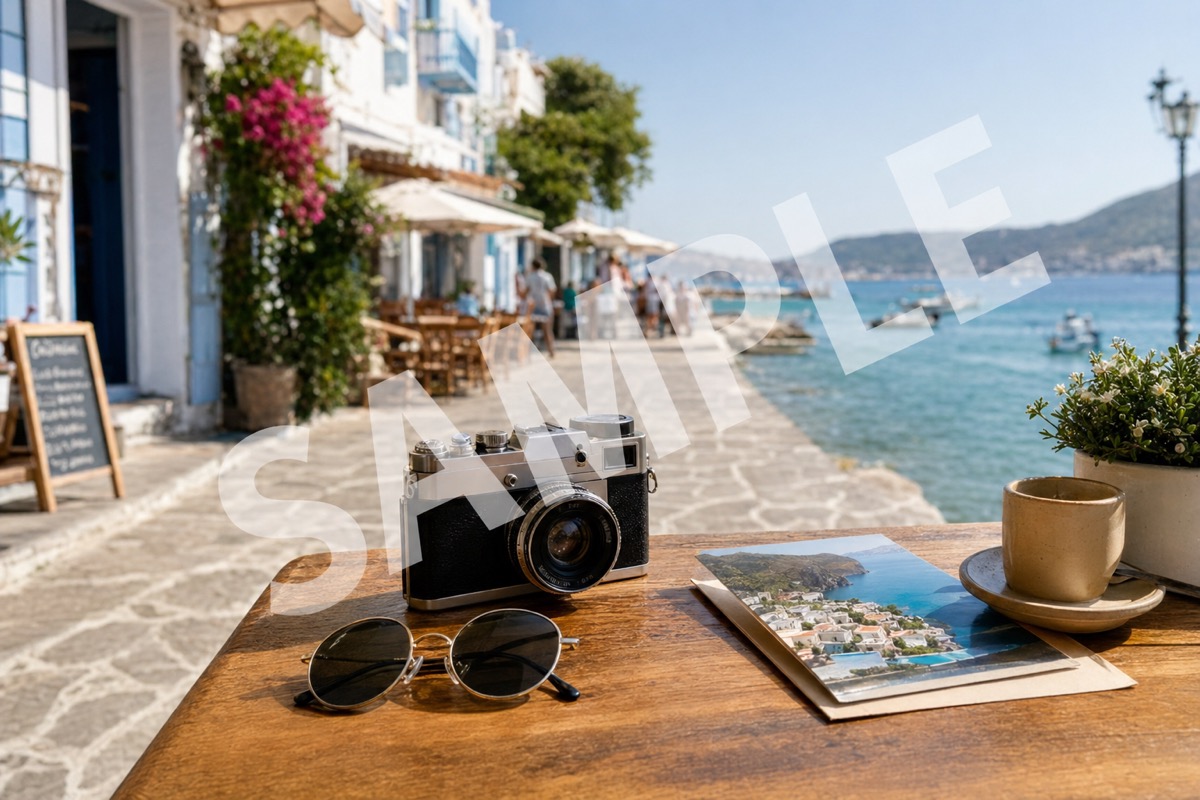
A small badge over background texture. The rebuilt corner continues the pattern behind it, which is the most dependable case for any image watermark remover.


Caption text over the lower third. The letters go, though high-contrast edges can soften slightly where the text crossed detail. Text laid over a busy scene is harder than text over an even background, and this pair sits between the two.


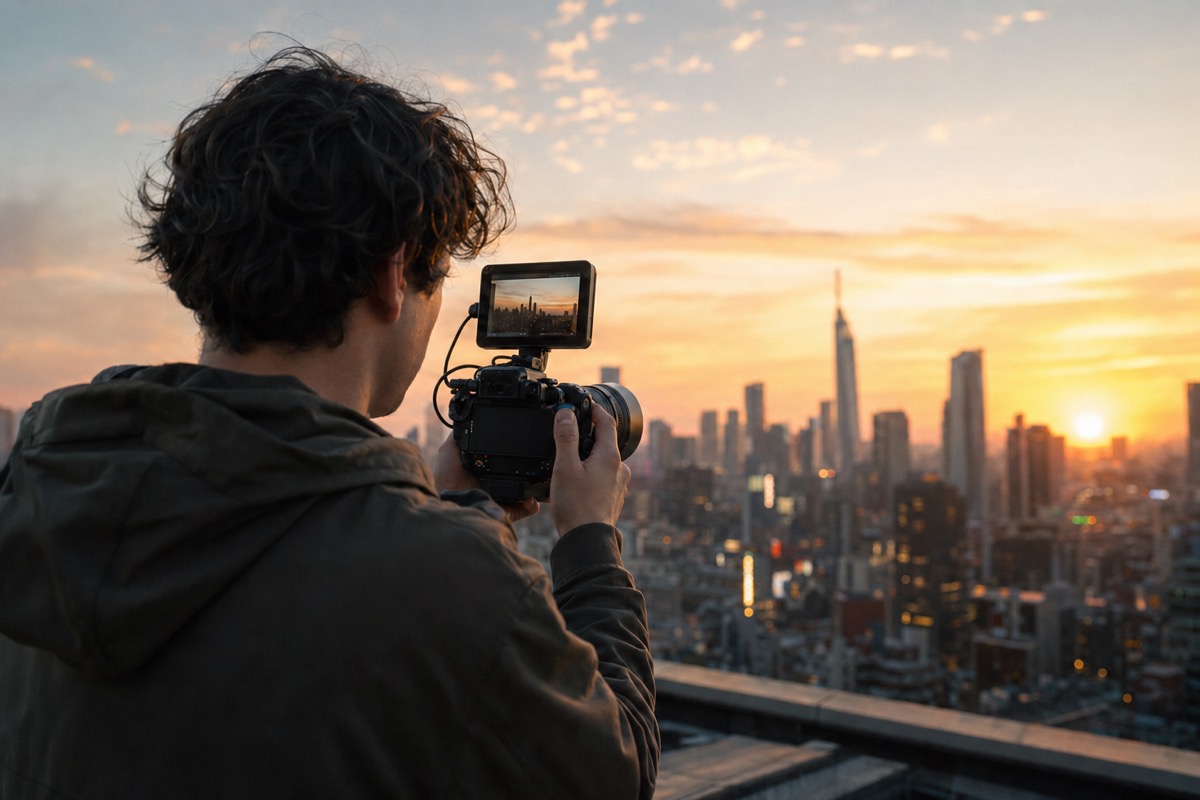
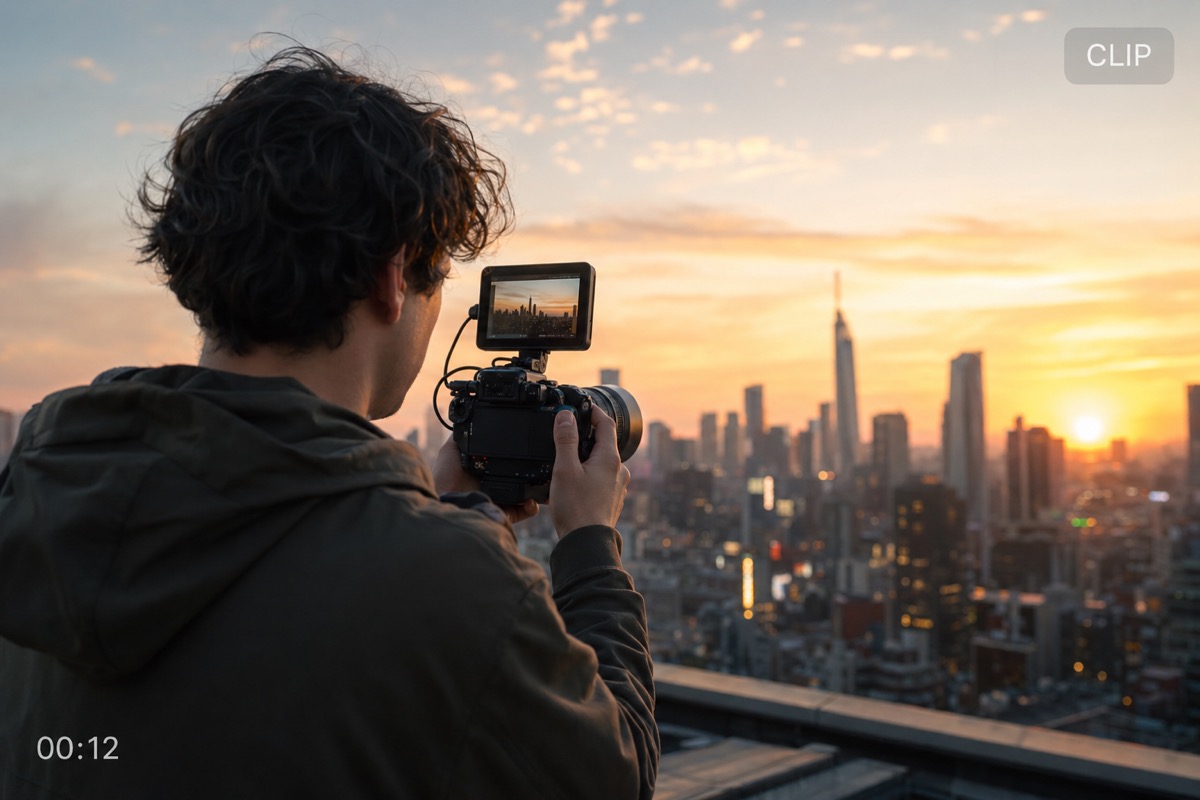
A frame from a processed clip. A fixed corner mark is rebuilt across every frame, which is why a still like this represents the whole video fairly. Compare the badge area against the surrounding sky: continuous background is what makes this the easiest video case.


Images: brush the mark, get it back in seconds
The image path is the fast one. Upload a JPG, PNG, or WEBP file, paint over the visible mark, and the area is rebuilt immediately so you can judge quality before spending anything. Keep the brush tight to the mark; a selection that spills into surrounding detail gives the model more to invent.
Best on ordinary backgrounds
Marks over sky, wall, fabric, or flat colour rebuild convincingly because the surrounding texture is easy to continue.
Text, stamps, and small logos
Promotional text, date stamps, labels, and corner badges are thin shapes with clear edges, which makes them the easiest targets.
Work at full resolution
The preview opens at the file's real size rather than a downscaled proxy, so a trace that would only appear after export is visible while you are still brushing. If one pass leaves an edge behind, brush that edge again instead of widening the original selection.
Batch the repetitive cases
When the same treatment applies to a whole folder of stills, the Bulk workspace runs up to 20 images in one pass with a credit estimate before you commit. It is an image watermark remover path only; video has no batch mode.
Video: one clip per run, 20 credits
The video path works differently and costs more, because every frame is rebuilt. Upload one clip, drag a box over a mark that stays in the same place, and confirm the charge. A set of clips means one upload each: batch processing is available for images only, never for video.
Fixed marks only
One selection box covers one region for the whole clip, so a mark that slides, rotates, or fades cannot be tracked.
Shorter clips finish sooner
Processing time scales with frame count. The tab reports progress and the finished file downloads when the run completes.
Check a still before you commit
A frame that looks convincing on its own can still shimmer once it plays, because each frame is rebuilt independently. Marks over static background hold up best; marks over fast motion are where flicker appears.
Credits are charged per run
The 20-credit cost applies whether the clip is five seconds or a minute, and it is confirmed before anything starts. Positioning the box, re-dragging it, and changing your mind are all free.
Common questions
What the tool costs, which files it accepts, and where it falls short. If your case is not covered here, the task pages go into more detail on each path.
Clean an image or one video now
Start with the tool that matches your file, or compare plans before you spend credits.