
Old Picture Restoration Online Free
Restore faded, blurry, scratched, or damaged old pictures with AI. Upload an old photo, preview a cleaner version online, and bring important memories back to life.
No image? Try this old photo sample
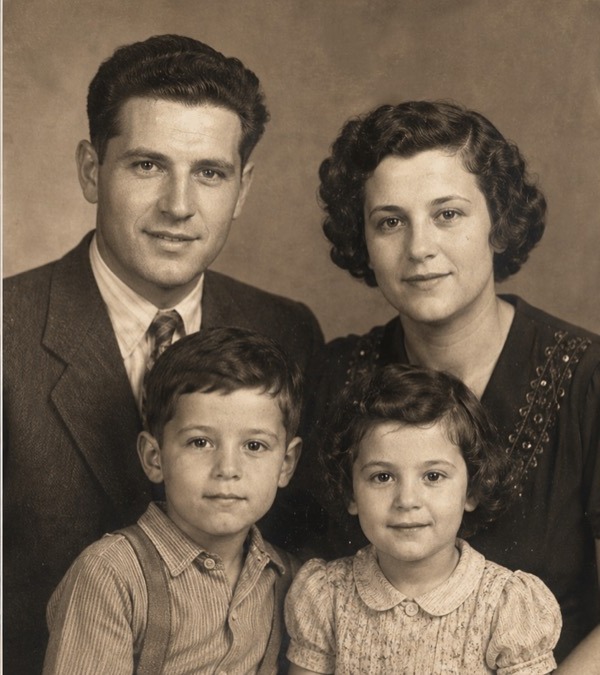
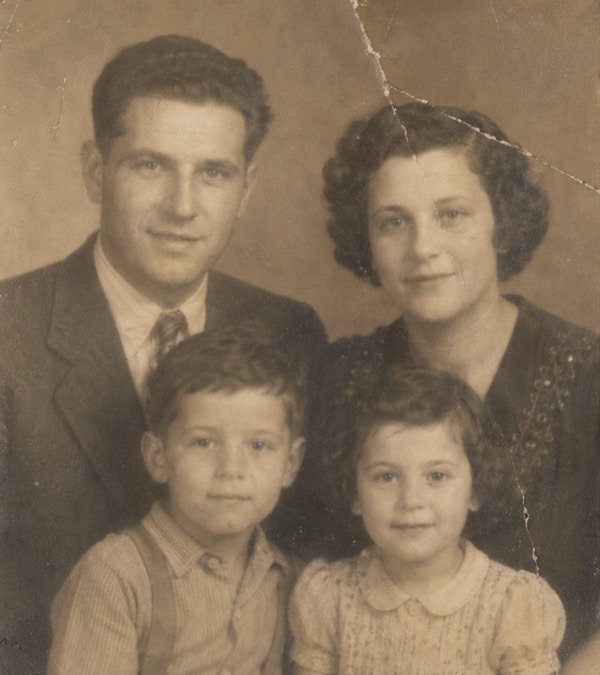
Supported formats: png jpg jpeg webp
Restore old photos with AI
Old family photos
Improve family memories, old portraits, scanned photo albums, and vintage personal photos.
Faded pictures
Improve contrast, clarity, and visibility when the main subject is still recognizable.
Scratched photos
Clean light scratches, small marks, dust spots, stains, and scan artifacts.
Blurry old images
Preview a cleaner version when enough original detail remains.
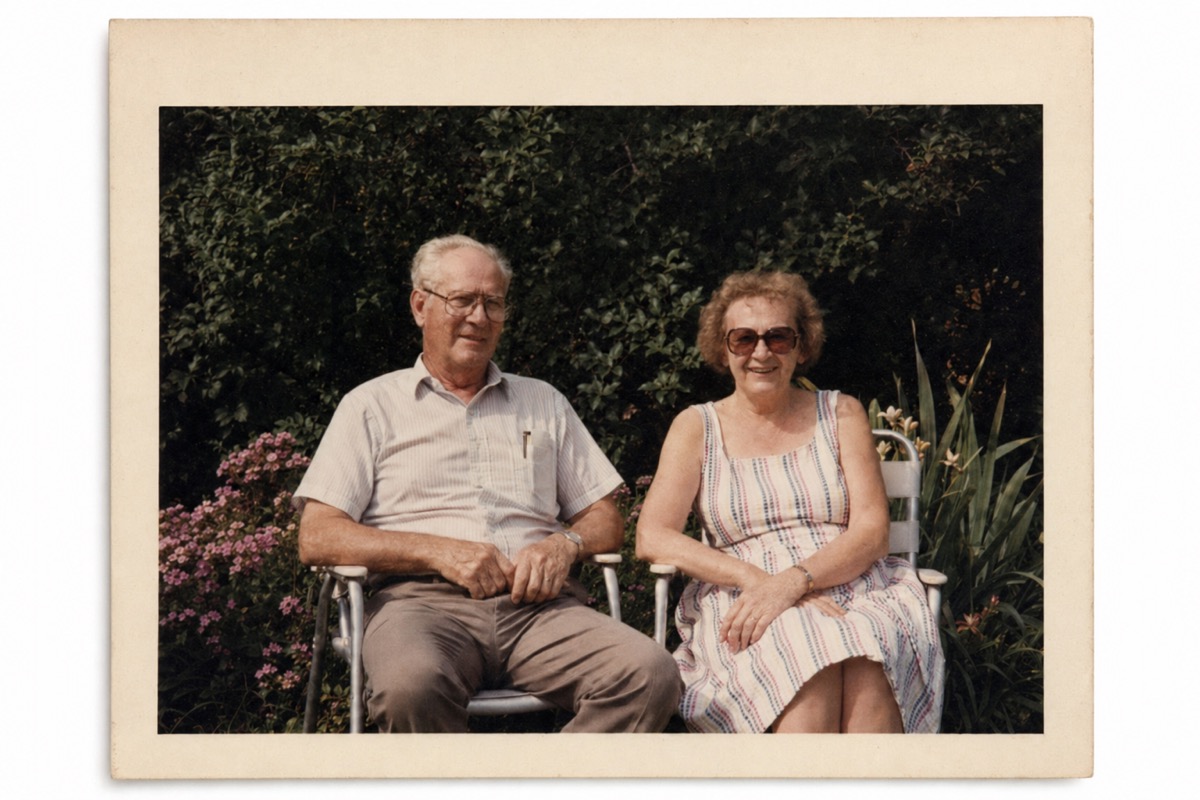
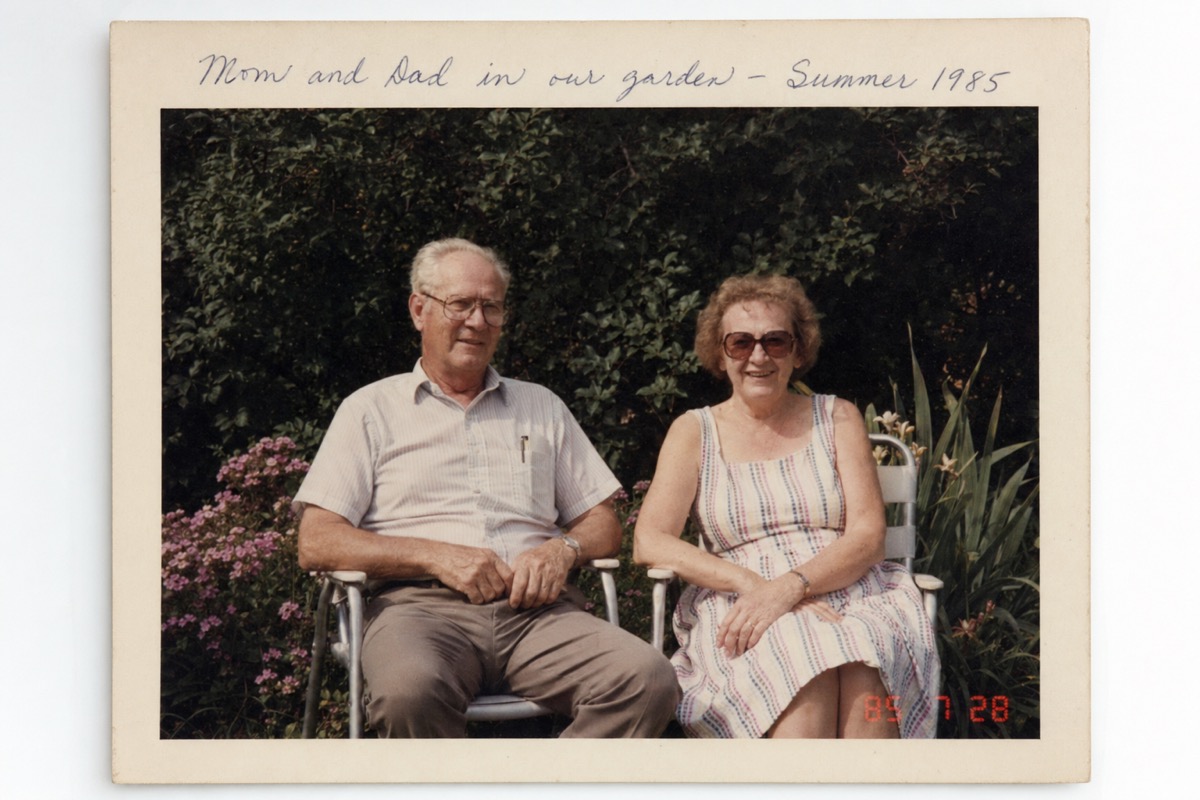
Repair faded or blurry old pictures
Faded photos can lose contrast, sharpness, and facial detail. AI restoration can help improve clarity and make an old picture easier to view, share, print, or save. Best results usually come from clear scans, photos with visible faces, images without heavy motion blur, old pictures with moderate fading, and photos where the main subject is still recognizable.
Visible subject
If a photo is extremely damaged or missing large areas, AI may not be able to fully recreate the original image.
Preview online
Check the cleaner version before exporting or printing.
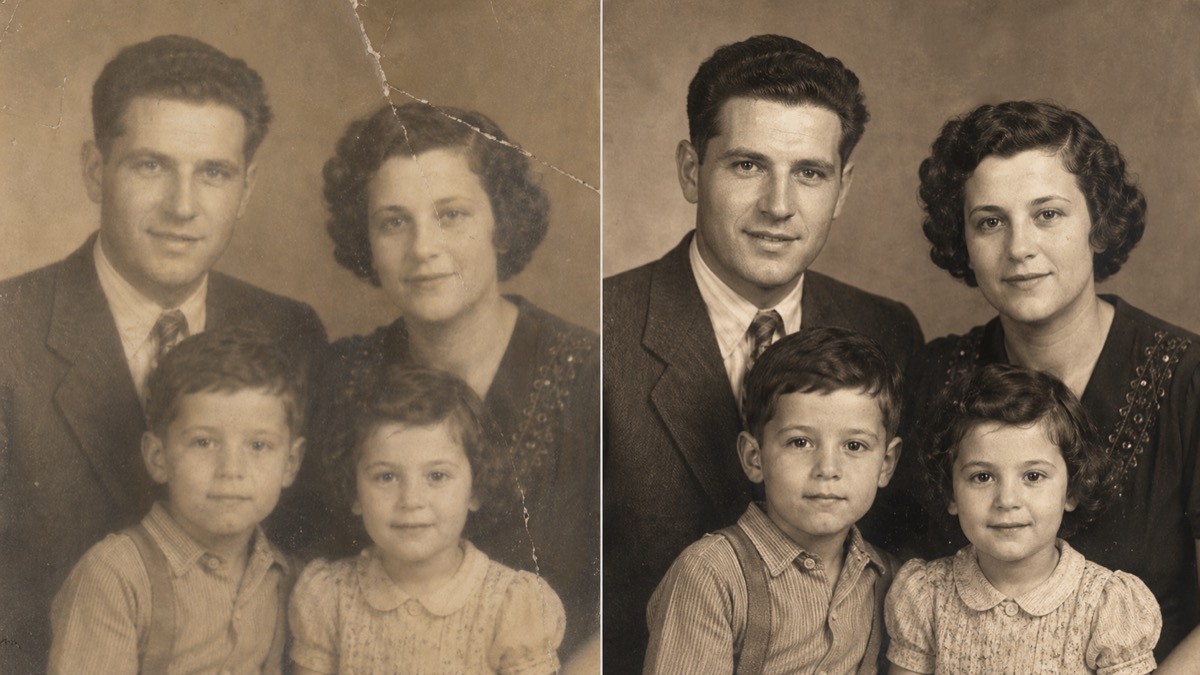
Clean scratches, marks, and damage
Old pictures often include scratches, dust, stains, folds, and small marks. ProRemover can help clean visible damage and improve the overall look of the photo.
Light scratches
Repair light scratches, small damaged areas, dust spots, and scan artifacts.
Minor stains and folds
Improve photos with moderate damage when important details are still visible.
Dates and writing
For visible text, dates, captions, or writing, use the text remover workflow on the homepage.
Restore old family photos online
Family photos are often one-of-a-kind. AI restoration can help make them clearer before you share them, print them, or store them digitally. Use this old picture restoration tool for parents’ old portraits, grandparents’ photos, childhood photos, wedding photos, old black-and-white images, damaged album scans, and vintage profile pictures.
Best scan available
Upload the best scan or photo you have for a better restoration result.
Personal archives
Restore your own photos or images you have permission to edit.
Old portrait restoration
Face clarity
Improve visibility when faces are still recognizable in the source image.
Scan quality
Cleaner scans usually restore better than dark, angled, or blurry phone photos.
Realistic limits
Results may vary when faces are heavily blurred, covered, scratched, or missing important details.
How to restore an old picture online
Use ProRemover’s restoration workflow to improve an old picture automatically and preview the cleaner version before export.
Upload your old photo
Choose a scanned photo, phone photo, or image file from your device.
Start AI restoration
Use the restoration workflow to improve the old picture automatically.
Preview and download
Check the cleaner version, then export the image when the result is ready.
When AI photo restoration works best
Better cases
Clear scans, visible faces, moderate fading, light scratches, and recognizable subjects.
Harder cases
Severely torn photos, large missing areas, unrecognizable faces, extreme blur, or very low-quality scans.
Free preview and export limits
HD export, larger files, faster processing, higher usage limits, premium restoration, or advanced enhancement may require credits or a paid plan.
Responsible use
Use ProRemover to restore your own photos or images you have permission to edit. Old photo restoration is useful for personal archives, family memories, scanned albums, profile photos, and photo cleanup before printing or sharing.
Your own photos
Restore personal photos and family memories you have the right to edit.
Photo cleanup before sharing
Improve scanned albums, vintage portraits, and profile photos before printing or sharing.
Related cleanup tools
Use ProRemover for visible watermarks, background cleanup, and text/date removal workflows.
Old picture restoration FAQ
Restore old pictures online with AI and preview the result for free.
Upload an old photo, repair visible damage where possible, and preview a cleaner version online.