
Remove Watermark from Video Online
Remove a watermark from video online when the mark stays in one fixed area. Upload an MP4, MOV, or WEBM clip, place the selection box over the logo, text watermark, or corner badge, and let AI rebuild that region across the frames.
Processing a video costs 20 credits and starts only after you confirm, so nothing is spent while you position the selection.
Upload video to remove watermark
Upload a video file and remove the visible watermark area with AI.
Free preview. Video watermark removal requires credits before processing.
By uploading a video you agree to our Terms of Use and Privacy Policy.
Supported video files and watermark types
Fixed logo marks
Corner logos and platform badges that stay in one place are the ideal case, because the same region is rebuilt in every frame. Use it to remove logo from video corners on exported previews, screen recordings, and short social clips.
Text overlays
Labels, demo text, and burned-in captions clear well when they sit still. To remove text watermark from video reliably, the wording must not drift across the frame.
MP4, MOV, and WEBM clips
To remove watermark from MP4 files, plus MOV, M4V, and WEBM, upload the clip directly; nothing is installed. Shorter clips finish faster because there are fewer frames to rebuild, and the cap is 4K resolution up to 500MB per file.
Moving marks
A mark that slides, fades, or bounces cannot be covered by one fixed selection. Those clips are outside what this tool does.
Social clips and screen recordings
Exported TikTok, Reels, and Shorts clips usually carry a fixed platform badge in one corner, which is exactly the case a video watermark remover online handles well. Screen recordings with a static app watermark work the same way.
How to remove a watermark from a video
Each run covers a single clip and a single fixed selection area.
Upload your MP4, MOV, or WEBM
Choose one supported clip from your device. The first frame opens as a still so you can see exactly where the watermark sits.
Select the logo, text, or badge
Drag the box over the visible watermark. Keep it tight to the mark: a box covering much more of the frame gives the model more to invent in every frame.
Process and download
Confirm the 20-credit charge and run it. Longer clips take longer, and the tab reports progress until the finished video is ready to download.
Video watermark remover before and after examples
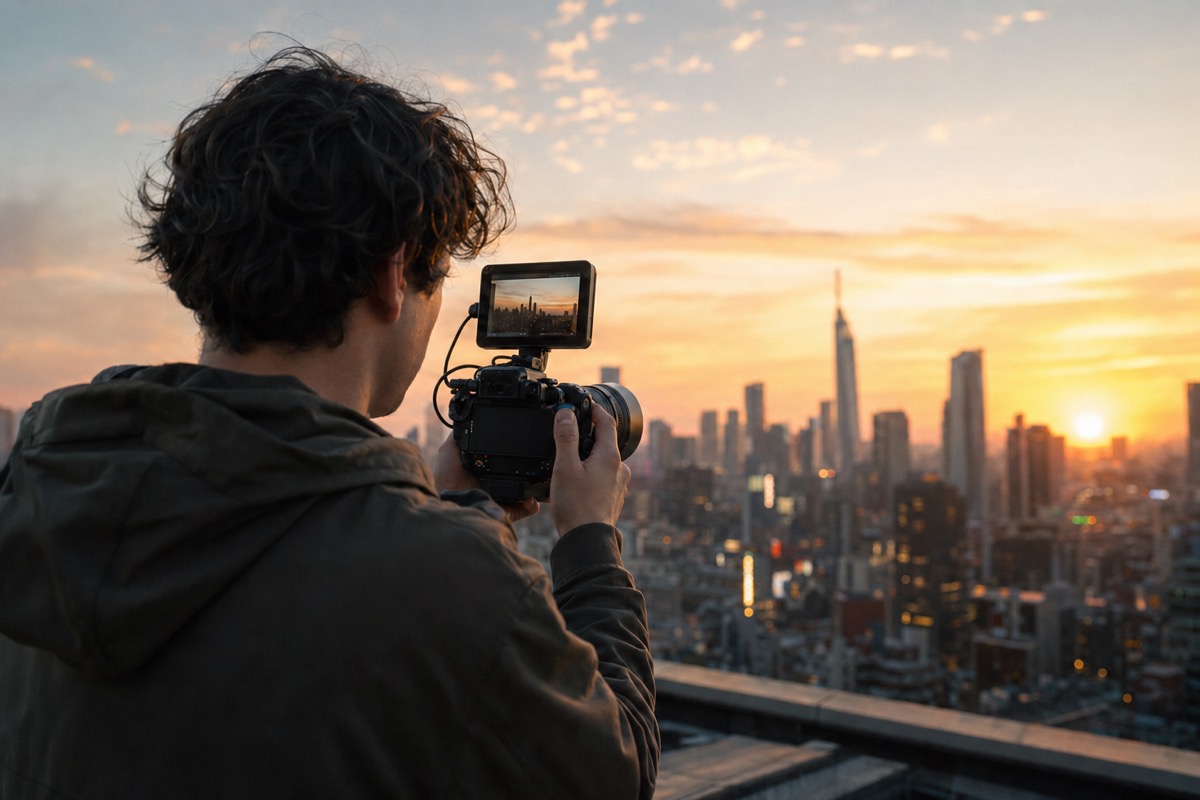
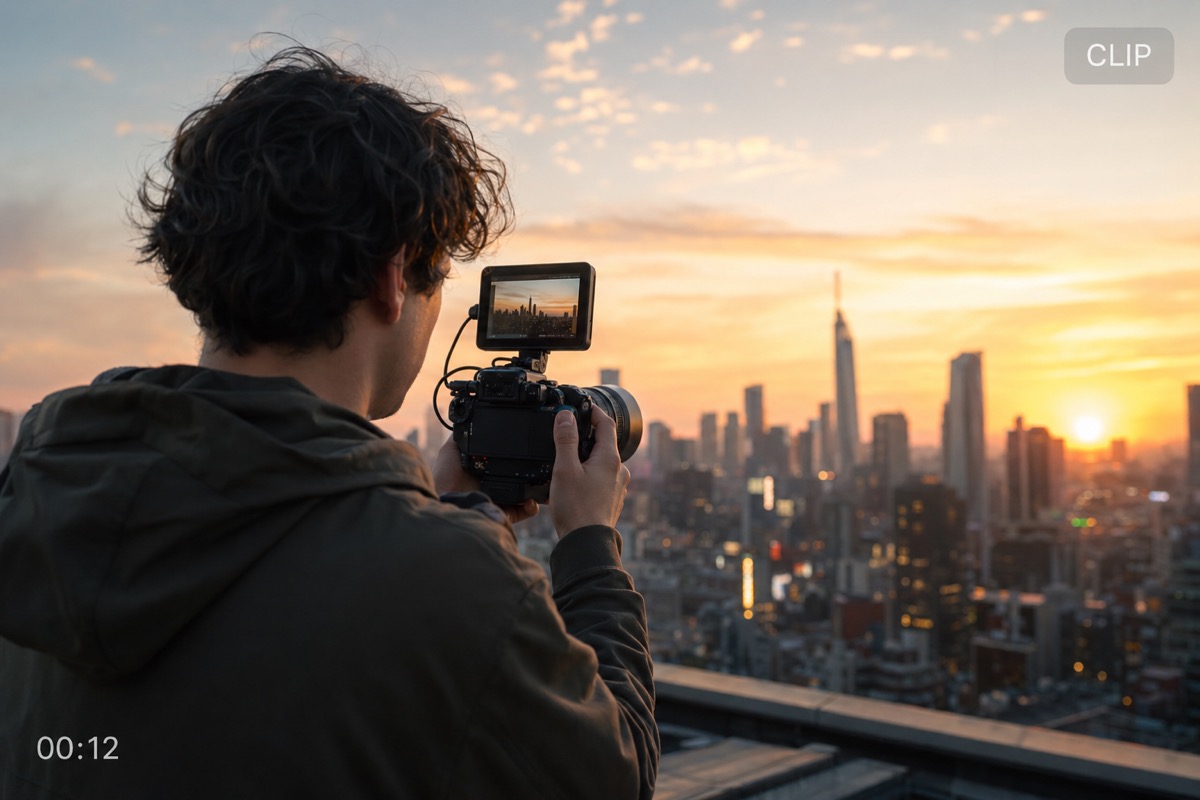
These pairs show single frames from processed clips. Judge the rebuilt region, since that is what changes across the video.
A platform badge in a fixed corner. This is the case an AI video watermark remover handles most consistently.
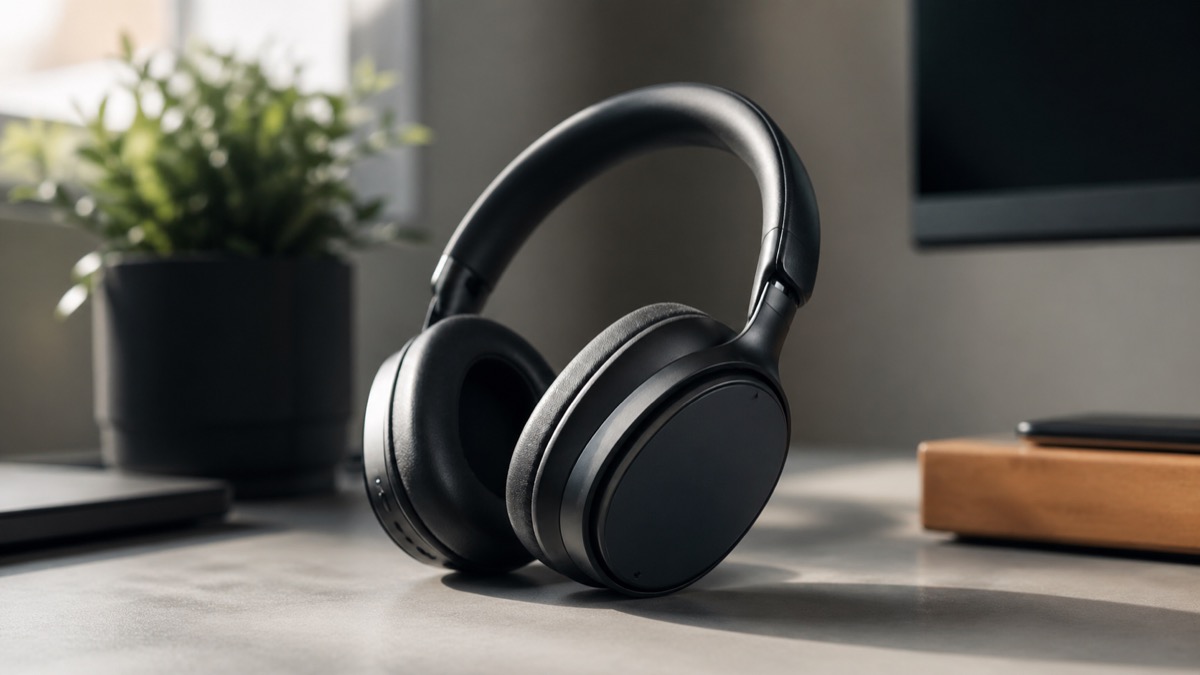
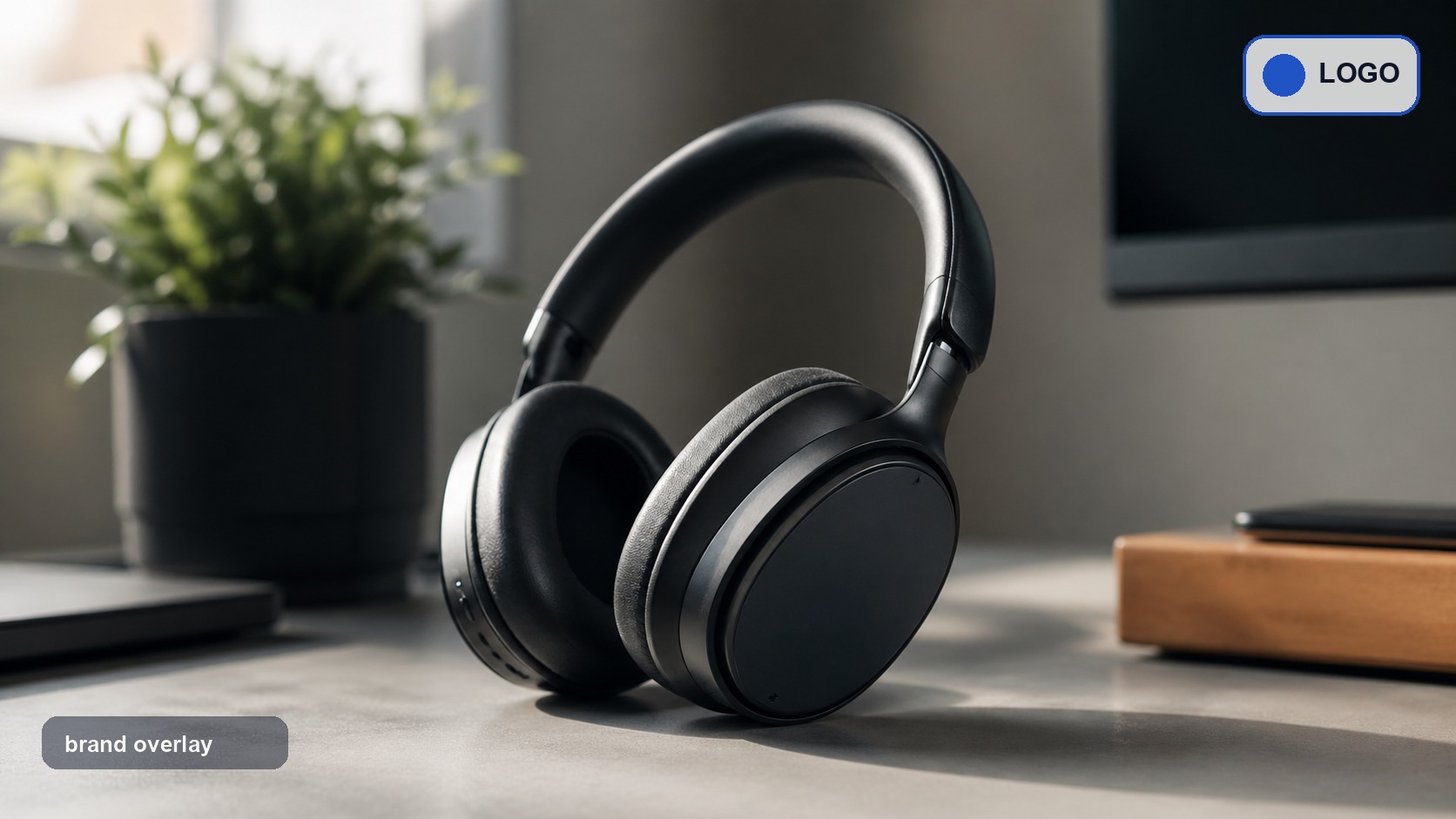
Static caption text along one edge. Letter edges go, though busy motion behind the text can leave faint shimmer between frames.


A mark partly over the subject. It clears, but look closely at the boundary: this is where a rebuild is most visible.
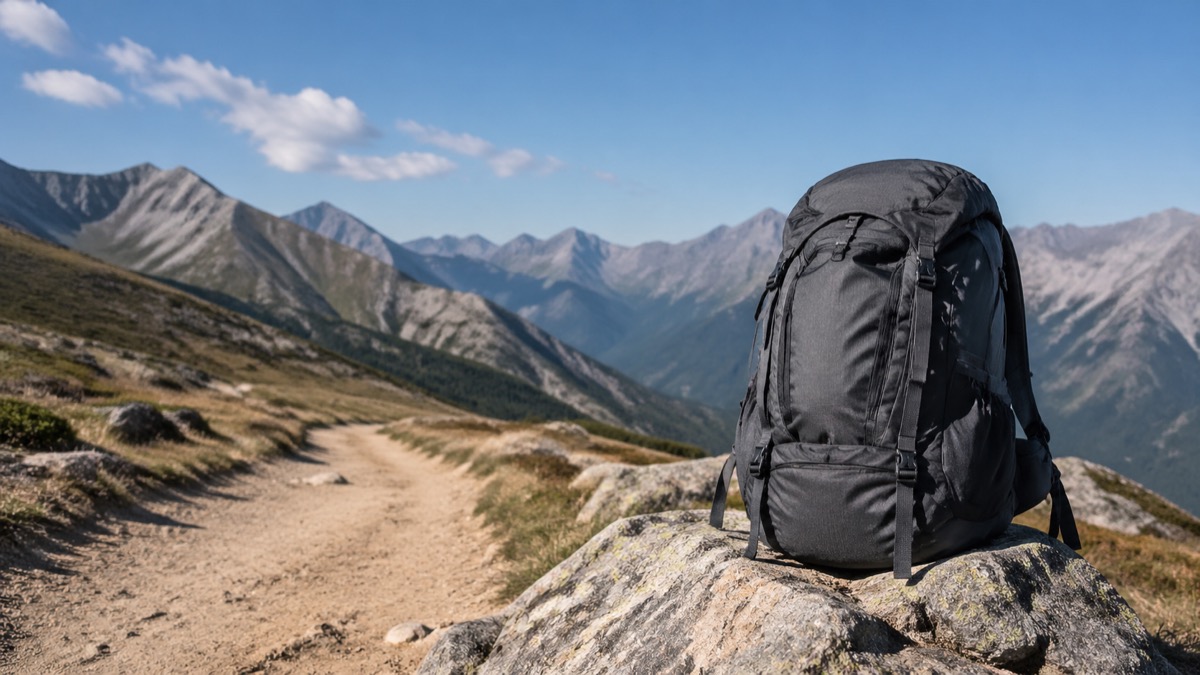
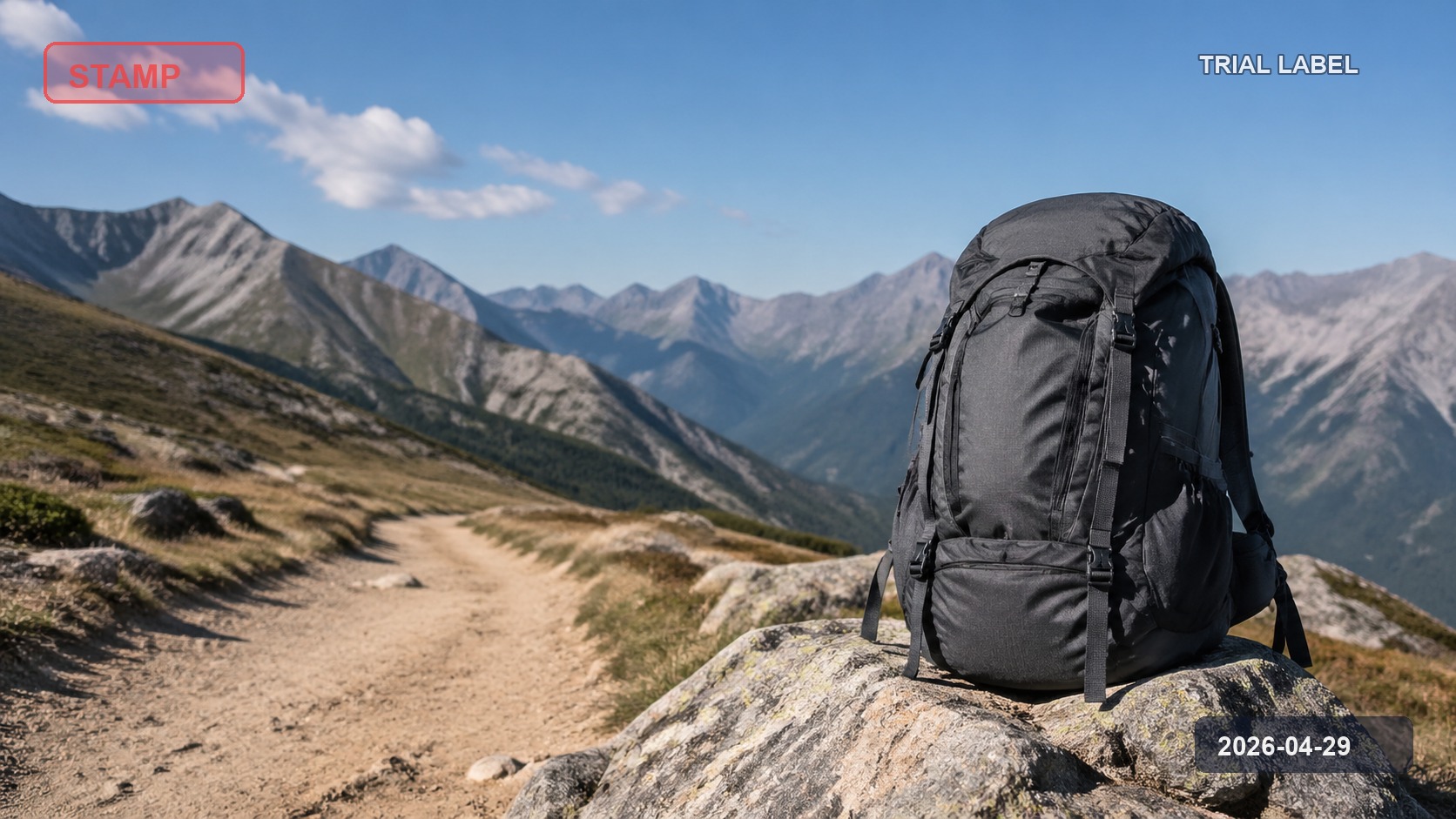
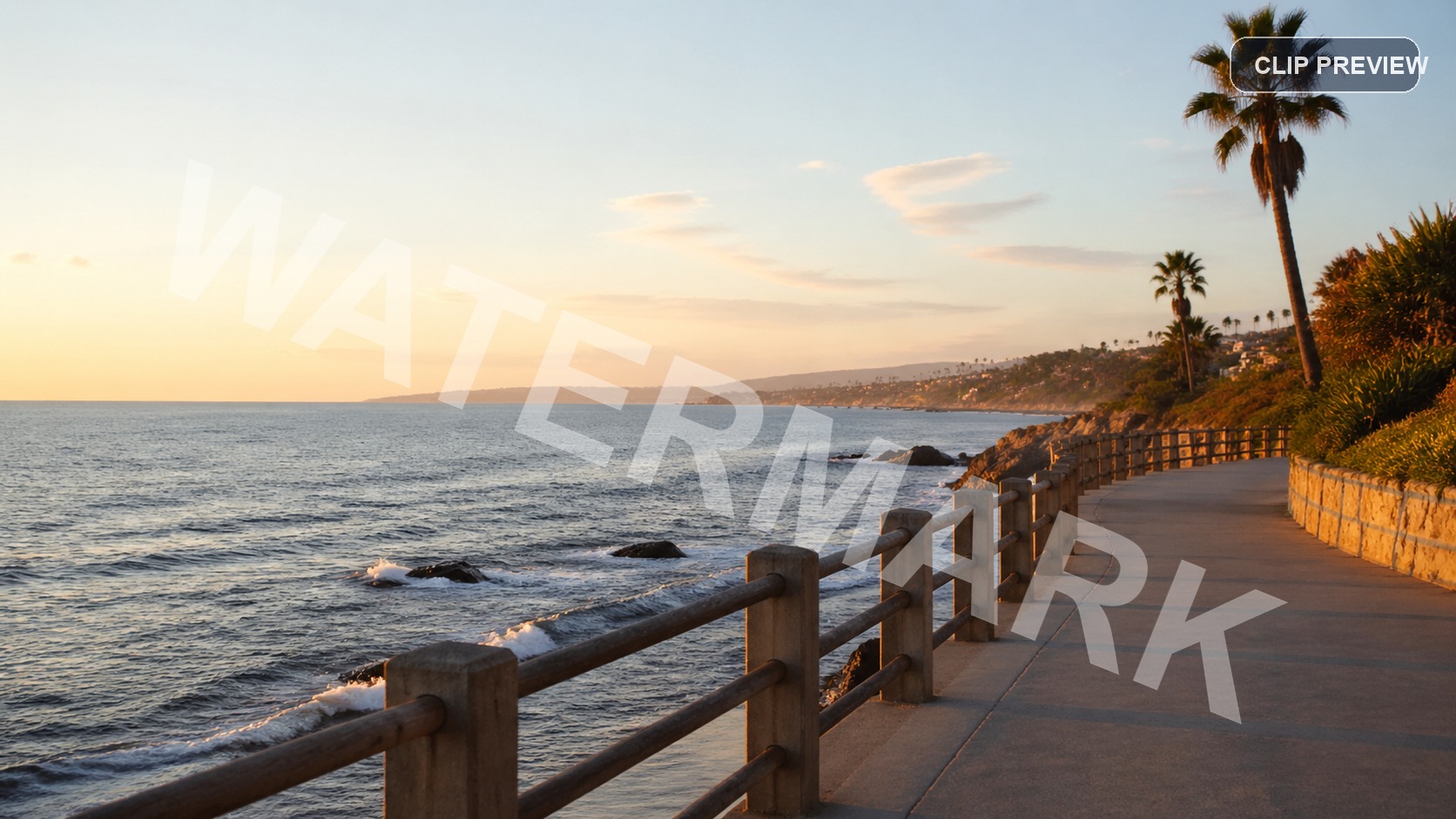
A wide branded bar spanning one edge of an exported preview. The full-width fixed selection rebuilds it in every frame of the clip.

Limits worth knowing before you remove a video watermark
One video per run
Each clip is a separate upload and a separate 20-credit charge; there is no multi-clip queue here. Batch processing exists for images only.
Marks that move
A fixed selection cannot follow a mark that travels, rotates, or fades in and out. Animated bugs and moving lower-thirds are out of scope.
Marks over faces or fast motion
When the selection covers a face, hands, or rapidly changing background, the rebuilt region can flicker between frames even if a single still looks fine.
Content you do not own
Clearing a mark grants no rights to the footage. Use this only on clips you own or are permitted to edit.
File size and resolution cap
Uploads are capped at 4K resolution and 500MB per file. A clip above either limit is rejected before any credits are charged, so re-export or trim it first.
Questions about video watermark removal
What the video workflow costs and where it stops.
Remove a visible video watermark now
Upload one clip to remove watermark from video areas, or switch to the image editor for photos and screenshots. For prompt-based edits beyond a fixed mark, try our AI video object remover.