
Edit video with prompt
AI Video Object Remover Online
Use ProRemover's AI video object remover to remove unwanted objects, people, text, logos, and distractions from videos with a simple prompt.
Upload your video, describe what you want to remove or edit, and generate a cleaner new video online.
Upload a video first. The prompt editor appears after your video is ready.
Remove objects from video with AI
Manual video editing can take time. ProRemover gives you a faster AI video object remover workflow when you want to remove visible distractions without masks, keyframes, or frame-by-frame editing.
Upload your video
Choose a short video clip from your device and preview it in the browser.
Enter a prompt
Describe what should be removed, such as a person, logo, text overlay, object, or background distraction.
Generate a new video
Let AI remove object from video content and preview the generated result before export.
Export when ready
Free preview is available. HD export, longer videos, faster processing, or higher limits may require credits.
Edit video with a prompt
Instead of brushing every frame manually, describe your edit in plain language. A clear prompt helps the AI video object remover identify the target and generate a more accurate edited video.
People and background motion
Try prompts like "Remove the person walking in the background" or "Remove background distractions from this video."
Objects and clutter
Use prompts such as "Remove the red bottle on the table" or "Remove the car in the background."
Text, logos, and labels
Describe the exact area, for example "Remove the white logo in the top-right corner" or "Remove the label on the box."
What can you remove from a video?
ProRemover is built for broader AI video object removal, not only watermark cleanup. Use it to remove unwanted objects from video online when the target is visible and the prompt is specific.
Clean short-form videos, UGC-style clips, travel footage, demo videos, tutorial clips, and lifestyle footage before posting.


Remove things from video content such as clutter, labels, small props, signs, or background objects in brand-owned clips.

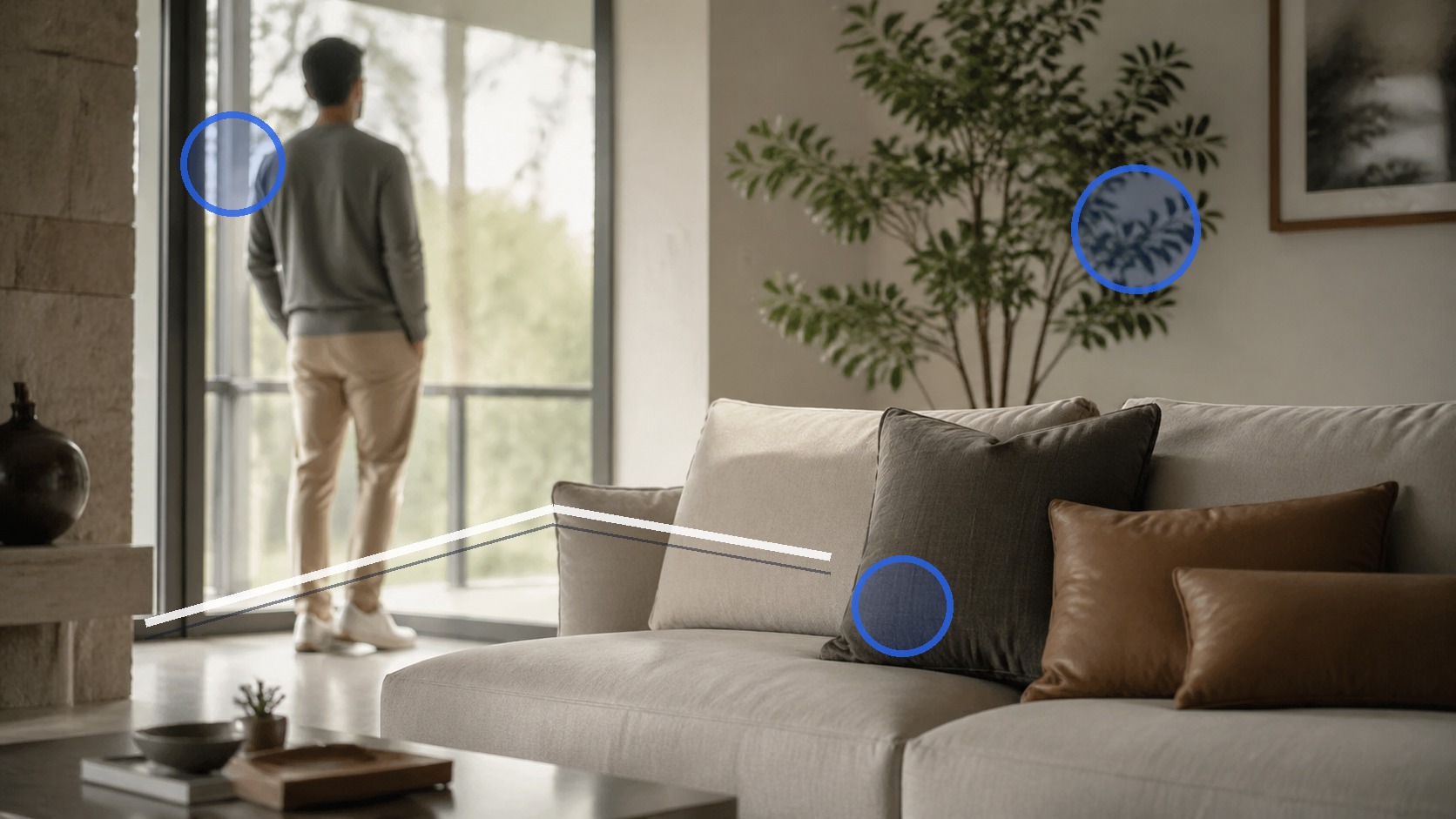
The AI video object remover can help remove text from video, remove logo from video, and clean simple marks when you own or have permission to edit the content.



Remove people from video
A person walking in the background can ruin an otherwise good clip. Upload the video and enter a prompt such as "Remove the person walking behind the subject." Results are usually better when the person does not cover faces, hands, products, or fast-moving details.
Best for visible targets
Use the AI video object remover when the person or object is clearly visible and not central to the whole scene.
Prompt matters
Specific prompts like "remove the person near the doorway" work better than vague instructions.
When AI video object removal works best
Good fit
The object is small or medium sized, clearly visible, not covering important details, and the video is short.
Harder cases
AI may struggle with fast motion, complex camera movement, shadows, reflections, low resolution, or objects in front of faces.
Responsible editing
Use ProRemover only on videos you own, created yourself, or have permission to edit. Do not use video object removal to mislead viewers.
AI video object remover vs video watermark remover
Use this AI video object remover when you want to remove general objects, people, text, logos, or distractions from a video using a prompt. Use the video watermark remover when your main goal is watermark-specific cleanup. You can also use the watermark remover for images and videos hub or the AI image editor for photo editing.
AI video object remover FAQ
Use the AI video object remover online
Upload a video, enter a prompt, and generate a cleaner edited video online with ProRemover.