
Remove People from Photo Online
Upload a photo and remove people from photo scenes without installing an editor. The tool works on strangers in the background, photobombers at the edge of a frame, and small groups standing behind your main subject.
Brush the person you want gone, let AI rebuild the space behind them, and preview the cleaned photo before you download it. Under the hood this runs on AI inpainting: the model studies the pixels bordering your brush stroke and generates new pixels that continue that pattern, rather than recalling what the person was standing in front of. That is why an ai people remover performs best on predictable backgrounds and struggles once the scene behind the person gets busy.
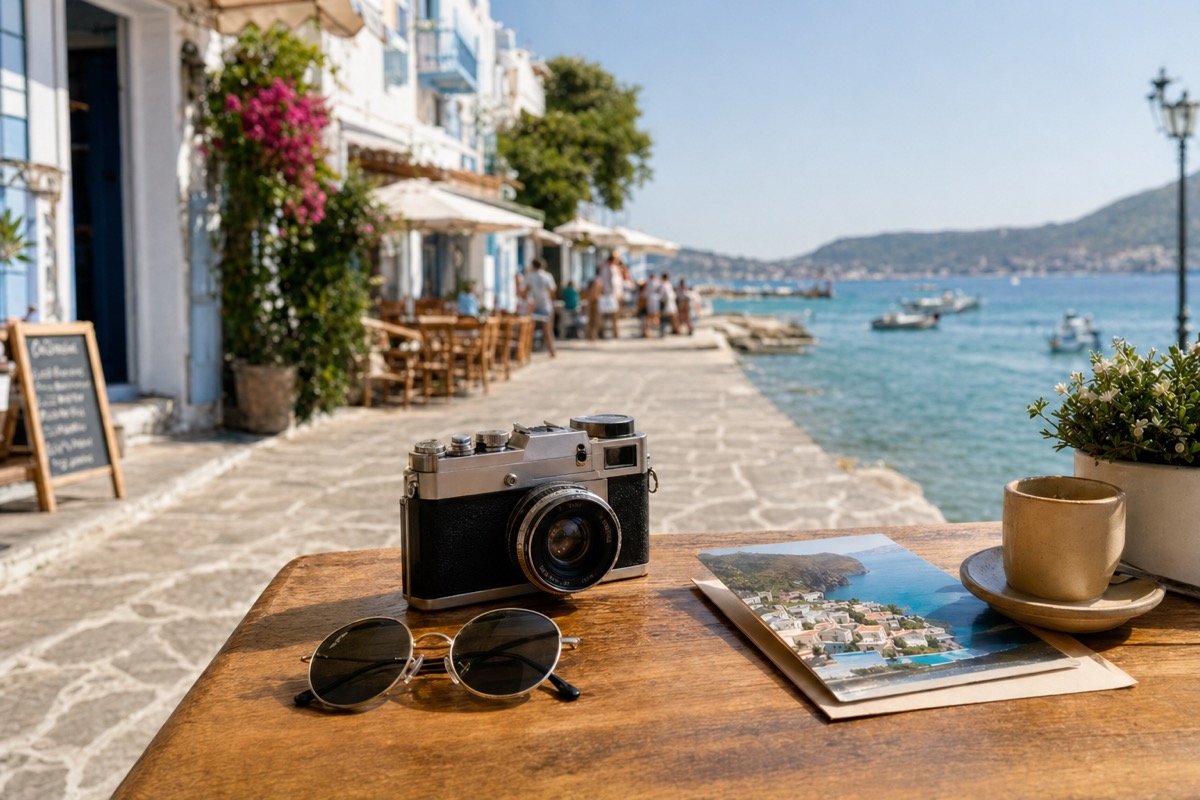
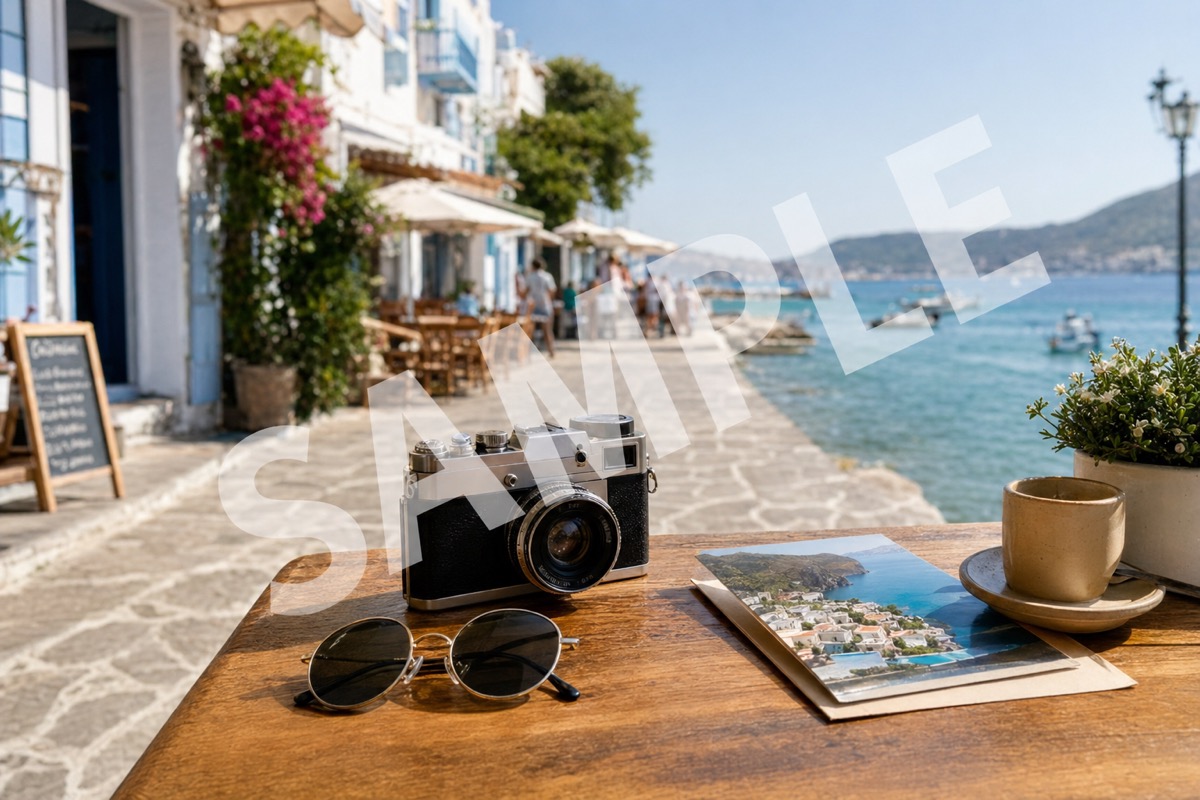
Supported formats: png jpg jpeg webp bmp
Where unwanted people usually show up
Travel and landmark shots
This is the fastest way to remove strangers from photo shots taken at a plaza or viewpoint, since they usually sit over pavement, sky, or a wall. Those areas rebuild cleanly because the surrounding texture is easy to continue.
Photobombers at the edge
A stranger stepping into frame at the last second is a common ruin for an otherwise good photo. Brush them out when they stand over plain ground or a simple backdrop.
Small groups behind the subject
Two or three people standing a few steps back clear well when the space behind them is not too busy. Dense crowds packed shoulder to shoulder remain the hardest case, though brushing one person at a time is still the safest way to remove crowd from photo scenes without disturbing the subject you want to keep.
Portraits with background distractions
A passerby drifting into a portrait background usually sits over grass, a wall, or blurred bokeh. Removing them keeps the focus on your subject without retouching the rest of the frame.
How to remove people from a photo in three steps
The whole flow runs in the browser, so there is nothing to install and no project file to manage.
Upload your image
Choose a JPG, PNG, or WEBP file from your computer or phone. The preview opens at full resolution so you can see exactly where each person stands before you touch anything.
Brush the person
Paint over the stranger, photobomber, or small group you want gone. Keep the selection tight around the body: a brush that spills far into surrounding detail gives the model more to invent.
Preview and download
AI rebuilds the selected area from the background around it. Check the result at full size, brush again if a trace remains, then download the cleaned photo.
Before and after examples
Use these before and after pairs to judge realistic people-removal cases: a single passerby, an edge photobomber, and background tourists.
A pedestrian mid-stride over plain pavement. The rebuilt ground continues the surface texture, which is the most reliable case for this tool.
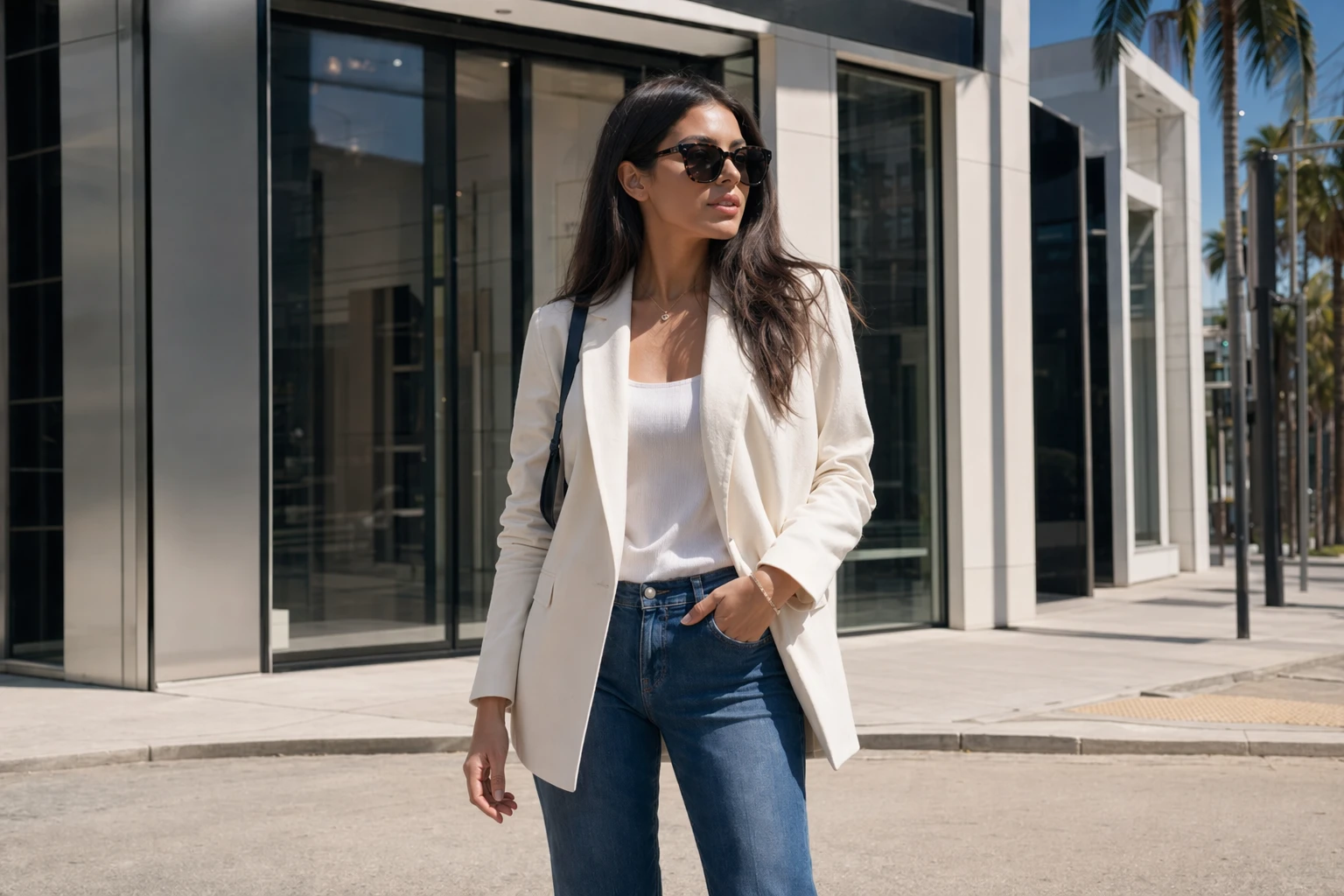
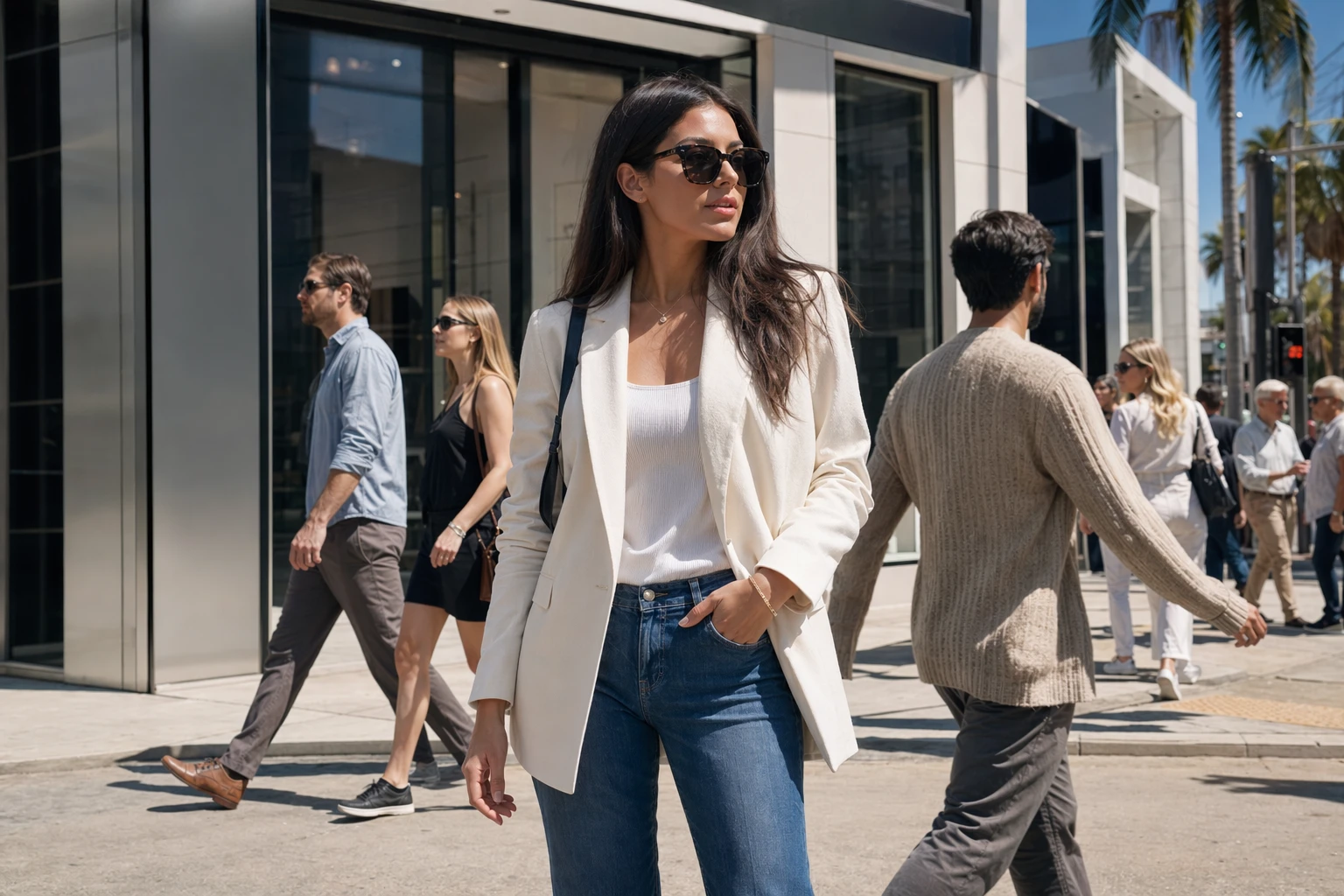
A passerby stepping into the corner of an otherwise clean photo. Edge cases like this clear fast because the background beside them is undisturbed.
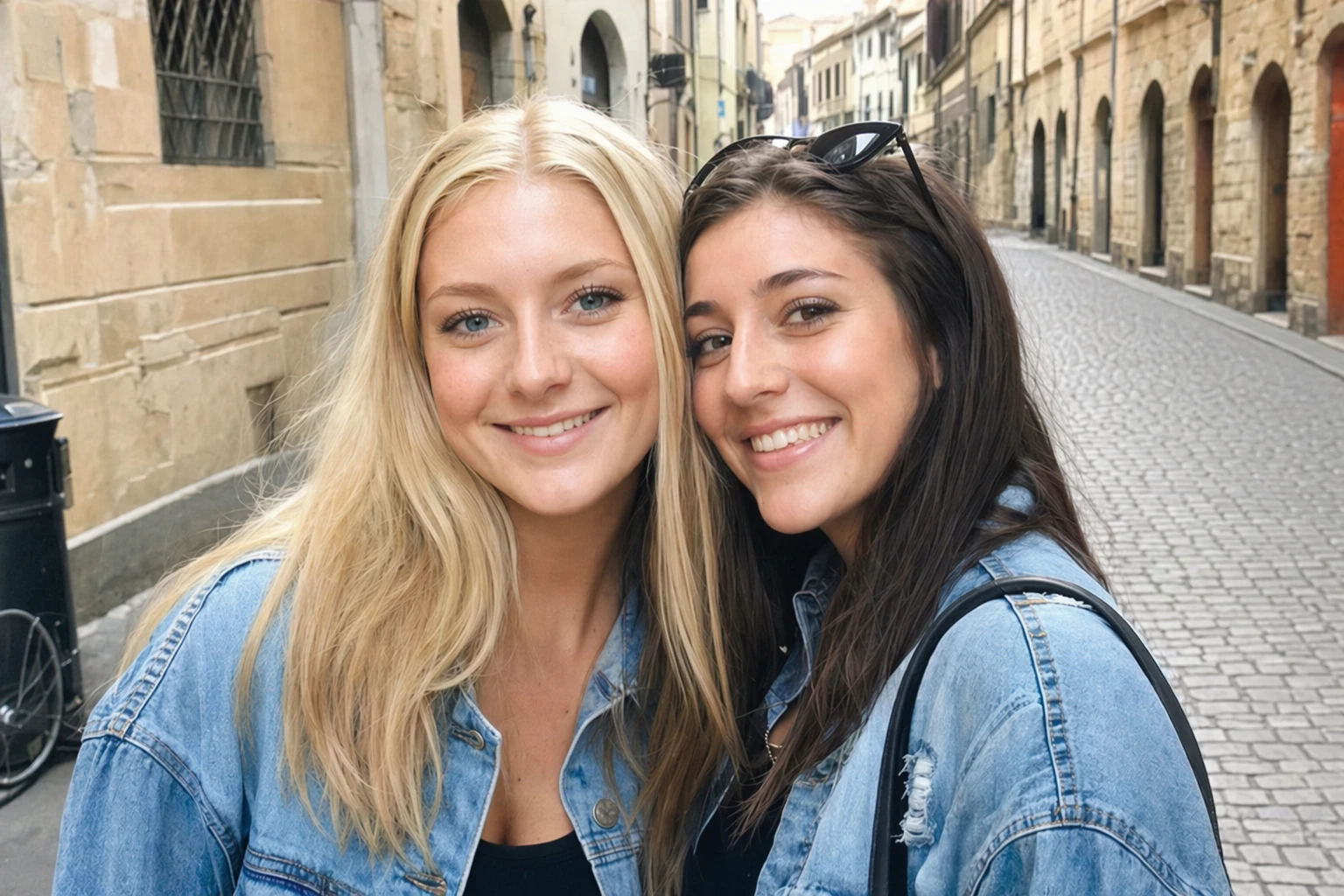
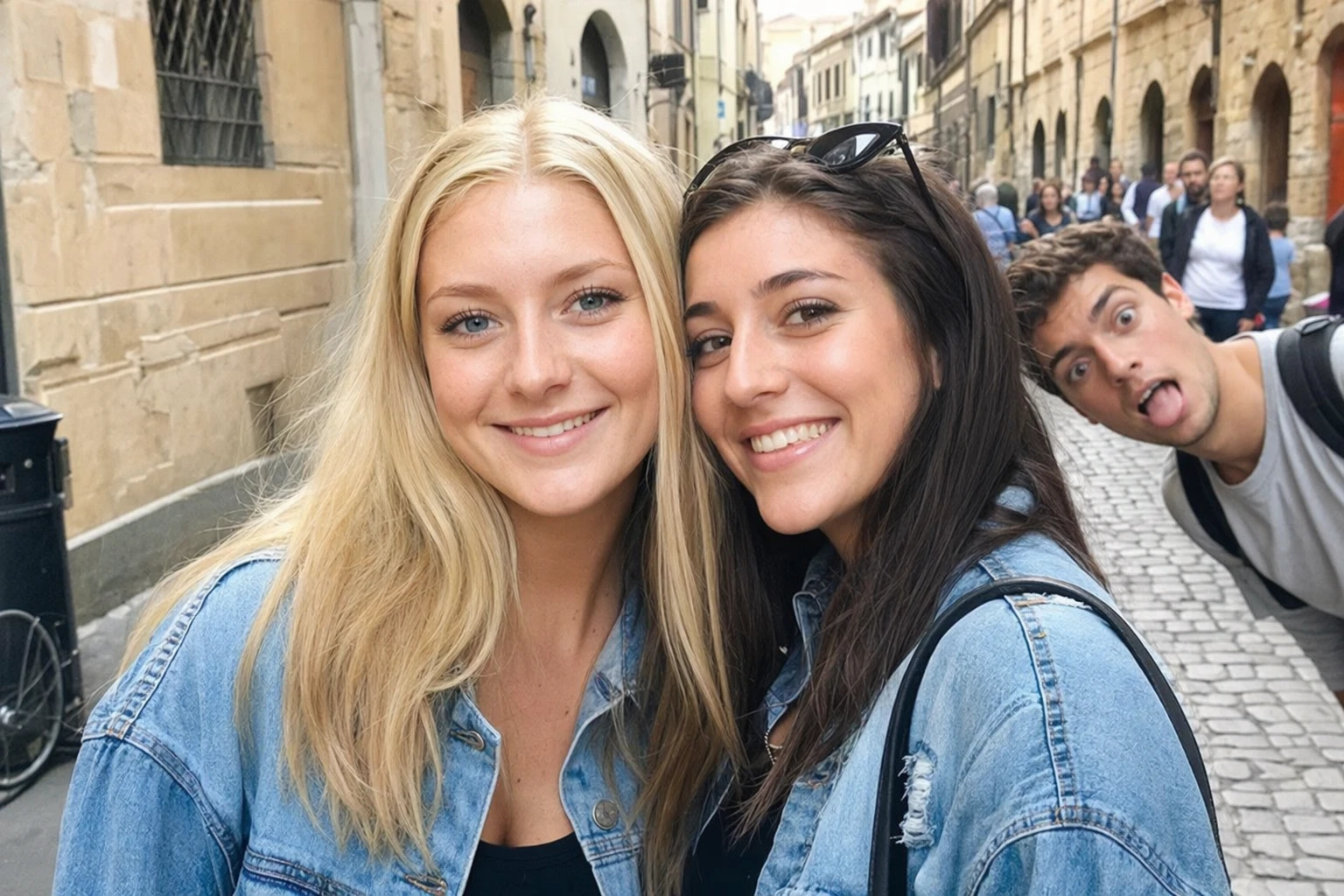
A few background people standing in front of travel scenery. The cleanup works best when the landmark, pavement, or wall continues around them.
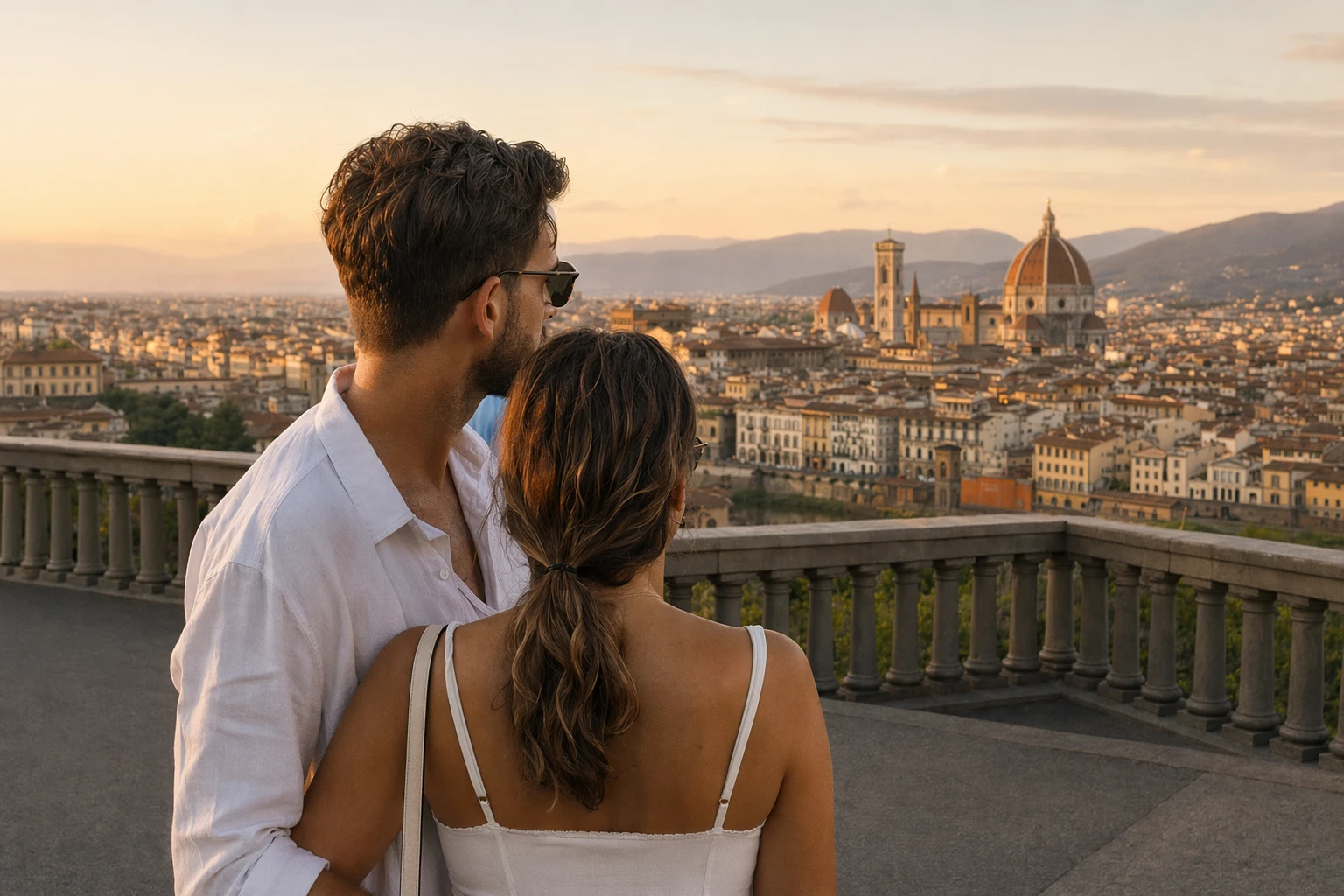
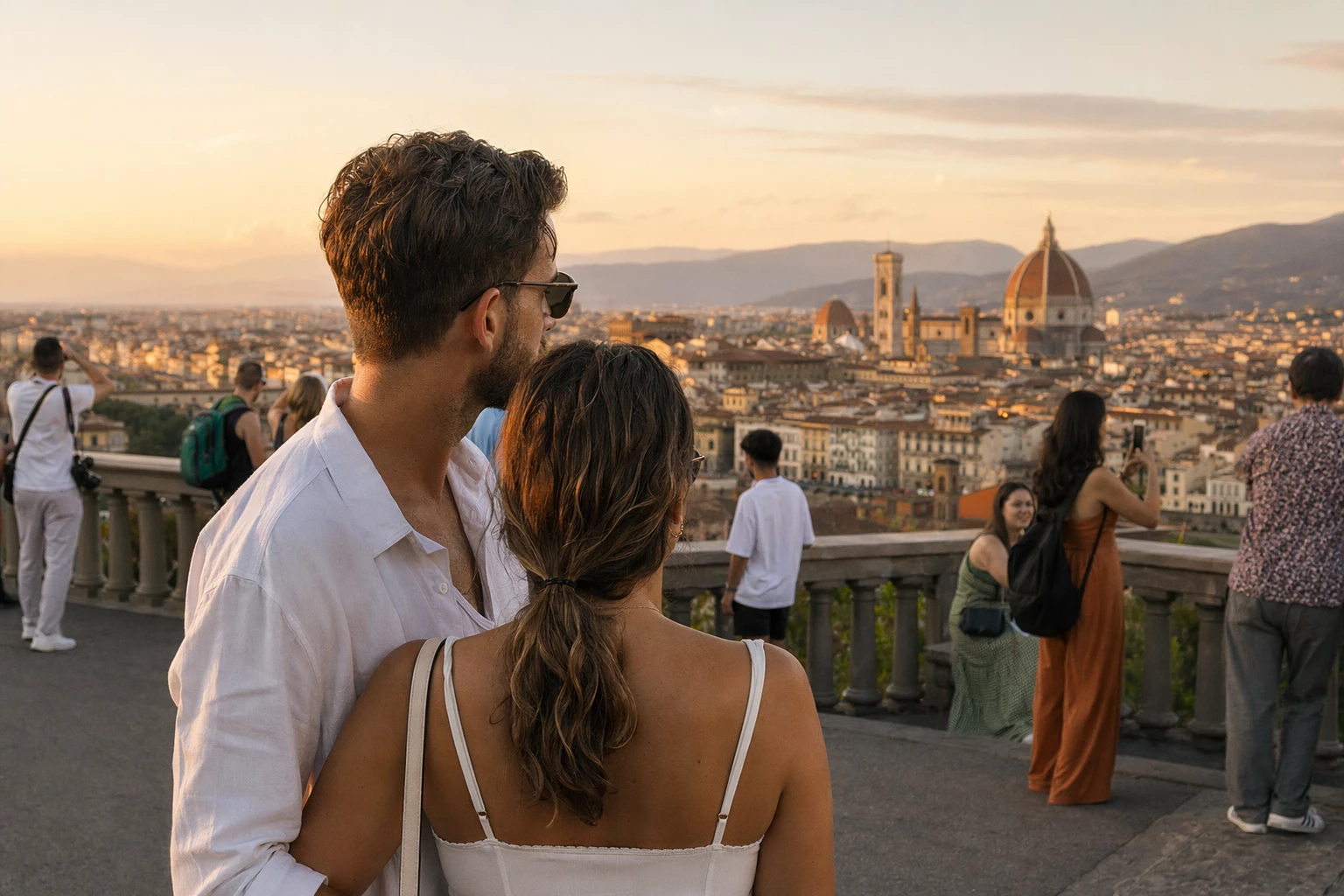
What this tool does not do well
Dense, overlapping crowds
When several people overlap shoulder to shoulder, there is no clean background behind any single one to sample. Expect visible smearing in packed scenes.
People touching your main subject
A stranger with an arm or shoulder overlapping your subject leaves an edge the model cannot infer cleanly. Results look better when there is a gap between the two.
Complex or moving backgrounds
Water, foliage, or patterned crowds behind the person you brush give the model less texture to continue than a plain wall or open sky.
Content you do not own
Removing a person from a photo does not transfer rights to the image. Use this only on your own files or where you have permission from the owner.
Questions about removing people from photos
Practical answers about quality, privacy, and cost when this AI people remover is used to remove people from photo files.
Clean a photo now, or explore other tools
Stay here to remove people from a photo, or open the background object remover for clutter that is not a person. You can also compare every editing entry point in one place.