
Remove Text from Image Online
Use ProRemover when a caption, label, date stamp, screenshot note, or temporary design copy should not be in the final version. Upload a JPG, PNG, or WEBP image, brush the words, and let the AI rebuild the pixels behind the letters.
This cleanup workflow is not OCR editing and it does not rewrite copy. It erases visible text and reconstructs the background. That makes it useful for social graphics, ecommerce images, design drafts, photo restorations, and screenshots where unwanted words cover an otherwise reusable image.

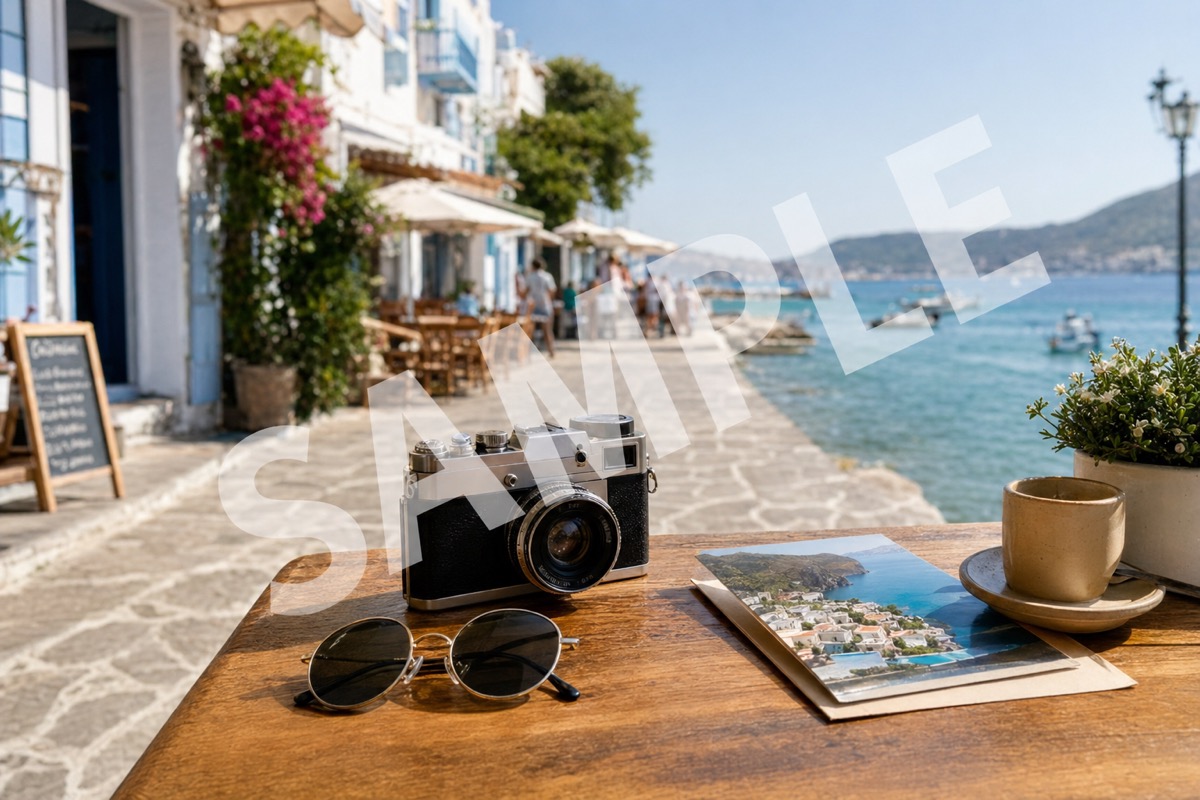
Supported formats: png jpg jpeg webp bmp
Text removal use cases
Captions and social overlays
Erase text from picture posts when an old caption, sticker label, or story text no longer fits the reuse case.
Product labels and tags
Remove words from image areas such as temporary tags, price notes, or placeholder text while keeping the product photo clean.
Screenshots and mockups
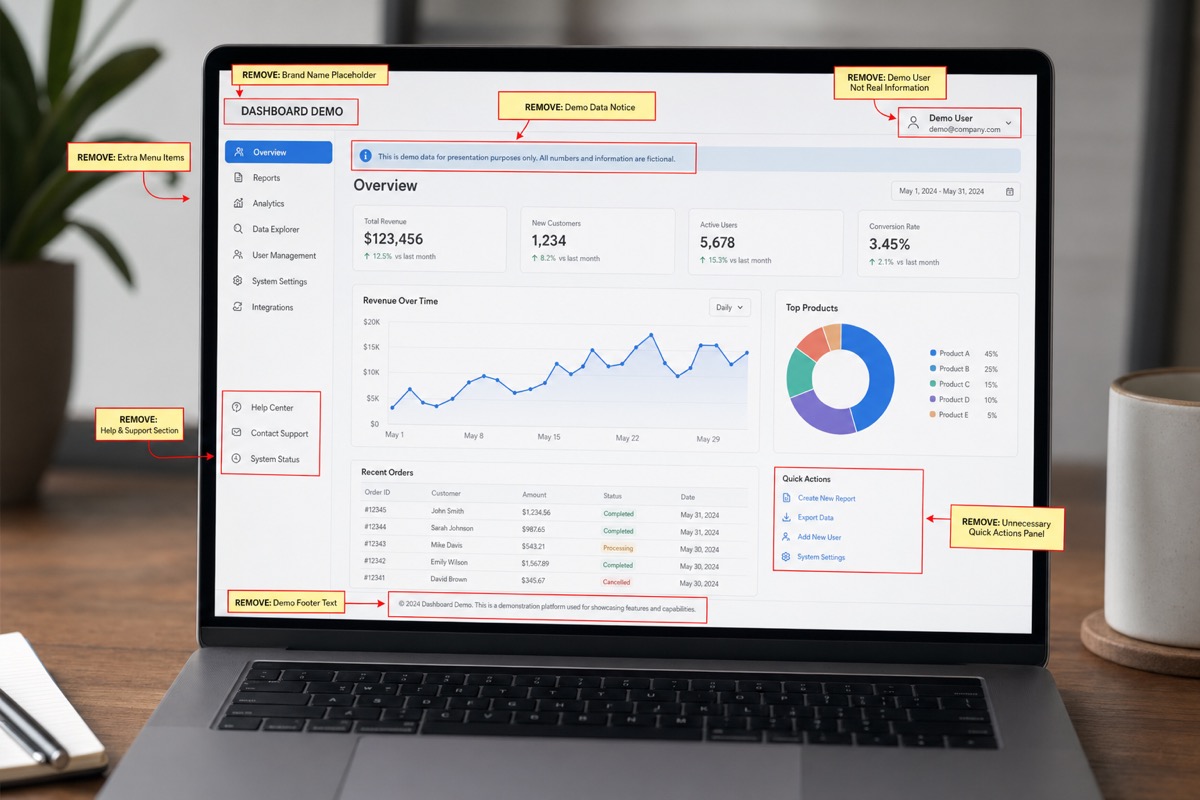
AI text removal image cleanup helps when UI labels, sample names, or draft copy need to disappear from a screenshot.
Scans and old photos
Remove text from photo edges such as dates or notes when the surrounding background is simple enough to rebuild.
How to remove text from an image
Keep the selection close to the letters. Good text cleanup depends more on mask precision than on long settings.
Upload the image
Choose a JPG, PNG, or WEBP file from your phone or computer. The editor opens the full image so you can inspect the area before spending credits or exporting an HD file.
Brush the part to fix
Brush over every letter and the shadow or outline around it. For an accurate preview, avoid covering nearby faces, logos, or details you want to keep sharp.
Preview, refine, and download
Review the rebuilt area at full size. If a faint edge remains, make a tighter second pass. When the result looks natural, download the cleaned image for your listing, post, document, or design file.
Text removal before and after examples
These examples show caption cleanup, label cleanup, and screenshot text cleanup in the same browser-based workflow.
A text caption is erased while the model reconstructs the poster and background detail underneath.
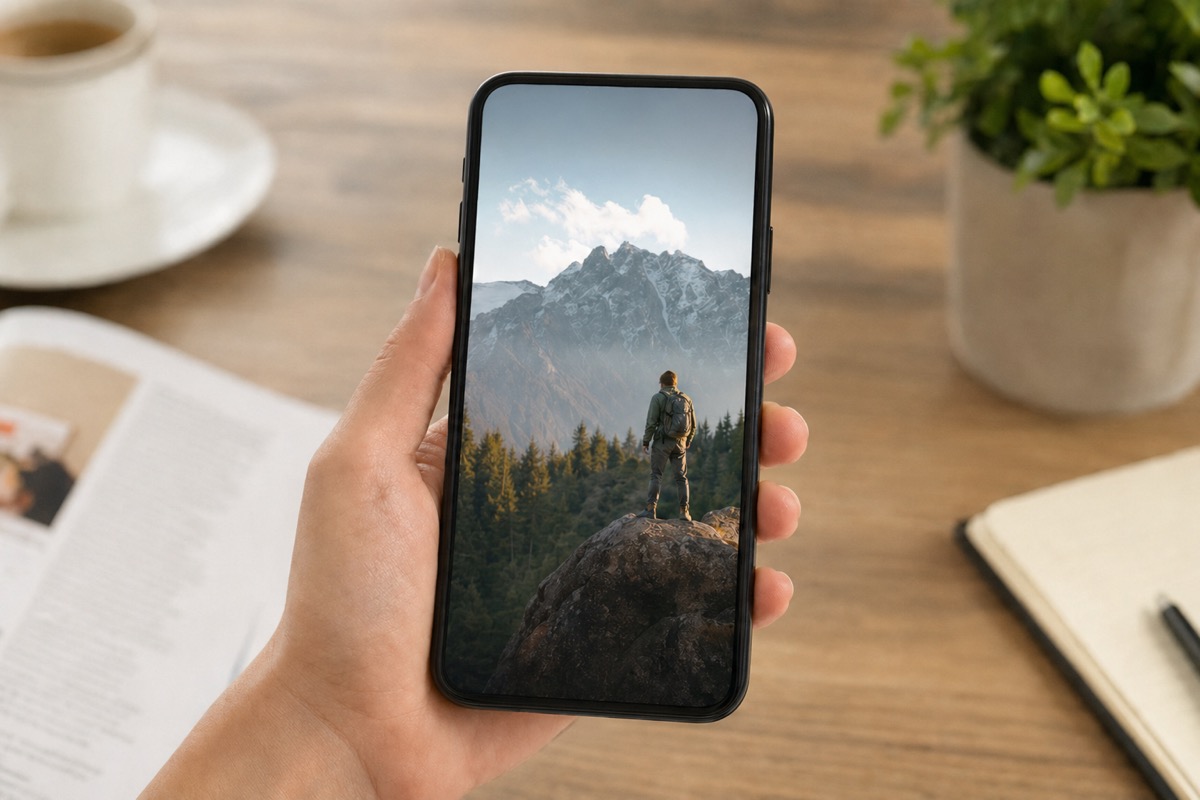
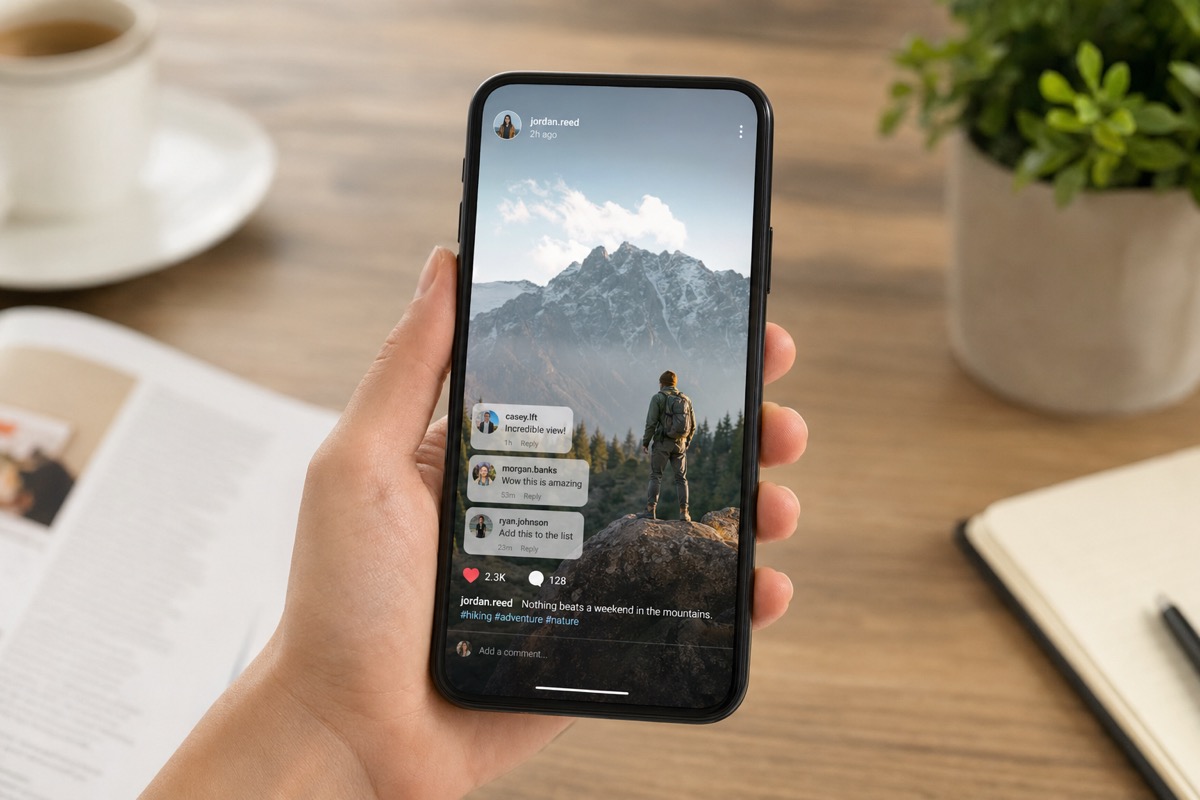
A small label is removed from a product frame without changing the surrounding lighting or product edge.


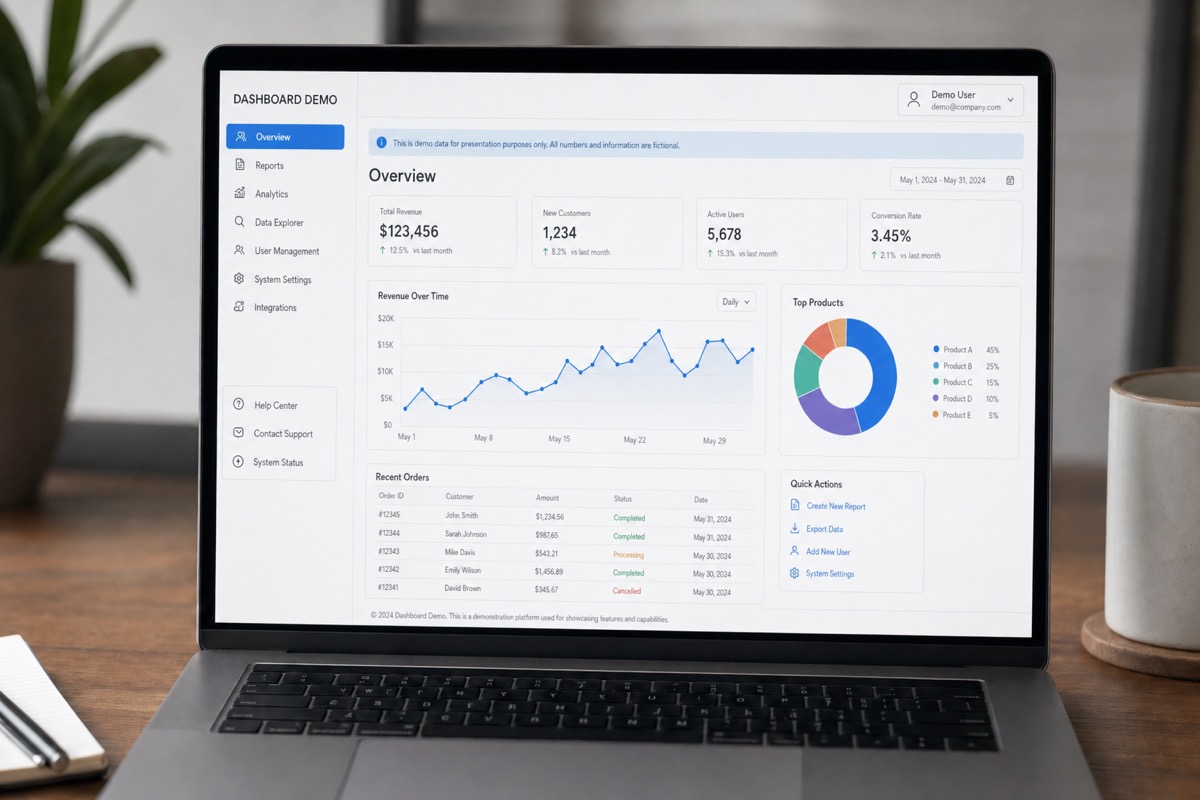
Unwanted UI text is brushed away so the screenshot can be reused in a guide, mockup, or presentation.
What text removal can and cannot do
Do not expect editable text layers
Flattened JPG and PNG images do not contain live text. The model erases pixels and paints a plausible background.
Avoid text over faces
Letters across eyes, lips, hands, or product logos can leave visible distortion because the hidden detail is important.
Dense subtitles are harder
Large subtitle blocks or full-screen text can require multiple passes. Small labels and captions repair more cleanly.
Use only permitted files
Removing text does not change copyright or brand usage rules. Edit only images you own or have permission to modify.
How to review text removal quality
Text removal is easiest to judge by looking for rhythm changes: broken poster texture, softened product edges, repeated screenshot pixels, or a shadow that no longer matches nearby elements. If the words covered important detail, a perfect reconstruction may not be possible. For clean publishing, remove a small sample first, confirm the background can be rebuilt, then finish the rest of the caption or label.
Brush outlines and shadows
Many captions have a glow, drop shadow, or outline. Include that text effect in the mask so the final image does not keep a pale halo when you remove text from image files.
Keep readable content honest
Use cleanup for unwanted text, not to falsify labels, documents, or product claims. If text is legally or commercially important, keep the original record.
Remove text from image questions
Answers for people using an AI text cleanup tool to clean captions, labels, screenshots, and old photo stamps.
Remove the text from your image
Upload an image, brush the words, and preview a clean version before exporting. If the text is large or covers important detail, run a small test area first so you can see whether the background reconstruction is believable.