
Remove Watermark from Image Online
Upload a photo and remove watermark from image files without installing an editor. The tool works on visible logos, date stamps, captions, and simple text overlays in JPG, PNG, and WEBP files.
Brush the marked area, let AI rebuild the pixels underneath, and preview the cleaned photo before you download it.


Supported formats: png jpg jpeg webp bmp
Supported image files and mark types
Photo watermarks
Corner marks on portraits, travel shots, and social images usually sit over sky, wall, grass, or fabric. Those areas rebuild cleanly because the surrounding texture is easy to continue.
Text and stamps
Date stamps, signatures, captions, and demo text are thin shapes with visible edges. Use it to remove text watermark marks when the letters do not overlap a face or fine product detail.
Logo marks
Small brand badges clear well, so you can remove logo from image corners without touching the rest of the frame. A PNG watermark remover pass keeps flat colour backgrounds smooth, which is why screenshots often come out cleaner than photographs.
Semi-transparent overlays
Faint tiled marks still show original detail underneath, so the model has real texture to work from. Dense repeated patterns across a whole photo remain the hardest case.
How to remove a watermark from a photo in three steps
The whole flow runs in the browser, so there is nothing to install and no project file to manage.
Upload your image
Choose a JPG, PNG, or WEBP file from your computer or phone. The preview opens at full resolution so you can see exactly where the mark sits before you touch anything.
Brush the mark
Paint over the logo, stamp, or overlay you want gone. Keep the selection tight: a brush that spills far into surrounding detail gives the model more to invent and usually looks worse.
Preview and download
AI rebuilds the selected pixels from the surrounding area. Check the result at full size, brush again if a trace remains, then download the cleaned photo.
Before and after examples
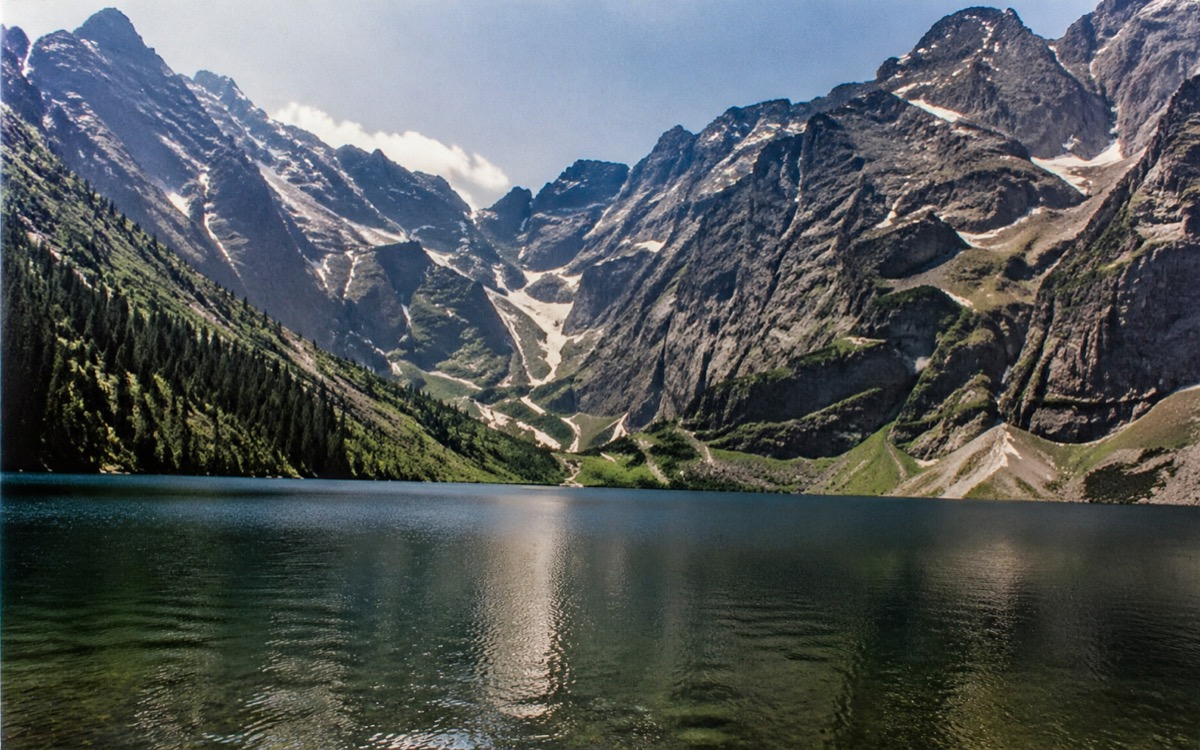
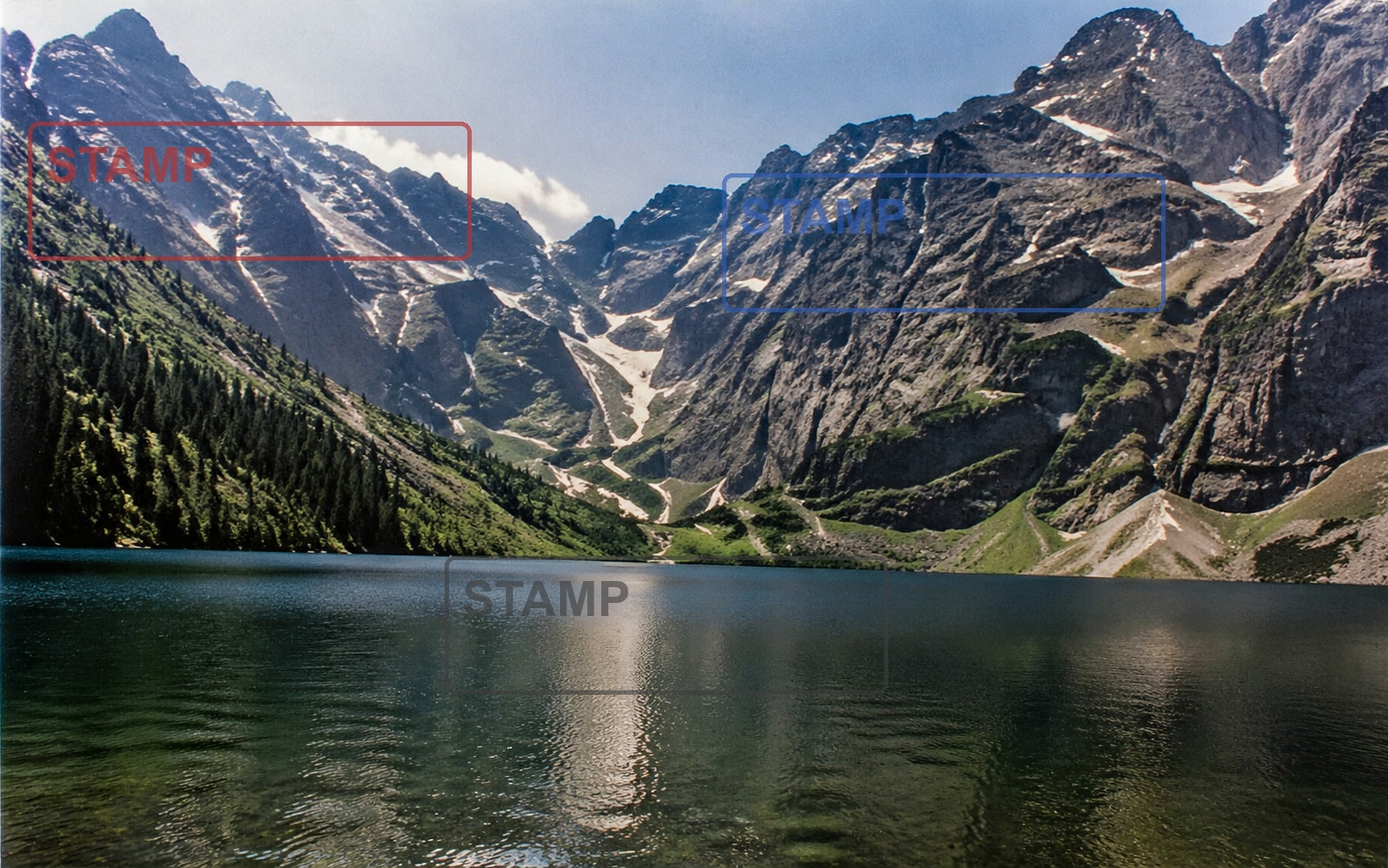
Each pair below is real output from this editor. Look at the rebuilt area rather than the whole frame to judge what the tool actually does.
A small brand badge over background texture. The rebuilt corner continues the pattern behind it, which is the most reliable case.


Caption text spanning the lower third. Letter edges disappear, though a close look at high-contrast boundaries can still show softening.

A burned-in date in the corner of an old snapshot. Small, isolated marks like this are the fastest to clear.
What this tool does not do well
Marks over faces and hands
Facial features and fingers have structure the model cannot infer from neighbouring pixels. Expect visible distortion when you remove watermark from picture areas that cover them.
Full-frame tiled patterns
A dense repeated mark covering the entire photo leaves nothing clean to sample. Stock previews protected this way generally cannot be restored.
Text you still need to read
The tool erases rather than edits. It cannot swap a price, a label, or a name for different wording, and it does not recover detail the mark was hiding.
Content you do not own
Removing a mark does not transfer rights. Use this only on your own files or where you have permission from the owner.
Questions about image watermark removal
Practical answers about formats, cost, and quality when you remove watermark from picture files.
Clean an image now, or switch to video
Stay here for photos, or open the single-video tool for fixed marks in a clip. You can also compare every watermark entry point in one place.