
Remove Glare from Photos Online
Upload a photo and remove glare from photos without installing an editor. The tool works on flash glare on glass or skin, sun reflections on windows, and small bright hotspots that blow out detail.
Brush the glare you want gone, let AI rebuild the surface underneath, and preview the cleaned photo before you download it. This glare remover runs on AI inpainting, not a simple brightness slider: the model studies the tone and texture bordering your brush stroke and generates new pixels that continue it, which is why a small isolated hotspot clears far better than a wash of light that blows out most of the frame.
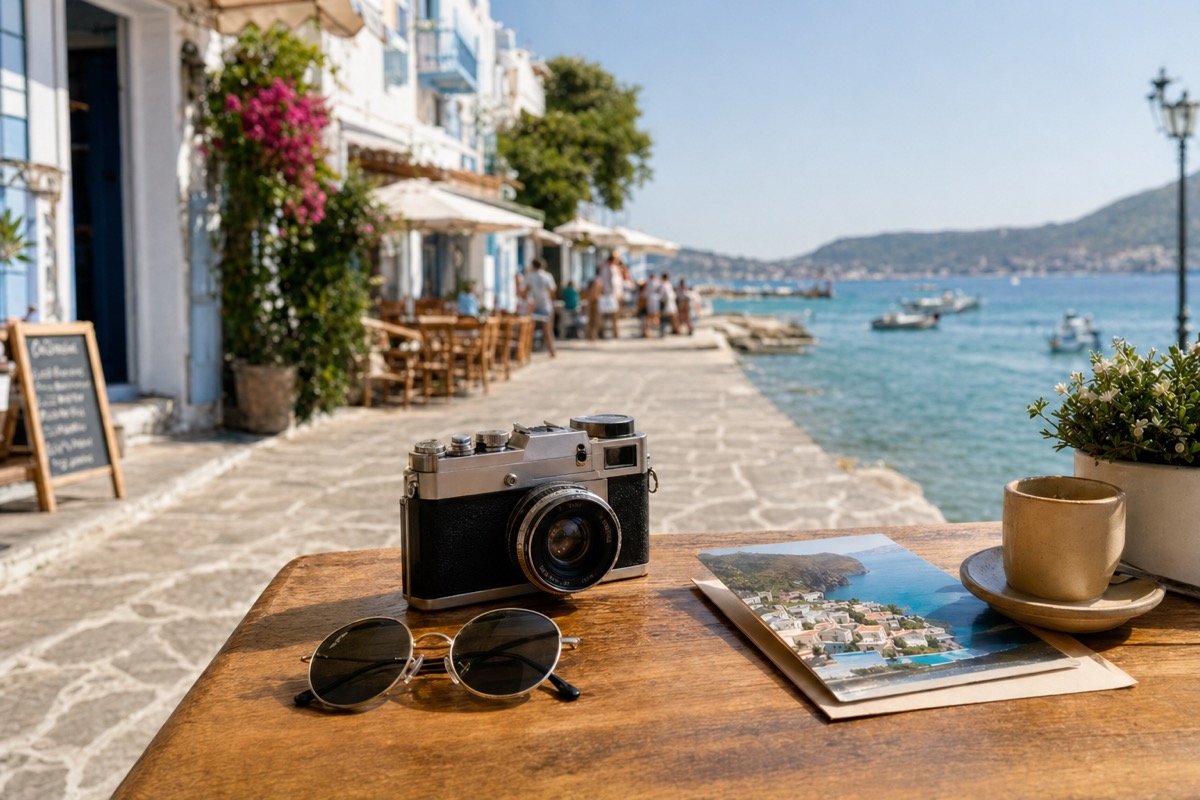
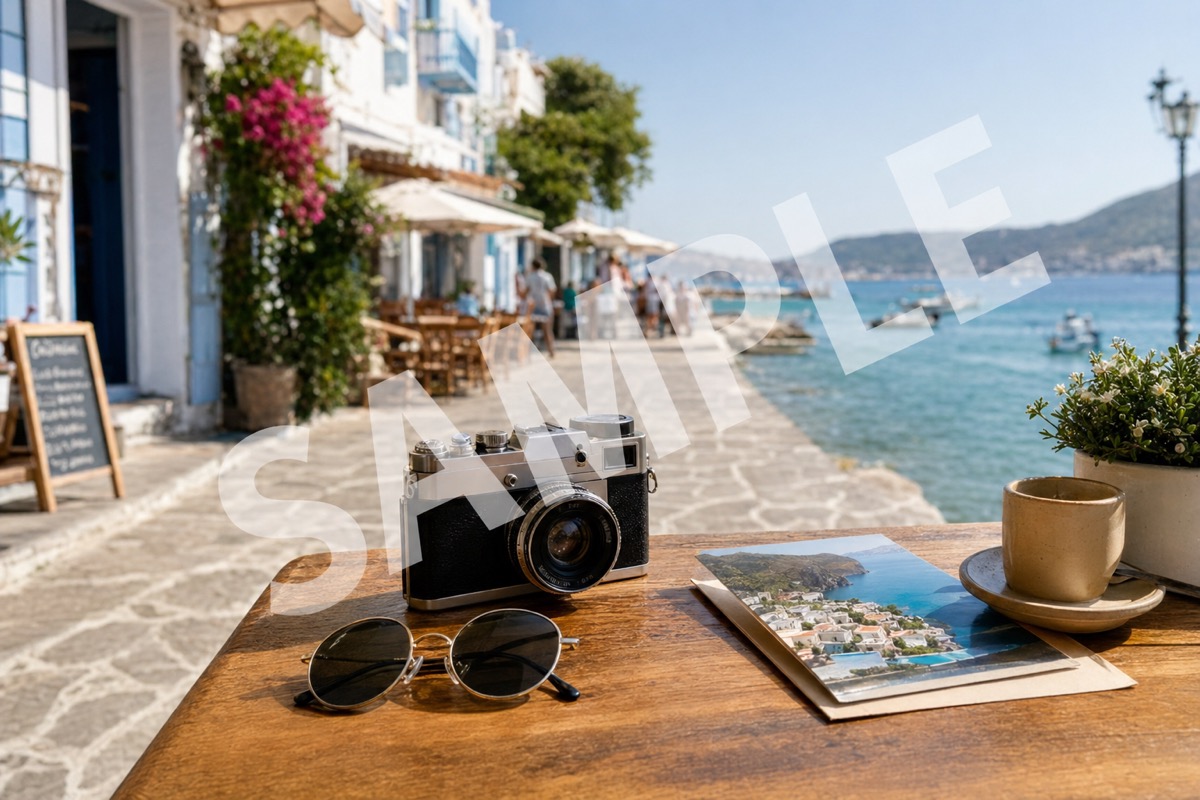
Supported formats: png jpg jpeg webp bmp
Where glare usually shows up in a photo
Flash glare on glass or eyewear
A camera flash bouncing off glasses or a glass frame leaves a small bright patch. These clear well because the surface around the patch is easy to continue.
Sun reflections on windows
A reflected sun spot on a window or car window sits over glass or metal, which rebuilds cleanly when the patch stays small.
Hotspots on skin or a product
A bright hotspot from harsh lighting on skin or a glossy product surface can be brushed down to match the tone around it.
Screen and phone glare in photos
A photo taken of a screen or phone often shows a glare band across part of the display. Isolated bands clear better than glare covering the whole screen.
How to remove glare from a photo in three steps
The whole flow runs in the browser, so there is nothing to install and no project file to manage.
Upload your image
Choose a JPG, PNG, or WEBP file from your computer or phone. The preview opens at full resolution so you can see exactly where the glare sits before you touch anything.
Brush the glare
Paint over the bright patch or reflection you want gone. Keep the selection tight to the glare itself: a brush that spills far into surrounding detail gives the model more to invent.
Preview and download
AI rebuilds the selected area from the tone and texture around it. Check the result at full size, brush again if a trace remains, then download the cleaned photo.
Before and after examples
Use these before and after pairs to see how the tool can remove glare from photos in three common cases: screen reflections, outdoor sun flare, and flash glare near a portrait.
A bright band across a screen or display photo. Brush the glare band so the editor can rebuild the visible screen area around it.


Outdoor glare works best when the bright patch is isolated and the surrounding sky or water texture remains visible.
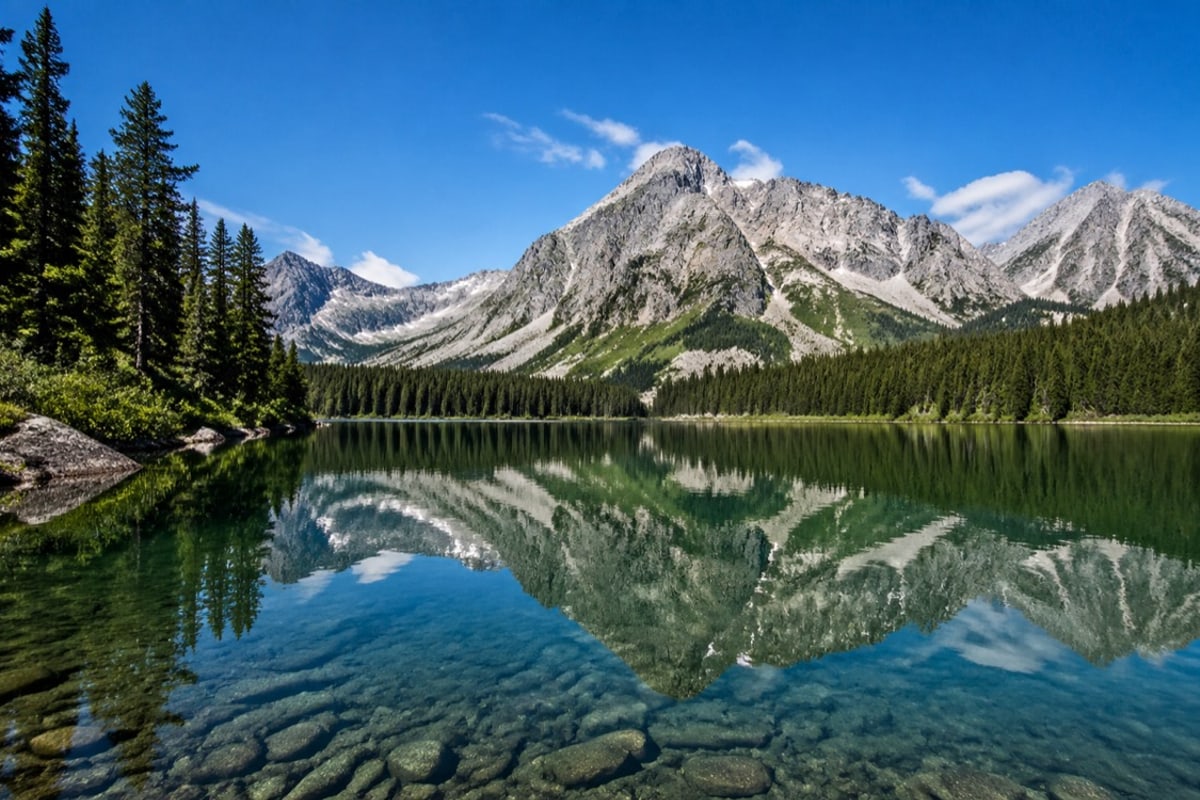
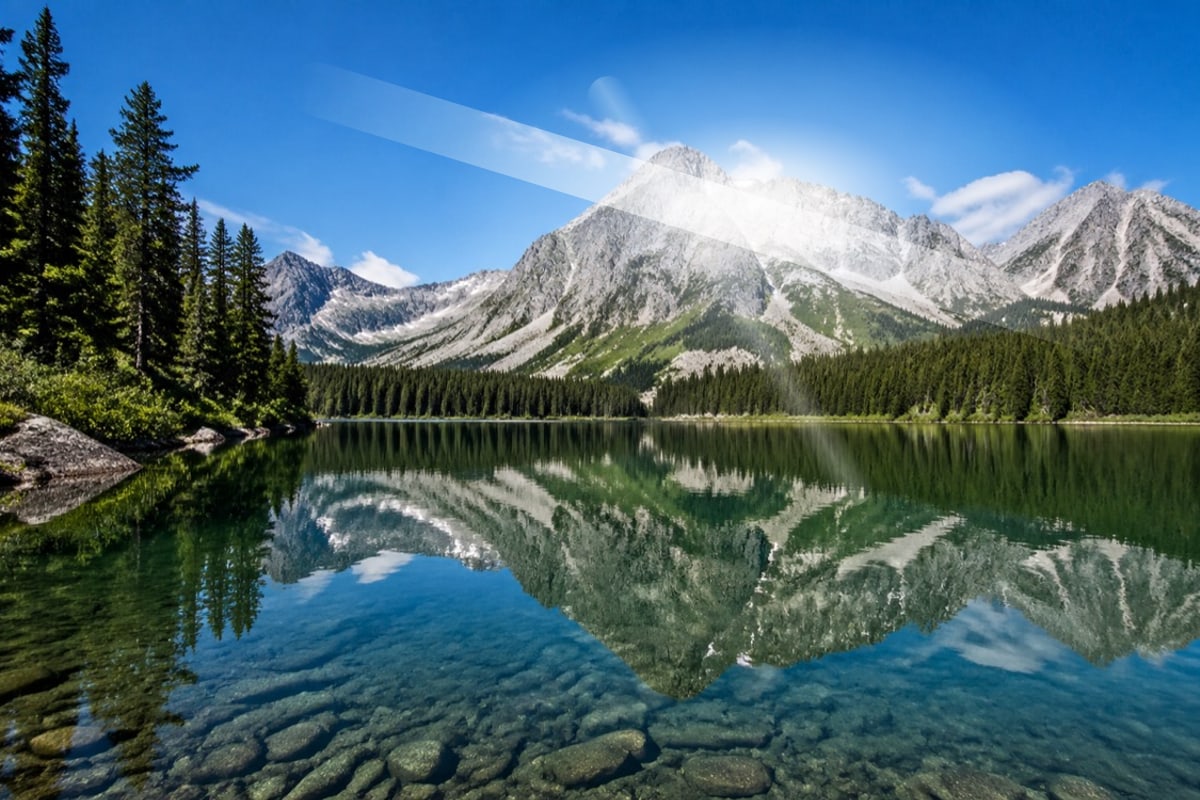
A smaller flash streak can be softened when it does not cover key facial detail. Preview the result before export.


What this tool does not do well
Glare over faces or fine detail
Glare crossing an eye, a face edge, or fine product text leaves a boundary the model has to guess at. Expect visible softening in these cases.
Wide washes of light
A glare wash covering most of the frame leaves little clean surface to sample from. Small, isolated hotspots clear far better than broad overexposure.
Detail the glare hid completely
The tool erases rather than recovers. It cannot restore texture, text, or color that was fully blown out by the original light.
Content you do not own
Removing glare does not transfer rights over the photo. Use this only on your own files or where you have permission from the owner.
Questions about glare removal
Practical answers about formats, cost, and quality for this glare remover online free tool.
Clean a photo now, or explore other tools
Stay here to remove glare, or open the background object remover for clutter instead of light. You can also compare every editing entry point in one place.