
Remove Stickers from Photos Online
Upload a photo and remove stickers from photos without installing an editor. The tool works on Instagram stickers, emoji overlays, location tags, and sticker packs added over a picture.
Brush the sticker you want gone, let AI rebuild the picture underneath, and preview the cleaned photo before you download it. This ai sticker remover works by inpainting: it studies the pixels bordering your brush stroke and generates new pixels that continue that pattern, rather than storing a hidden copy of what was under the sticker. That is why a sticker over open sky or fabric clears faster than one covering a busy or detailed area.
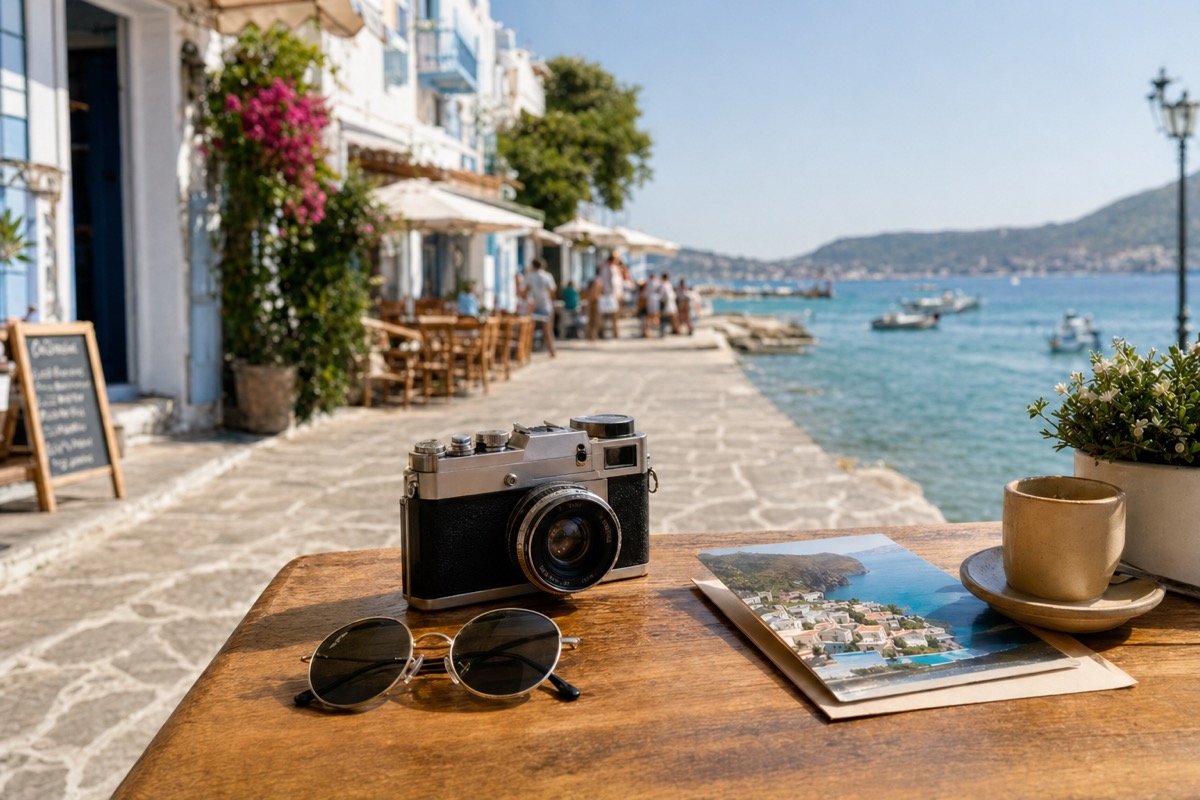
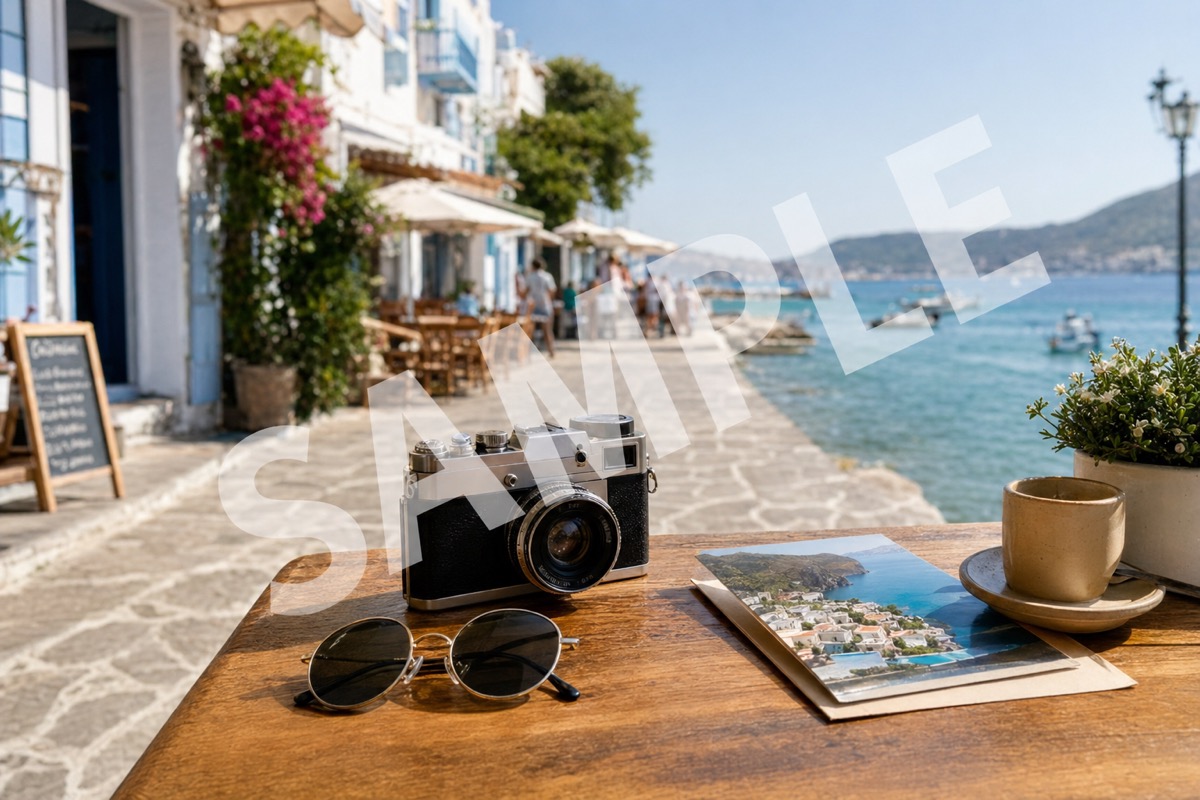
Supported formats: png jpg jpeg webp bmp
Where stickers usually show up
Instagram story stickers
Location tags, poll stickers, and GIF stickers saved from a story often sit over sky, wall, or fabric. Those areas rebuild cleanly because the surrounding texture is easy to continue.
Emoji and reaction stickers
Small emoji stickers dropped onto a photo clear well when they sit on a plain background rather than crossing a face or hand.
Sticker packs on group photos
Decorative sticker packs added over a saved photo can be brushed out one at a time, leaving the original picture behind them intact.
App-added badges and tags
Auto-added badges from photo apps sit as a flat shape over the frame, which is a fast case for the model to rebuild. Many people run a saved screenshot or export through this sticker remover from photo apps right before posting it somewhere else.
How to remove a sticker from a photo in three steps
The whole flow runs in the browser, so there is nothing to install and no project file to manage.
Upload your image
Choose a JPG, PNG, or WEBP file from your computer or phone. The preview opens at full resolution so you can see exactly where the sticker sits before you touch anything.
Brush the sticker
Paint over the sticker, emoji, or badge you want gone. Keep the selection tight: a brush that spills far into surrounding detail gives the model more to invent.
Preview and download
AI rebuilds the selected pixels from the picture around it. Check the result at full size, brush again if a trace remains, then download the cleaned photo.
Before and after examples
Use these before and after pairs to see how the tool can remove stickers from photos in three common cases: large decorative stickers, story-style badges, and stickers baked into screenshots.
Large stickers sitting over sky, water, or open background rebuild cleanly because the surrounding texture gives the model enough context.
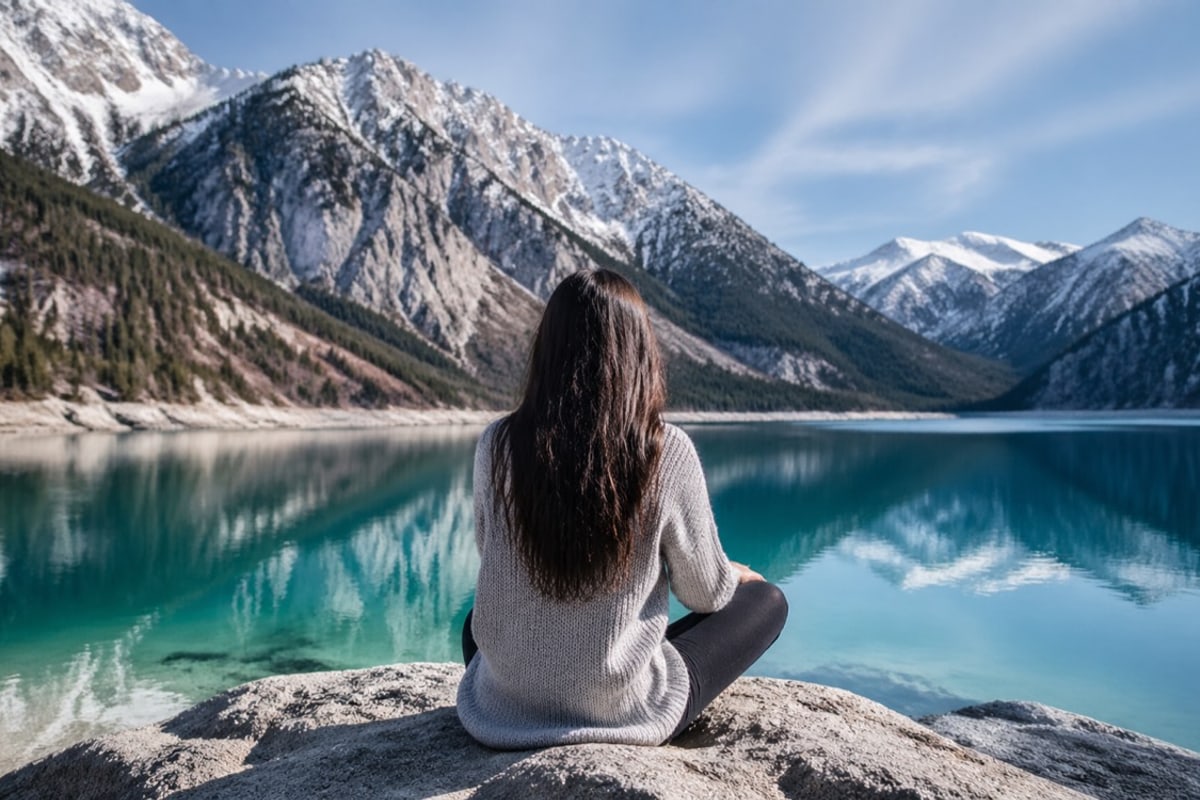
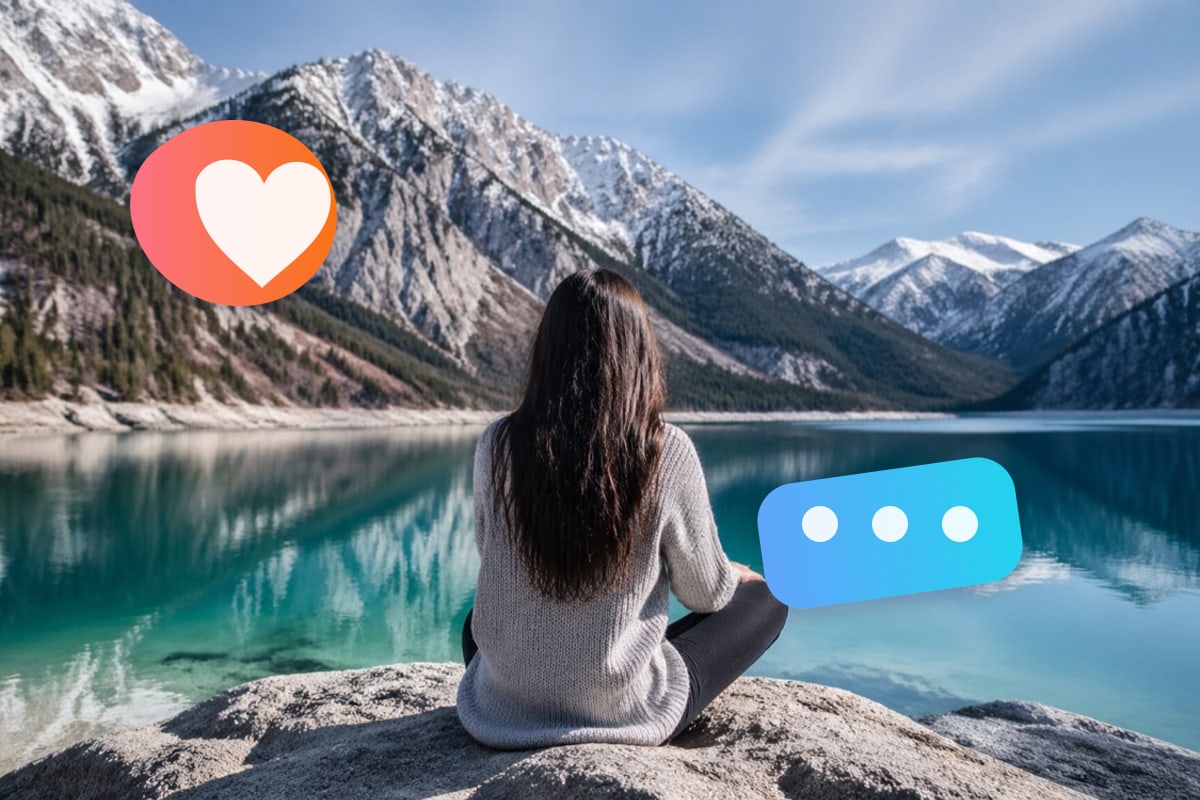
Reaction badges and chat-style stickers can be brushed away while keeping the underlying photo, phone, and desk composition unchanged.
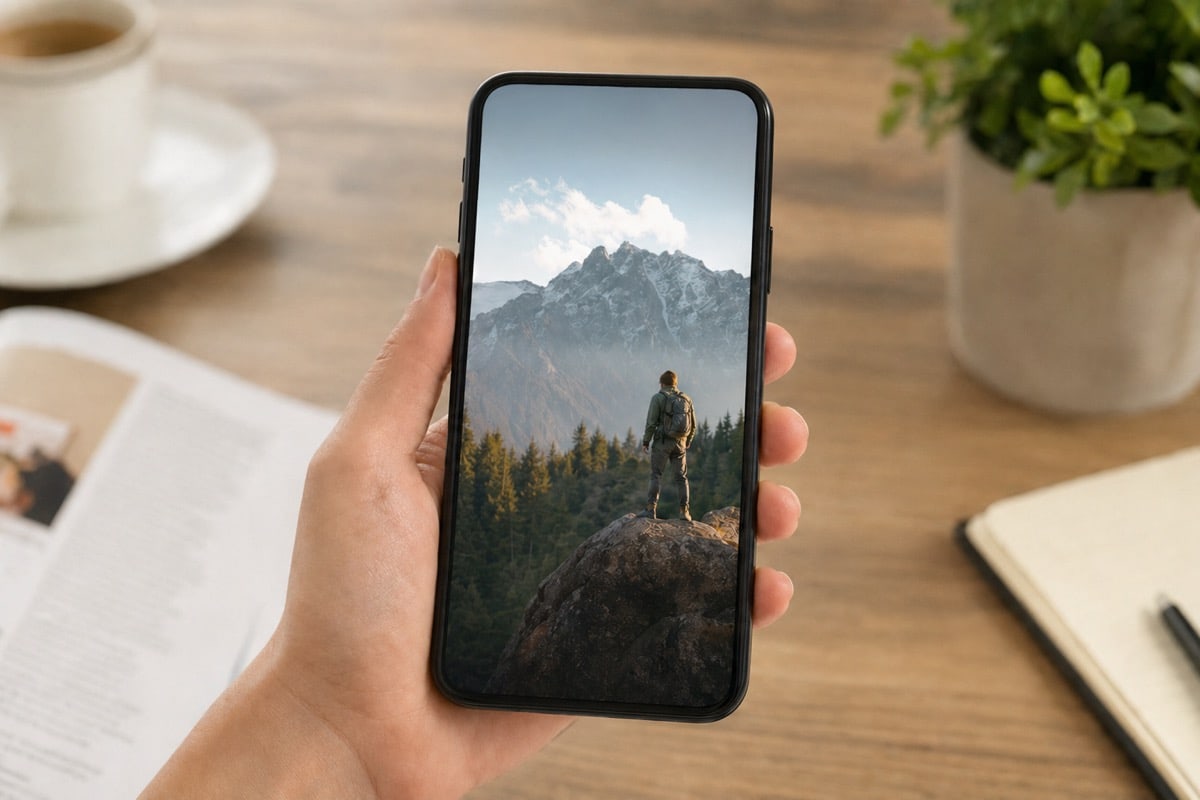
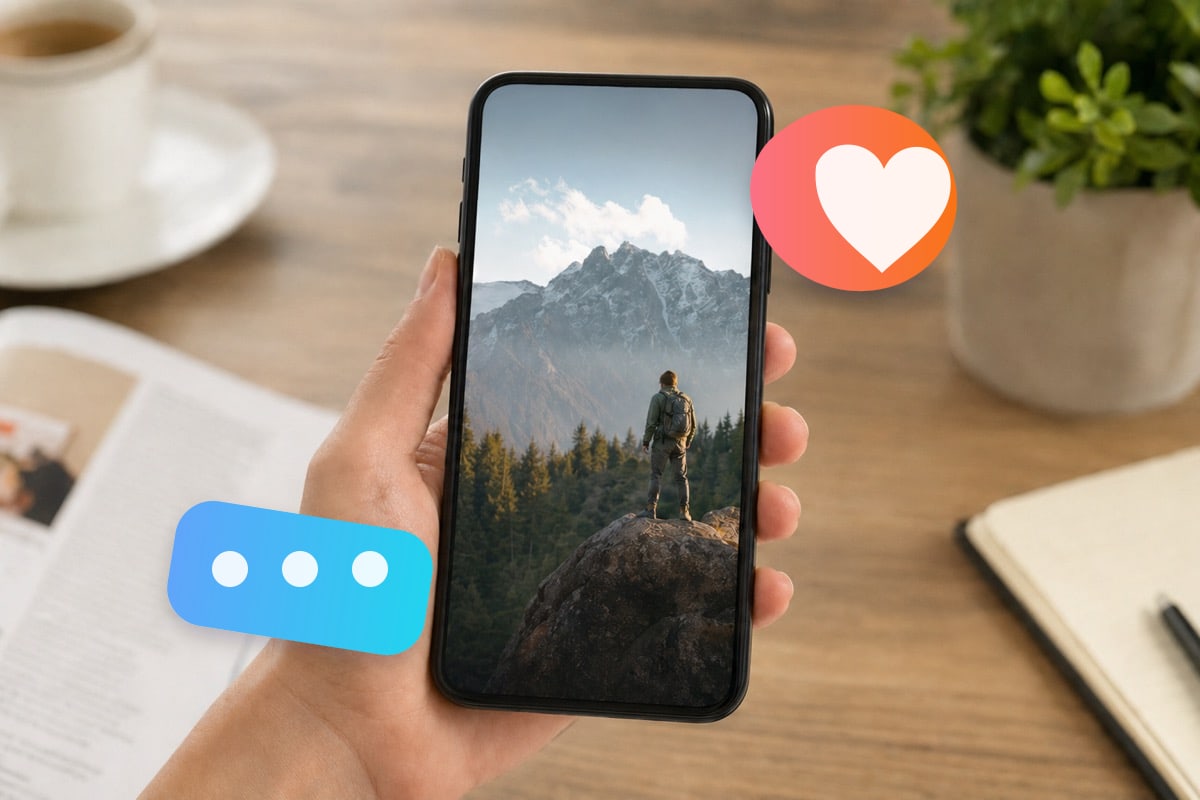
Flat sticker overlays on screenshots are a direct use case. Keep the brush tight so nearby interface details stay untouched.


What this tool does not do well
Stickers over faces or hands
Facial features and fingers have structure the model cannot infer from neighbouring pixels. Expect visible distortion when a sticker sits directly over them.
Large sticker collages
A photo covered edge to edge with many overlapping stickers leaves little clean surface to sample from. Isolated stickers clear far better than dense collages.
Stickers hiding a caption you need
The tool erases rather than edits. It cannot recover text, a price, or a name the sticker was covering, and it does not swap in different wording.
Content you do not own
Removing a sticker does not transfer rights over the photo. Use this only on your own files or where you have permission from the owner.
Questions about sticker removal
Practical answers about formats, cost, and quality when this sticker remover online free tool clears an overlay.
Clean a photo now, or explore other tools
Stay here to remove stickers, or open the emoji remover for a bare emoji overlay. You can also compare every editing entry point in one place.