Remove people from image online
Erase tourists, pedestrians, bystanders, and unwanted people from your photos with AI. Fast, simple, and no manual editing required.
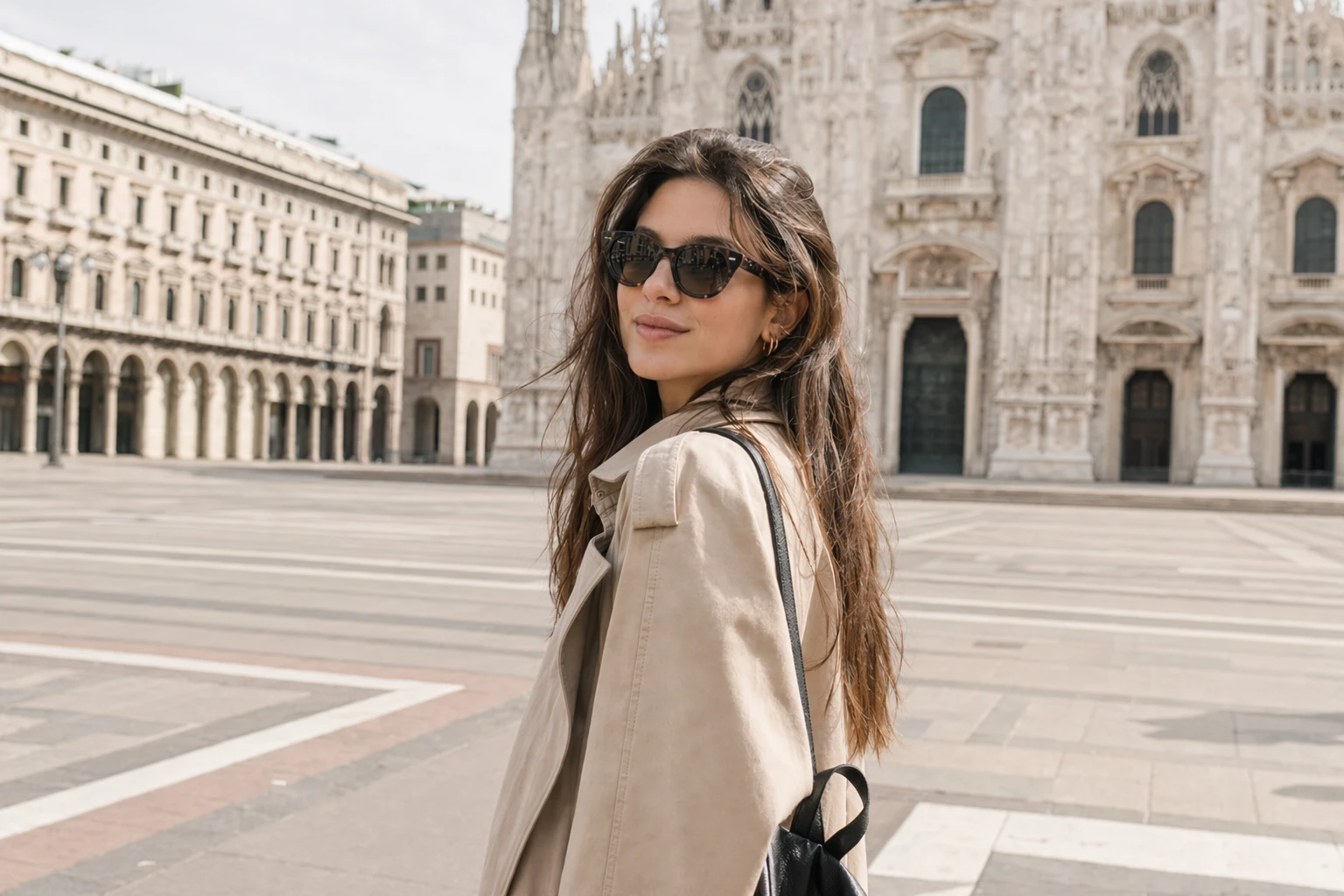
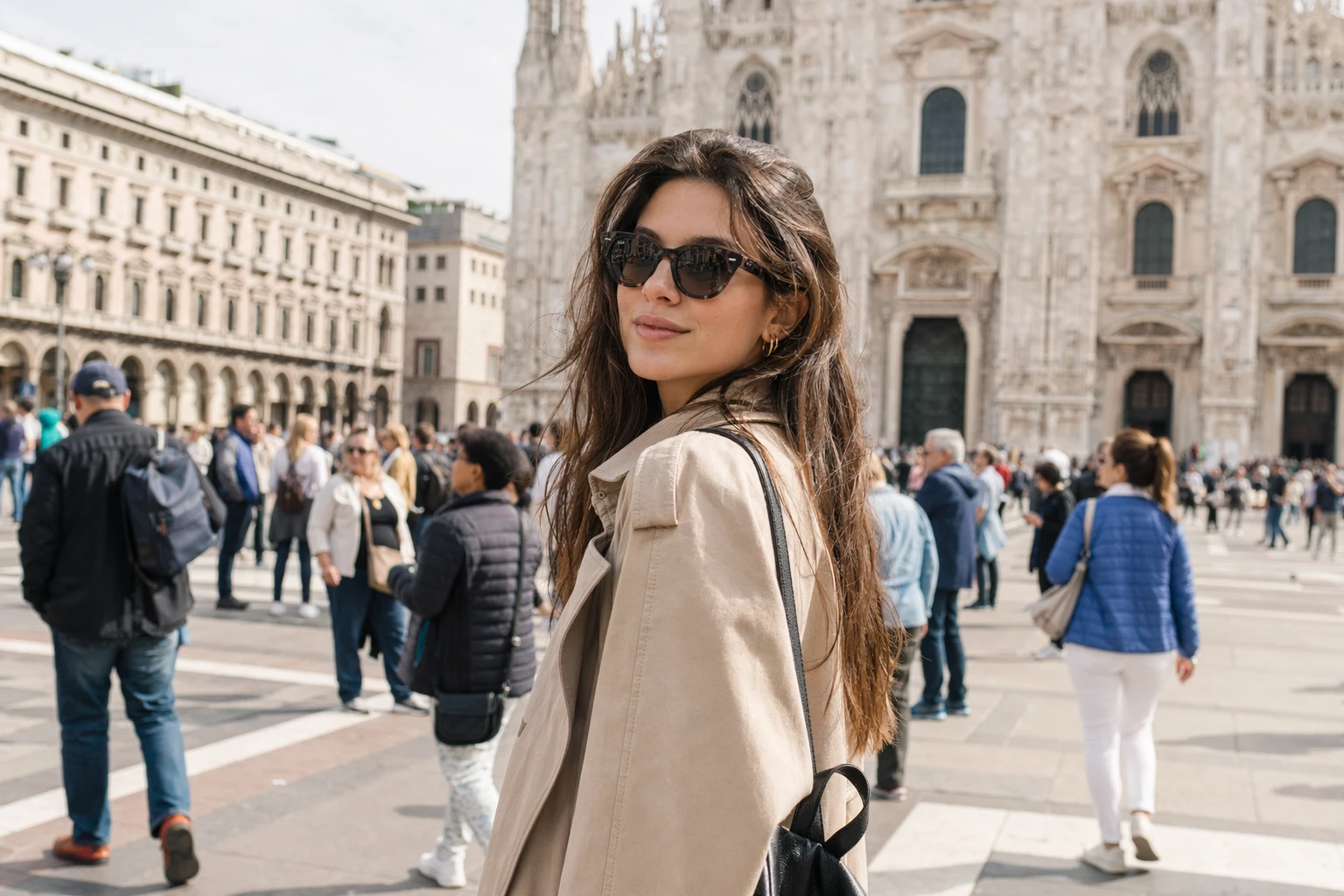
Upload an image, brush over the people you want removed, and clean the scene in seconds.
Erase people from a photo in seconds
Your images are processed safely and privately. Use ProRemover to clean up travel photos, portraits, landscapes, and city scenes without a complicated workflow.
Remove people with AI
Erase unwanted people and rebuild the background for a cleaner result.
Made for travel, portraits, and landscapes
Perfect for removing tourists, background people, or anyone who disrupts the composition.
No software to install
Everything runs online in your browser.
Easy and fast
Upload your photo, mark the person, and download the clean result in seconds.
How to remove people from a photo
The workflow is designed so you can clean up an image in your browser without using technical editing tools.
Upload your image
Choose the photo you want to edit from your device.
Mark the person you want to remove
Select the person, group, or area you want to erase from the image.
Download the clean photo
AI removes the person and fills in the background automatically.
Remove people from image with AI
ProRemover helps you remove people from image files quickly and easily. Upload your photo, mark the person you do not want, and let AI rebuild the background so the final image looks clean and natural.
Travel photos
Clean up landmarks, beaches, and tourist spots by removing tourists or distracting people.
Landscapes and open scenes
Recover a cleaner composition when someone appears in the background.
Portraits and family photos
Remove background people so the focus stays on the main subject.
Social media and visual content
Prepare cleaner images for posts, ads, or reusable designs.
What kinds of people can you remove?
The tool works well for common situations where a person breaks the composition or pulls attention away from the subject.
Tourists
Remove people in the background of travel photos and tourist locations.
Pedestrians and passersby
Erase people walking through urban or street photos.
Background people
Clean up the composition by removing distracting subjects in the background.
Photobombers
Remove people who accidentally appear in a photo.
Small crowds
Reduce or remove small groups in scenes where you want the main subject to stand out.
Unwanted human details
You can also remove arms, shadows, or visible body parts that interfere with the image.


Remove tourists from travel photos
When a travel photo is crowded with people, mark tourists, couples, or small groups and clean the scene without cropping the image. It is a fast way to restore landmarks, beaches, and tourist views with a cleaner composition.
Landmarks and iconic places
Remove people blocking the main view.
Beaches, plazas, and viewpoints
Clean the background when too many people are in the scene.

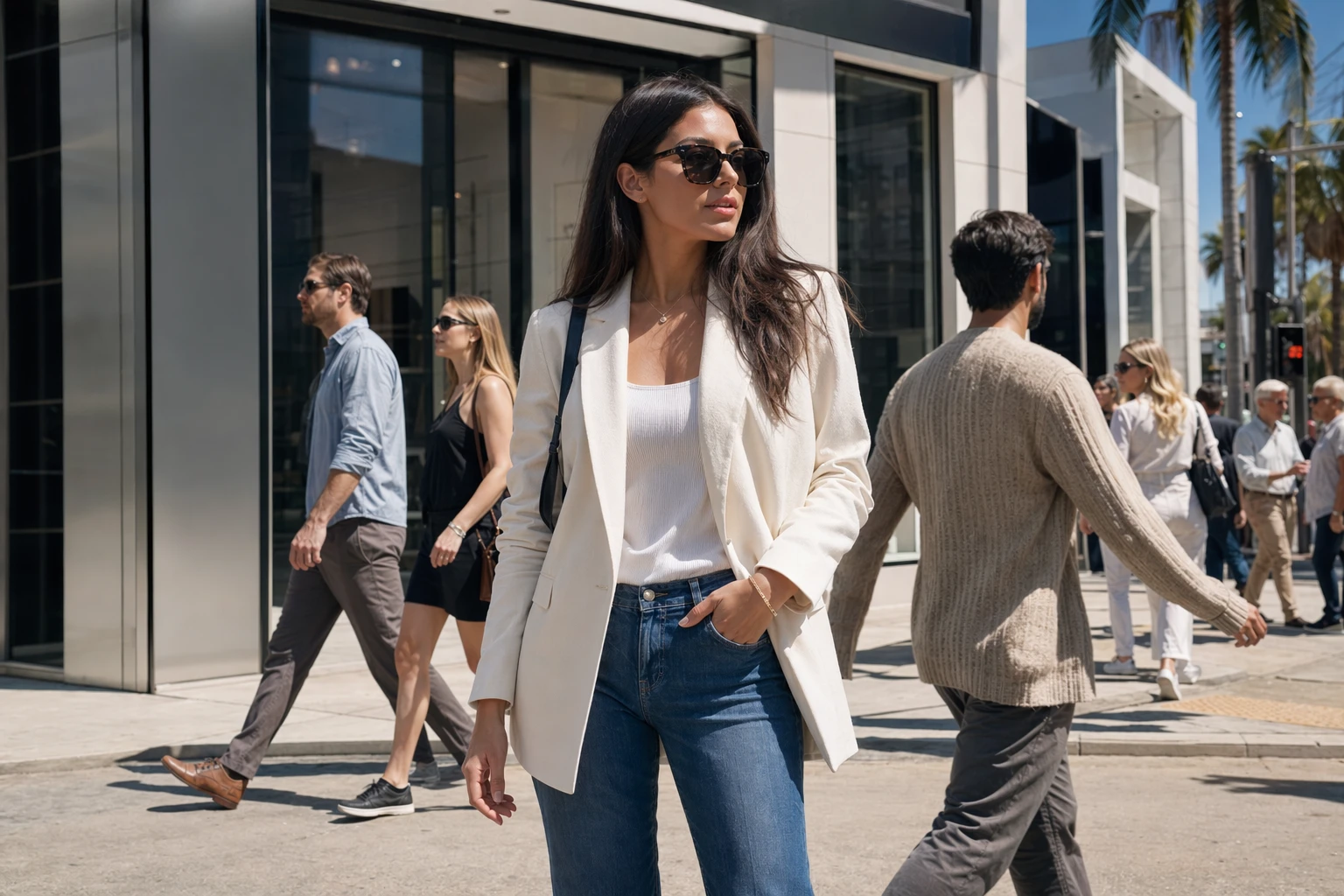
Remove pedestrians and passersby from city scenes
Street and city photos often include people walking behind the subject or entering the frame by accident. ProRemover helps you erase pedestrians and distracting subjects so the final image looks cleaner and more professional.
City scenes
Erase people crossing the scene at the wrong moment.
Brand visuals
Create cleaner images for ads, banners, or posts.

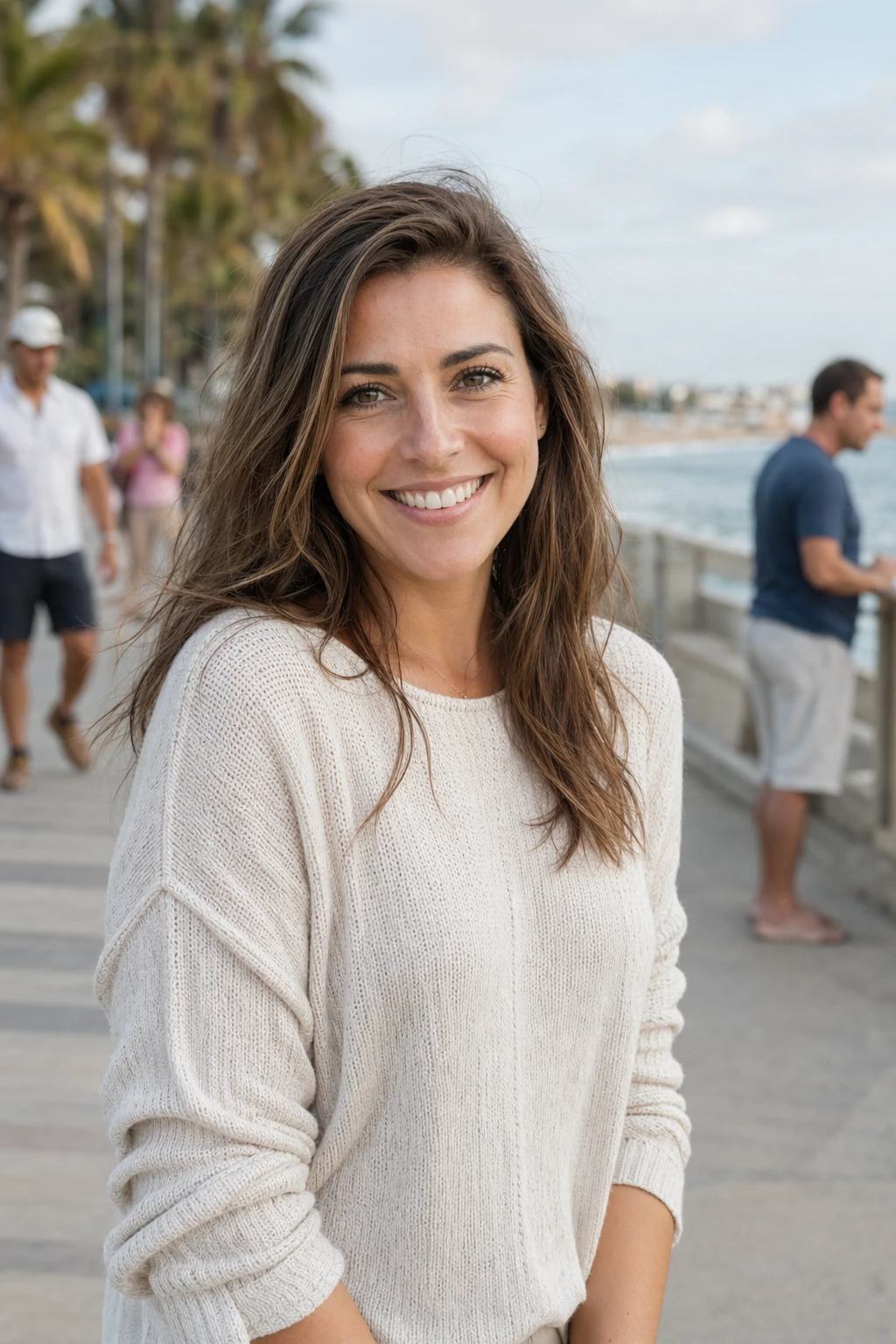
Remove background people from portraits
If you want attention to stay on the main subject, remove background figures, photobombers, or small human distractions without heavily changing the crop. This is especially useful for portraits, selfies, and family photos.
Cleaner portraits
Keep the focus on the main subject.
Selfies and family photos
Remove accidental people or background figures.
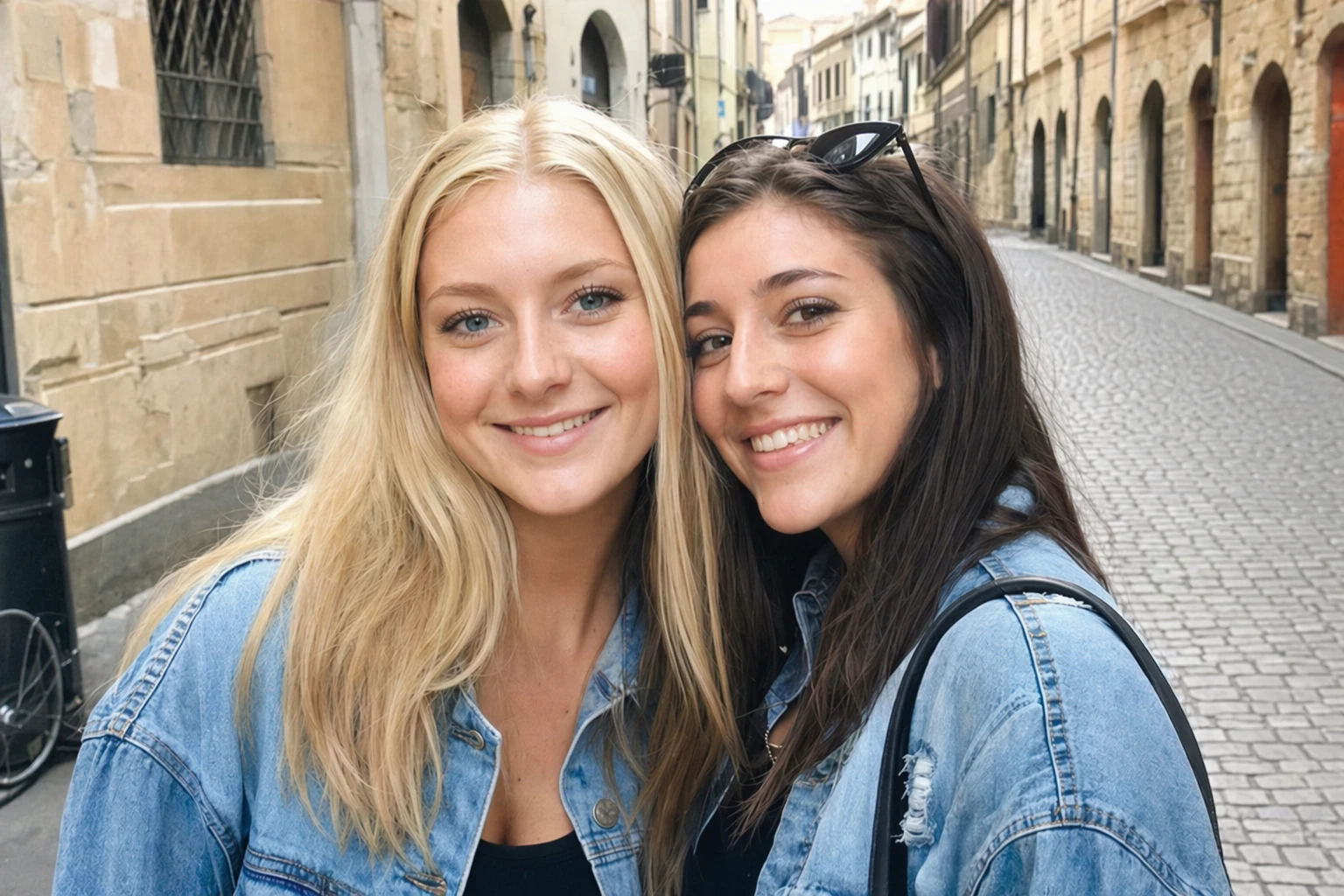
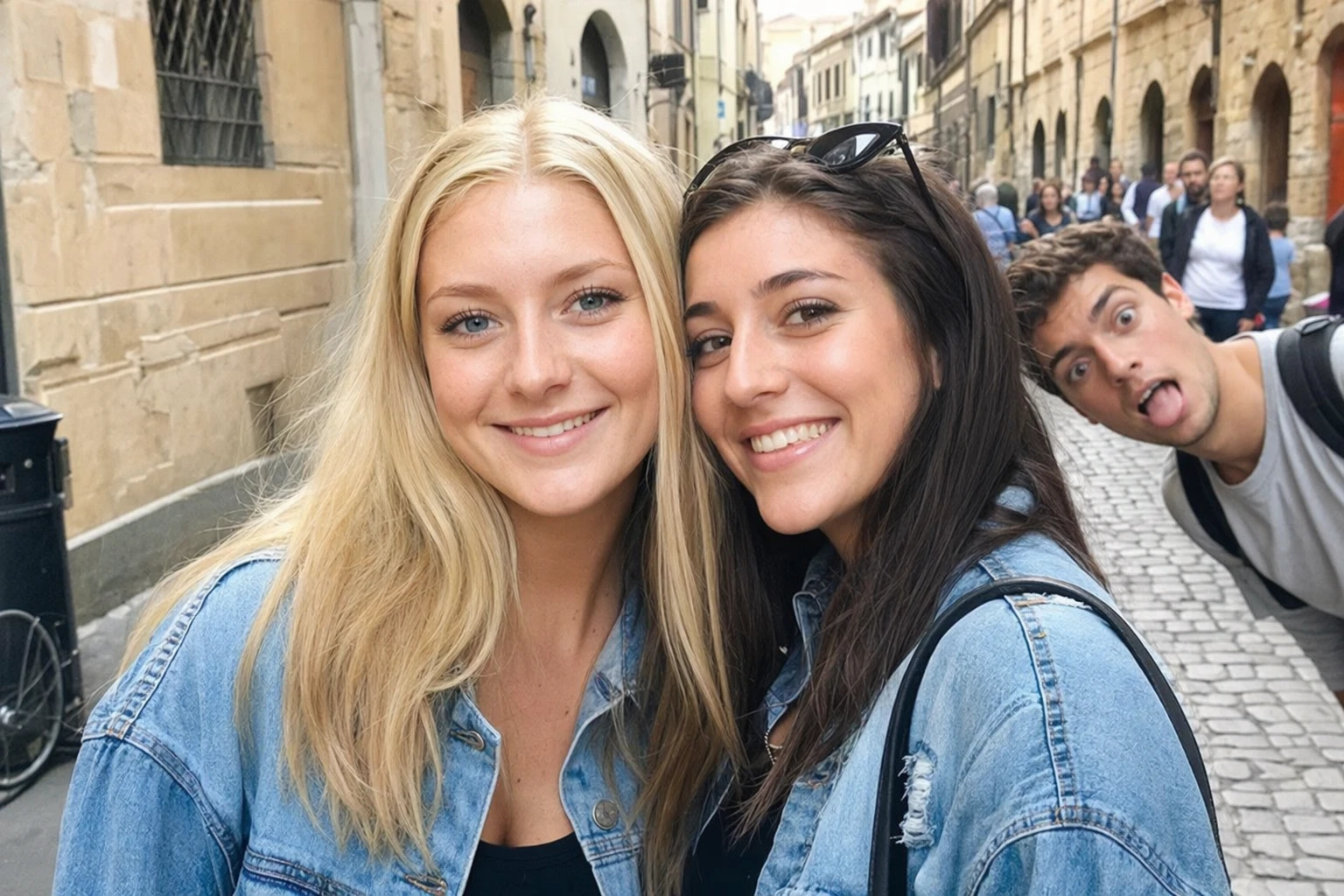
Remove tourists and people from the background of a photo
If you want to remove tourists from a photo or erase background people, ProRemover helps you do it online with AI. The tool analyzes the selected area and rebuilds the surrounding environment to keep the image as natural as possible.
Remove people from photos
Clean up scenes with one or more subjects who should not be there.
Erase people from a picture
Useful for travel, portraits, landscapes, and city photos.
Remove people from an image
Keep the original framing without cropping the photo.
Remove tourists from a photo
Perfect for landmarks and busy tourist spots.
Remove people from the background
Focus on the main subject without surrounding distractions.
Remove people with AI
Let the system fill in the environment automatically.
Remove people from image online free
If you are looking for a way to remove people from image online free, ProRemover lets you get started in seconds. You do not need to download software or know photo editing. Just upload the image, mark the person, and let AI handle the rest.
Start without installing anything
Everything works from your browser on mobile or desktop.
A fast workflow for quick edits
Upload the image, apply the edit, and review the result in very little time.
Friendly for non-designers
No Photoshop experience or complex editing tools required.
Why choose ProRemover?
ProRemover is designed to help you clean up photos simply and quickly. Whether you need to erase one person from the background or remove tourists from an image, you can do it in the browser without a complicated process.
Online and easy to use
Open the tool without installations or complicated setup.
Fast results
Apply changes in seconds with a simple, direct workflow.
No installation
Runs completely online in your browser.
Works on mobile and desktop
Edit images from different devices whenever you need to.
Ideal for travel, landscapes, and portraits
Clean up many common scenes without cropping the image.
Remove people and other unwanted elements
In addition to people, you can erase other visual distractions in the photo.
What our users say
Sellers, creators, travelers, and everyday users use ProRemover to remove people from image files online without installing anything.
"I needed to remove a person from a product photo for my online store, and ProRemover handled it in minutes. I love that it works in the browser and keeps the background natural."
"I used it to erase a stranger from a special photo, and the result looked very clean. I did not need to install software or fight with complex tools."
"It is perfect for quick work. When I need to remove people from the background or clean up a composition before delivery, ProRemover saves me a lot of time."
"I travel often and always end up with pedestrians or tourists entering the shot. Here I can upload the photo, mark the area, and get a clean version without editing for hours."
"My social posts look much better now that I can remove background distractions so quickly. I also like that it lets me try the tool without friction."
"I am not technical, and I still understood it right away. I uploaded my image, marked the person, and got the result. Very easy and genuinely useful for quick edits."
"I use it as a quick way to clean portraits and photos with people in the background. The reconstruction looks much better than I expected from an online tool."
"When I need to remove someone from a photo without paying for a long edit, this tool saves me a lot of time. It is fast, online, and practical for daily use."
When to use this tool
When to use this tool
ProRemover helps in common situations where a person in the photo reduces the visual impact of the final image.
Remove tourists or distracting people from landscapes and iconic places.
Remove people from the background so attention stays on the main subject.
Erase pedestrians or unwanted human details from street scenes.
Clean up your images before sharing them or reusing them in new designs.
Frequently asked questions
Quick answers about removing people, tourists, and background figures from photos online.
Remove unwanted people from your photos now
Upload your image and erase tourists, pedestrians, bystanders, and distracting subjects with AI.