
Editor's note
Reviewed by: Azen, Founder of ProRemover
Last updated: May 2026
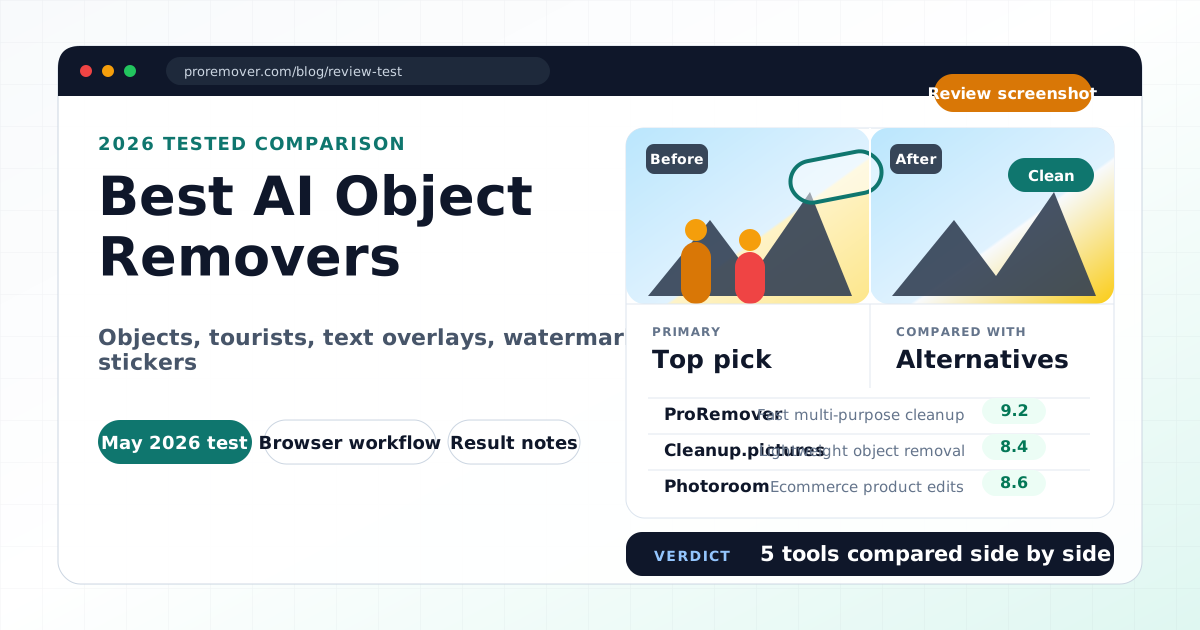
We tested several AI object removal tools using real image cleanup tasks: tourists in travel photos, small objects in product-style images, text overlays, watermark-like elements, emoji stickers, and general visual clutter.
Disclosure: ProRemover is included because we actively test and develop it. We include both strengths and limitations for transparency.
How we tested these tools
AI object removers can help clean up images without Photoshop. They are useful for removing tourists, objects, text, stickers, cables, signs, and visual distractions.
But not every AI object remover is designed for the same user. Some are best for simple cleanup, some for ecommerce, some for design workflows, and some for professional editing.
We evaluated each tool based on:
-
ease of use
-
processing speed
-
result quality
-
background reconstruction
-
export limitation
s
-
privacy transparency
-
workflow flexibility
Quick recommendation table
| Tool | Best for |
|---|---|
| ProRemover | Fast multi-purpose AI cleanup |
| Cleanup.pictures | Lightweight object removal |
| Photoroom | Ecommerce product images |
| Canva Magic Eraser | Canva design workflows |
| Adobe Photoshop | Professional retouching |
1. ProRemover
Best for fast everyday cleanup
ProRemover is designed for users who want to remove unwanted visual elements quickly without learning complex software.
In our tests, it was fast and simple for removing tourists, cleaning text overlays, removing watermark-like elements, deleting emoji stickers, and cleaning small distractions.
The brush-based workflow is easy:
upload → brush → apply → download
Strengths
- fast processing
- beginner-friendly
- supports multiple cleanup types
- works well for travel, social media, and creator workflows
- supports broader AI editing through AI image editor
Limitations
- fewer third-party reviews than larger brands
- free allowance instead of unlimited free editing
- smaller public trust footprint than Adobe, Canva, or Photoroom
Best for
Users who want a fast, simple, multi-purpose cleanup workflow.
2. Cleanup.pictures
Best for lightweight object removal
Cleanup.pictures is one of the simplest browser-based tools for removing unwanted objects.
Strengths
- minimal interface
- easy brush workflow
- fast for small objects
- simple browser-based cleanup
Limitations
- limited broader editing features
- not built as a full AI image editor
- complex removals may leave soft textures
- high-resolution exports may require paid access depending on current plan rules
Best for
Users who want a lightweight object remover with very little interface complexity.
3. Photoroom
Best for ecommerce product images
Photoroom is one of the strongest AI tools for ecommerce photo editing.
Strengths
- excellent background removal
- strong product photo workflows
- marketplace-ready visuals
- mobile-friendly editing
- templates for commercial images
Limitations
- more ecommerce-focused than general cleanup-focused
- some advanced features require paid access
- may feel heavier if you only need simple object removal
Best for
Ecommerce sellers, marketplace users, and product photography workflows.
4. Canva Magic Eraser
Best for Canva users
Canva Magic Eraser is useful if you already create social media posts, presentations, and marketing assets inside Canva.
Strengths
- integrated into Canva's design workflow
- good for social media graphics
- beginner-friendly
- convenient for quick design edits
Limitations
- less specialized for difficult cleanup
- cleanup quality can vary by scene
- best value if you already use Canva
Best for
Creators and marketers already working inside Canva.
5. Adobe Photoshop
Best for professionals
Adobe Photoshop remains the strongest choice for advanced retouching and complex image editing.
Strengths
- professional-level control
- advanced masking
- layers and manual retouching
- generative remove and fill features
- best for difficult scenes
Limitations
- steeper learning curve
- higher cost than simple browser tools
- slower for simple casual edits
- not ideal for users who only need quick cleanup
Best for
Professional editors, photographers, and designers who need maximum control.
Feature comparison table
| Tool | Remove objects | Remove people | Browser-based | Beginner-friendly | Advanced editing |
|---|---|---|---|---|---|
| ProRemover | Yes | Yes | Yes | Yes | Moderate |
| Cleanup.pictures | Yes | Yes | Yes | Yes | Limited |
| Photoroom | Yes | Yes | Yes | Yes | Moderate |
| Canva Magic Eraser | Yes | Yes | Yes | Yes | Moderate |
| Photoshop | Yes | Yes | Partial | Moderate | Excellent |
Result quality notes
AI object removal usually works best when the object is small or medium-sized, the background is simple, lighting is consistent, and the object does not cover important details.
Harder cases include complex shadows, reflections, hair, crowds, repeated patterns, detailed architecture, and overlapping subjects. Even strong AI tools may leave visible artifacts in complex images.
Privacy, pricing, and upload limits
Most AI object removal tools process uploaded images in the cloud.
Before uploading sensitive images, check:
- whether images are stored
- whether uploads are used for AI training
- whether exports have resolution limits
- whether commercial use is allowed
- whether there is a free plan, free credits, or paid-only export
For private photos, ID images, children's images, or confidential business material, review each platform's policy carefully.
Final verdict
There is no single best AI object remover for every user.
Choose:
- Photoshop if you need professional control.
- Photoroom if you sell products online.
- Canva Magic Eraser if you already design in Canva.
- Cleanup.pictures if you want lightweight object removal.
- ProRemover if you want fast, simple, multi-purpose AI cleanup.
Related ProRemover tools
- Remove objects from photo online free
- Clean image AI
- Remove people from image
- Remove text from image
- Remove watermark from image
FAQ
What is the best AI object remover?
It depends on the use case. Photoshop is best for professionals, Photoroom for ecommerce, Cleanup.pictures for lightweight cleanup, Canva for design workflows, and ProRemover for fast multi-purpose cleanup.
Can AI remove people from photos?
Yes. Most modern AI cleanup tools can remove tourists, background people, and unwanted distractions.
Are AI object removers free?
Most tools offer some free access, but many have limits such as export quality, credits, watermarks, or usage caps.
Do AI object removers work perfectly?
Not always. Complex backgrounds, shadows, reflections, and crowded scenes can still produce artifacts.
Which AI object remover is easiest for beginners?
ProRemover and Cleanup.pictures are among the easiest for simple brush-based cleanup. Canva is also beginner-friendly if you already use Canva.